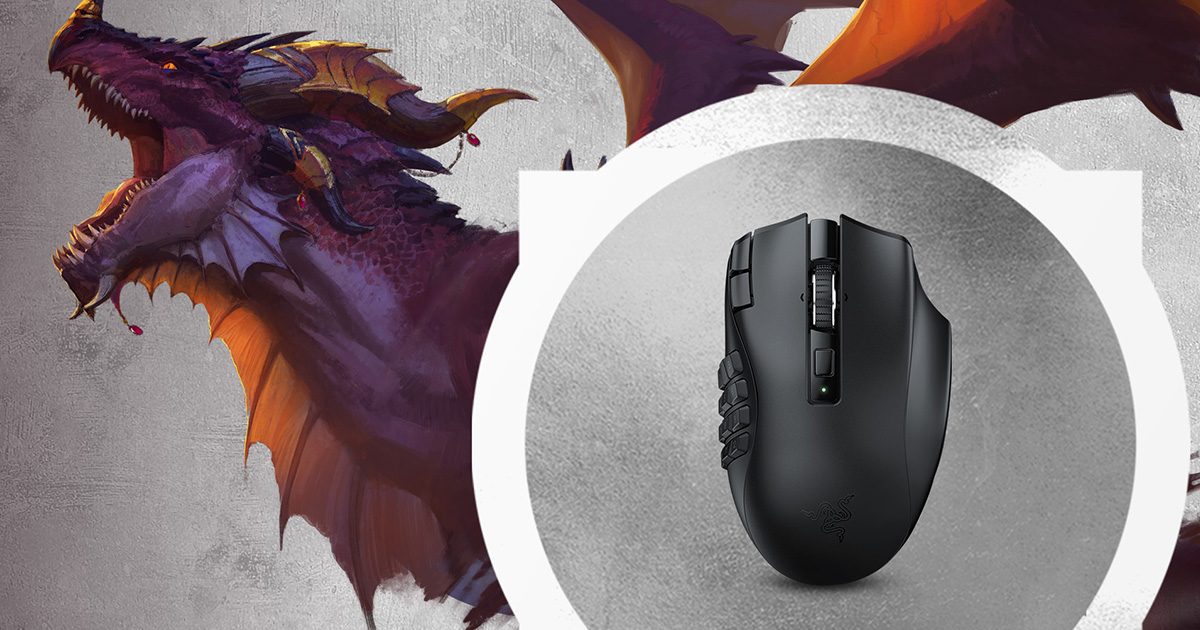
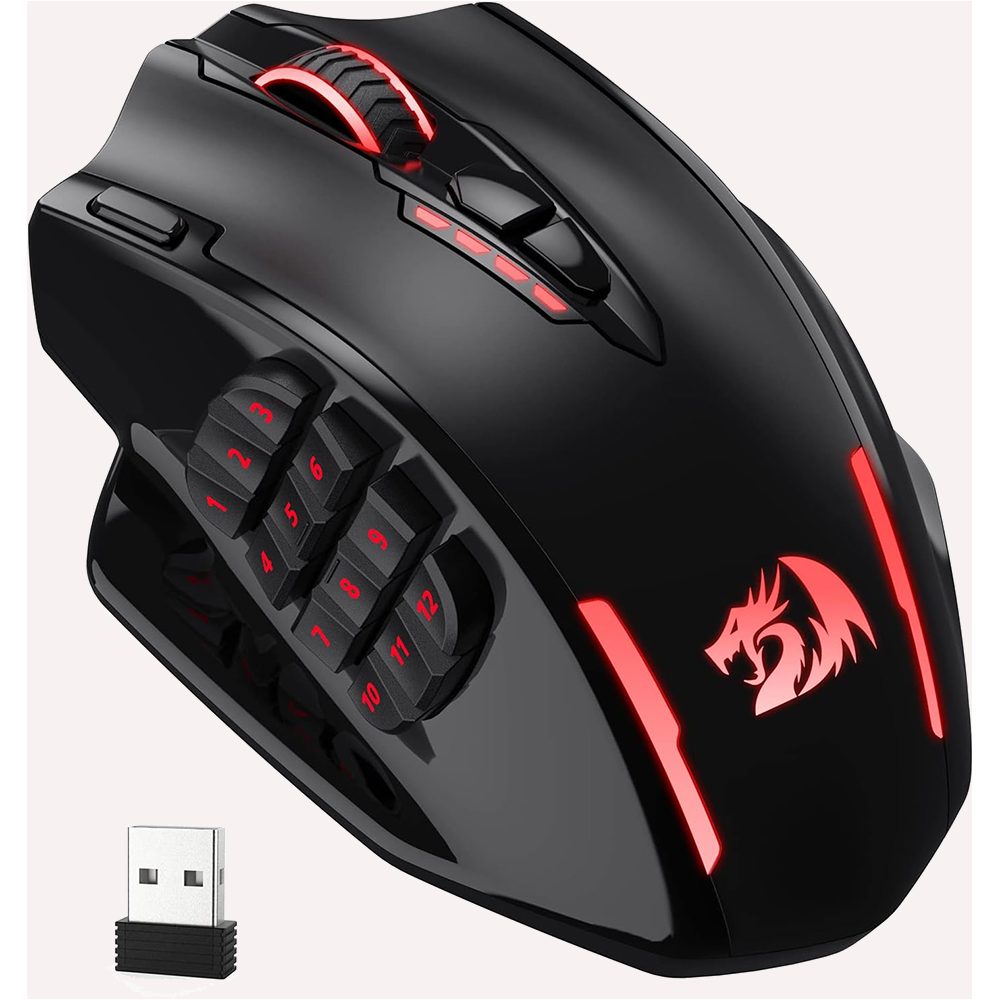

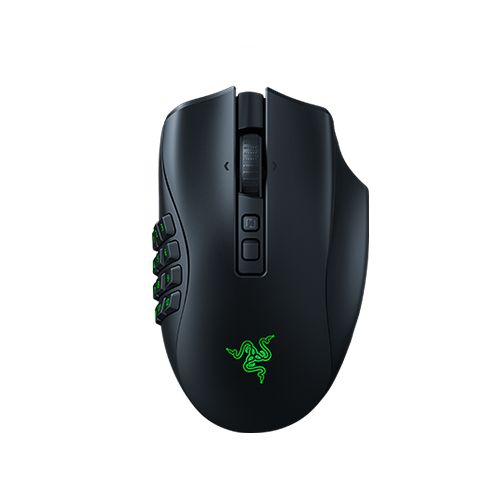




Razer Naga V2 HyperSpeed
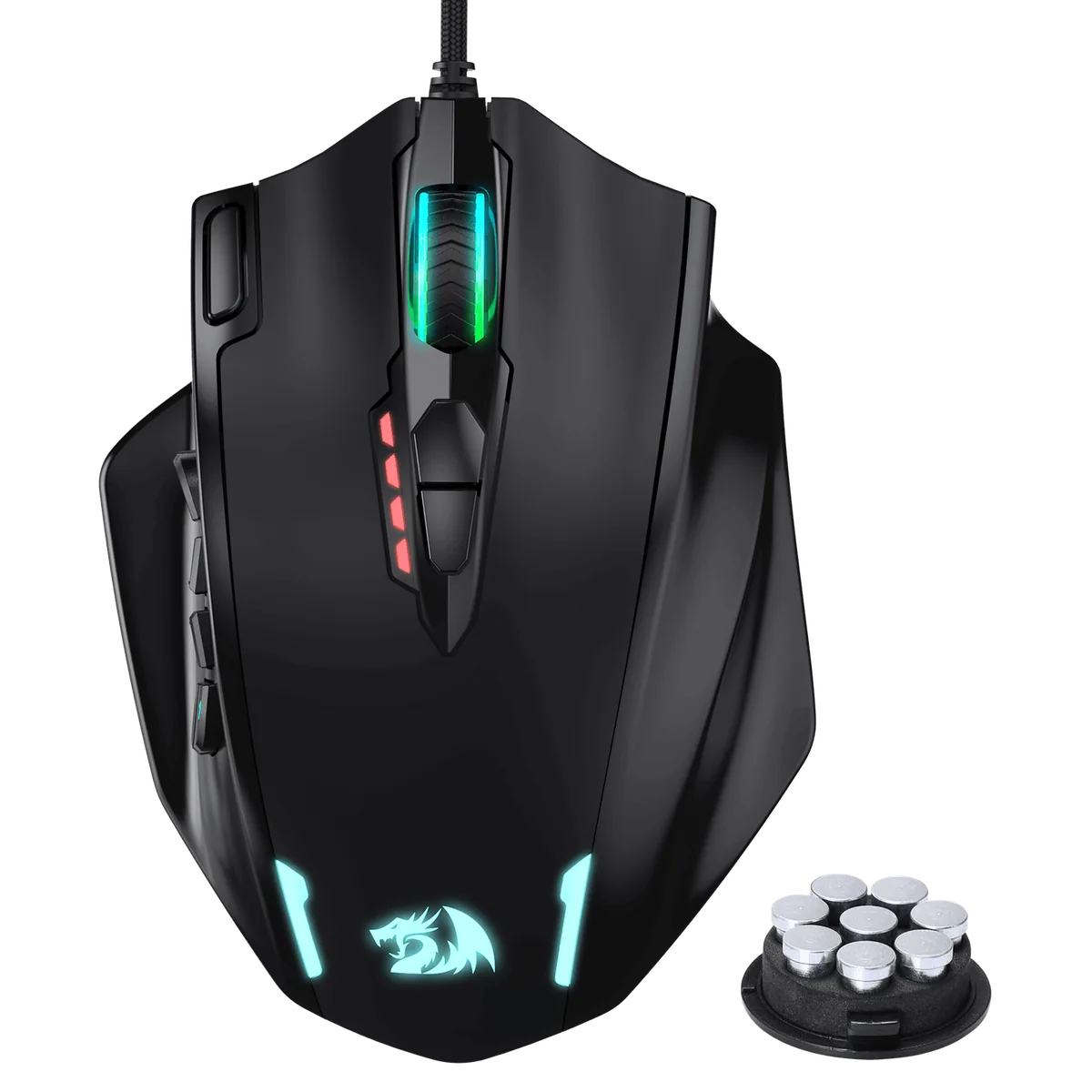
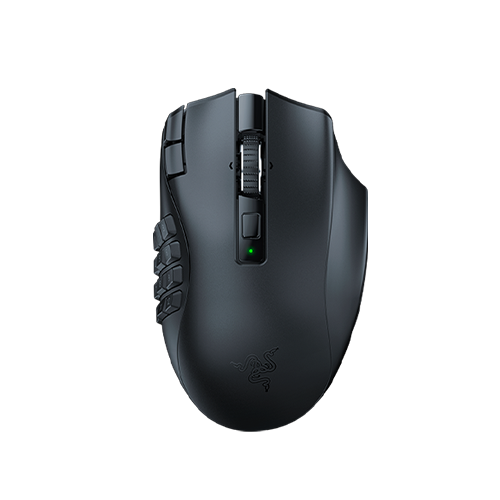
The fixed 12-button thumb grid is part of 19 programmable buttons (21 controls counting scroll up/down). Razer lists up to 250 hours on one AA over HyperSpeed 2.4 GHz.
Razer Naga V2 HyperSpeed
Comparisons
Choosing between MMO peripherals comes down to physical fit, controls, and how your game handles keybinds. A 12-button thumb grid can suit a long action bar, while a smaller layout leaves more room for cursor movement. Use the table to find a relevant comparison.
Browse the head-to-heads by the setup decision they cover.
Buying through these Amazon links costs you nothing extra. As an Amazon Associate we earn from qualifying purchases.
| Category | Our pick or configuration | Rationale | Amazon links |
|---|---|---|---|
| Fixed 12-button MMO mouse | Razer Naga V2 HyperSpeed (Black) | A fixed thumb grid suits players who want the same 12 positions for their action map. | Razer Naga V2 HyperSpeed |
| Adjustable 12-button MMO mouse | Corsair Scimitar Elite Wireless SE (White) | The Key Slider lets the 12-button panel move along the side of the mouse; choose it when that adjustment addresses your reach. | Corsair Scimitar Elite Wireless SE (White) |
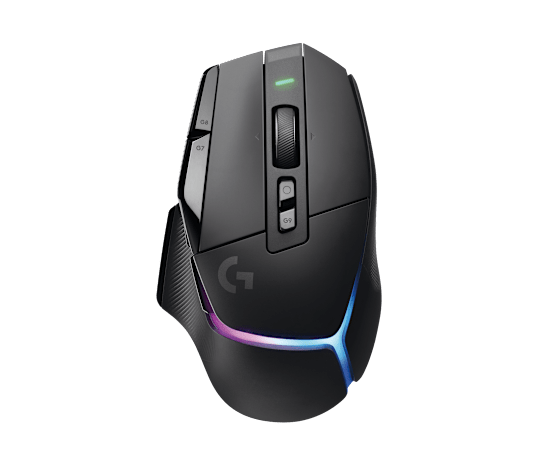
| Conventional multi-button mouse | Logitech G502 X LIGHTSPEED | A conventional mouse layout has fewer side buttons than a 12-button grid and can suit pointer-led play. | Logitech G502 X LIGHTSPEED |
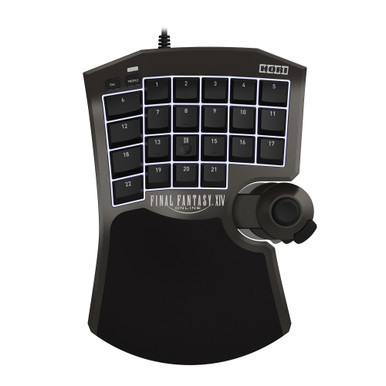
| Left-hand keypad | Razer Tartarus Pro | Consider a separate left-hand keypad when its position and adjustable actuation match your preferred movement and action layout. | Razer Tartarus Pro |
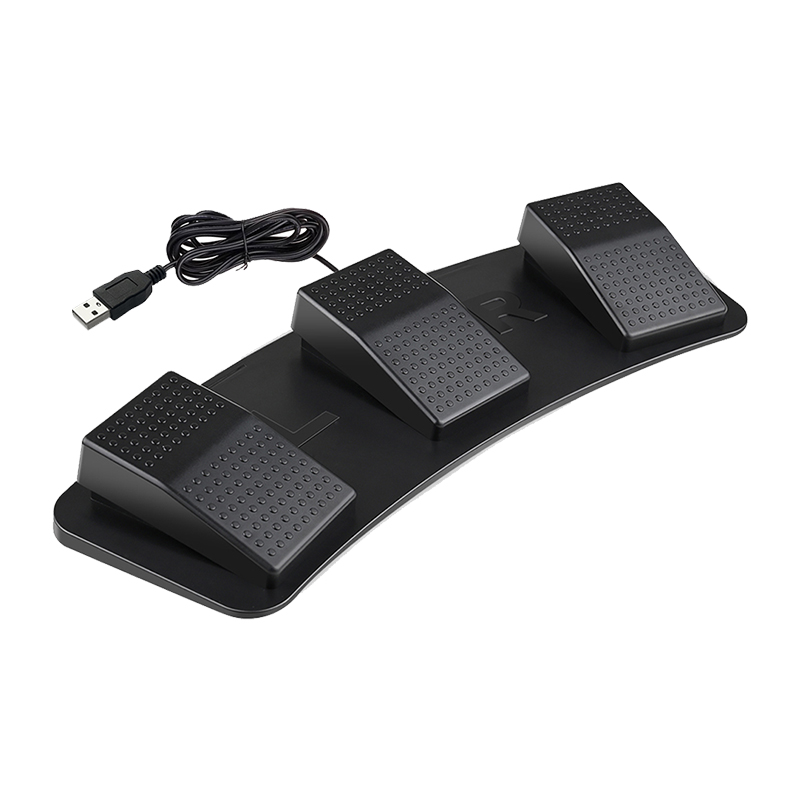
| Foot pedal for utility shortcuts | Elgato Stream Deck Pedal | Three foot switches can be assigned through Stream Deck software. Keep game actions within the rules for the client you play. | Elgato Stream Deck Pedal |
| 34-inch ultrawide monitor | ASUS TUF VG34VQL3A | Compare the current display specification with your desk, graphics hardware, and interface layout before choosing 21:9. | ASUS TUF VG34VQL3A |
Fixed 12-button grid or an adjustable Key Slider for WoW Action Bar 1.
The Naga is lighter, runs on an AA battery, and supports Bluetooth. The M913 uses USB-C, weighs about 170 g, and has no dock.
Key Slider thumb reach vs fixed budget 12-grid for Action Bar 1.
89 g fixed grid vs a movable 12-button Key Slider.
Verify on Amazon: Razer Naga V2 HyperSpeed | Corsair Scimitar Elite Wireless SE
Choose by thumb reach, side-button count, connection and the way you use the wheel.
Swappable plates or a sliding thumb grid for MMO action bars.
USB-C charging and side plates or a fixed grid with a replaceable AA.
Adjustable thumb reach and Bluetooth against a fixed grid with an extra index button.
A 12-button MMO grid or an open thumb rest with fewer controls for PoE 2 WASD.
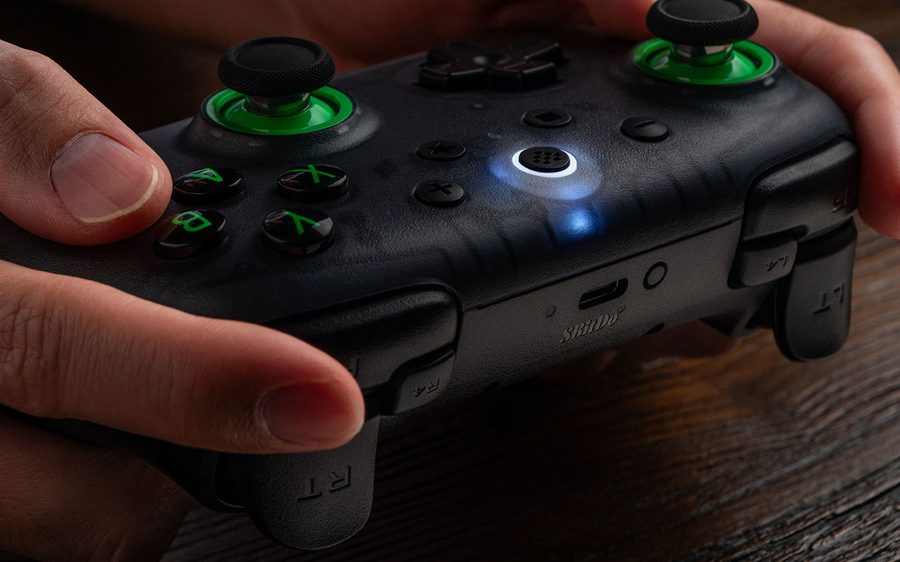
Hall sticks and back buttons for PC hotbars / FFXIV.
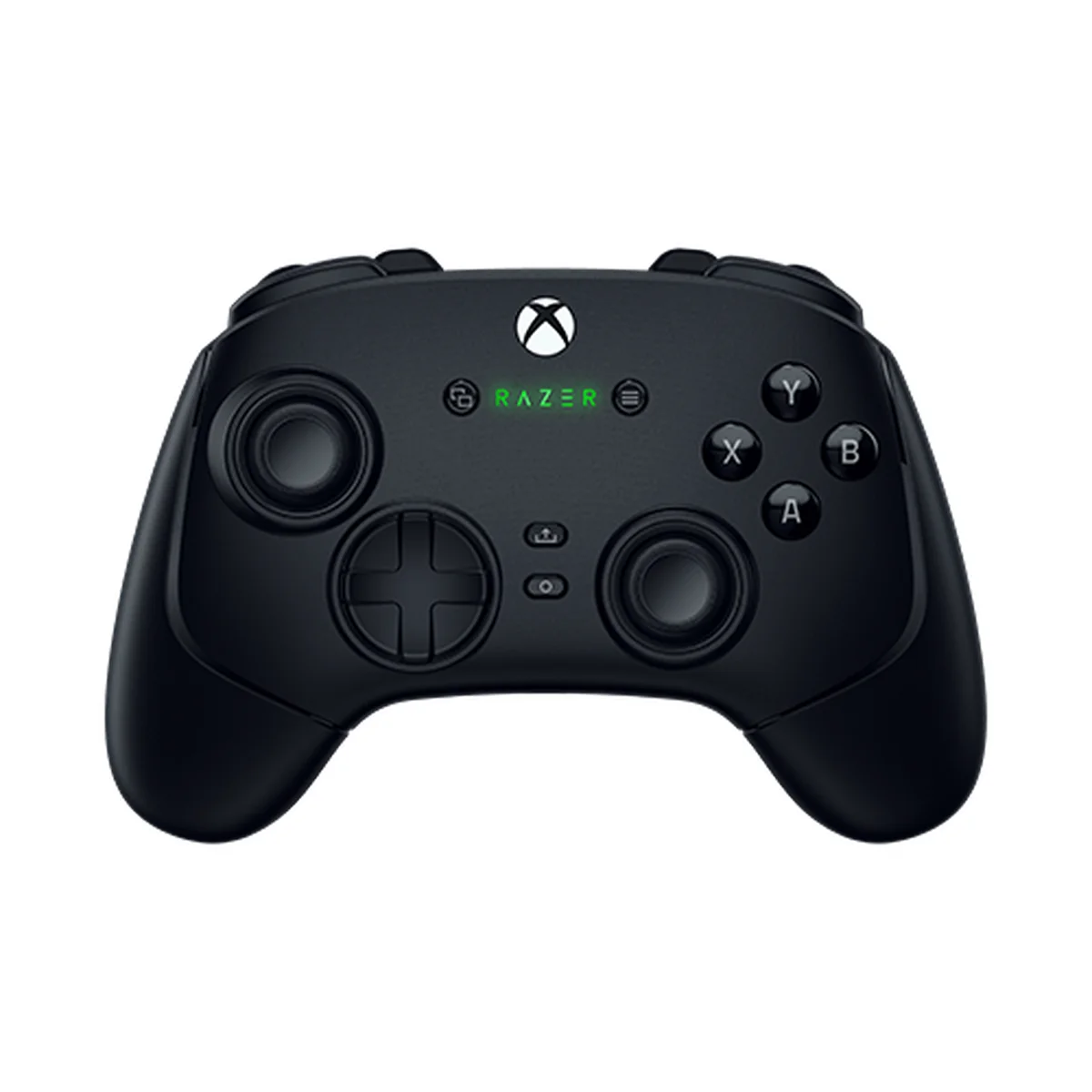
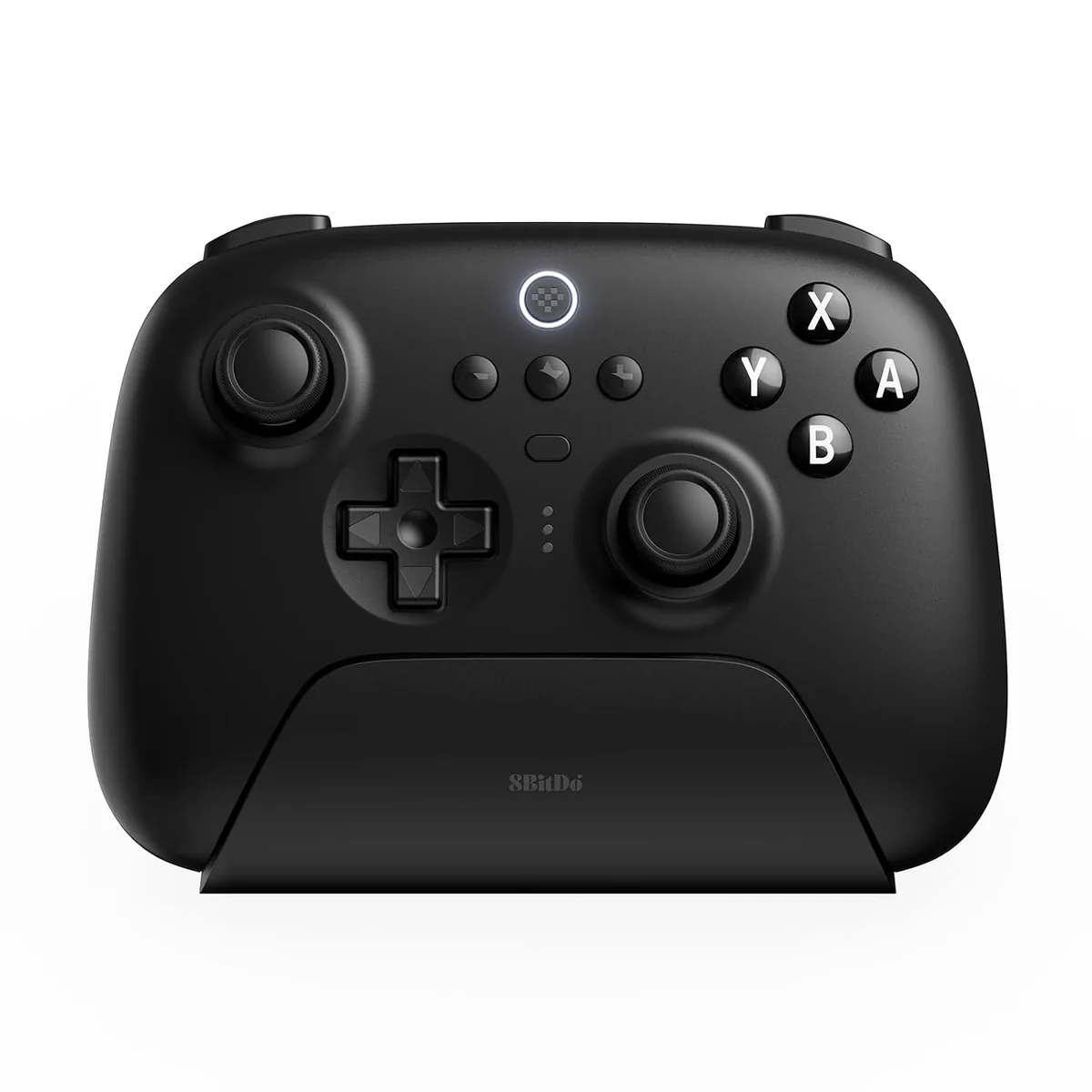
Six extra remappable controls or two rear paddles and a charging dock; both use Hall-effect sticks.
Compare layout, Windows connection paths, extra controls, and feature limits.
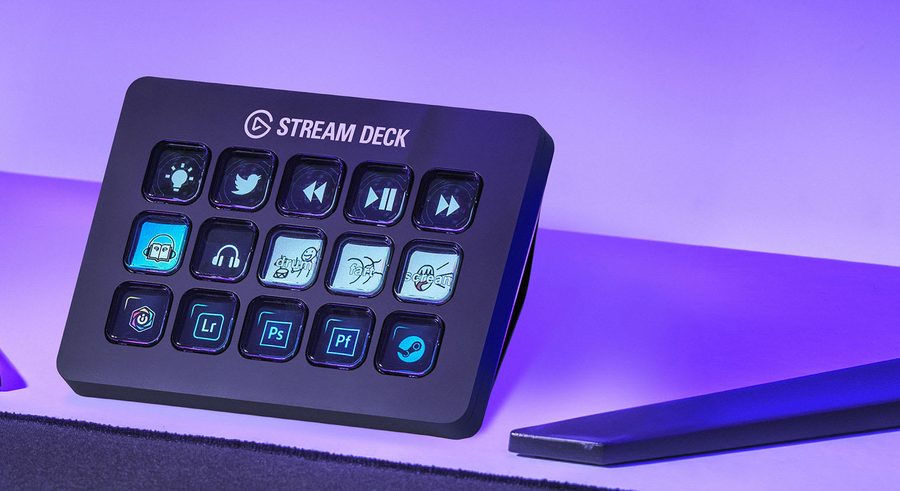
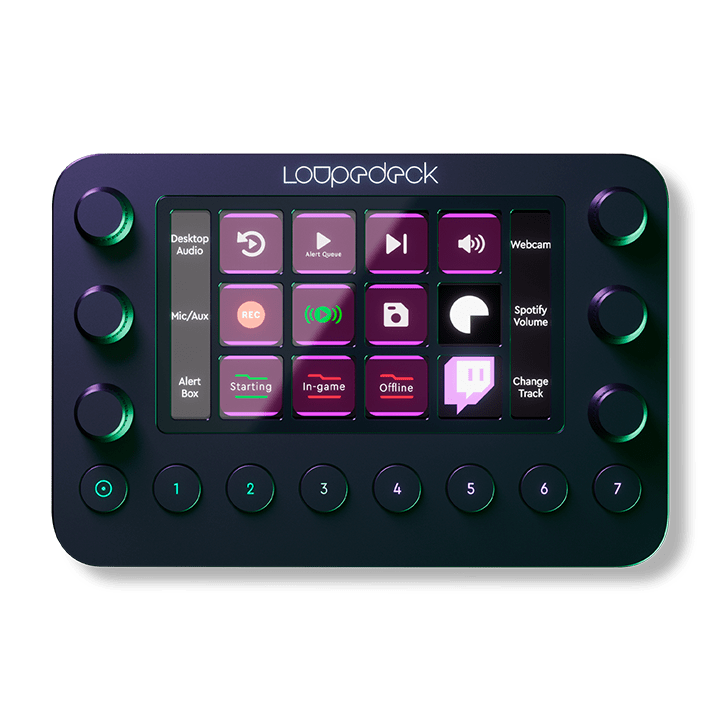
LCD keys and WoW profiles compared with Loupedeck's dials and touch zones.
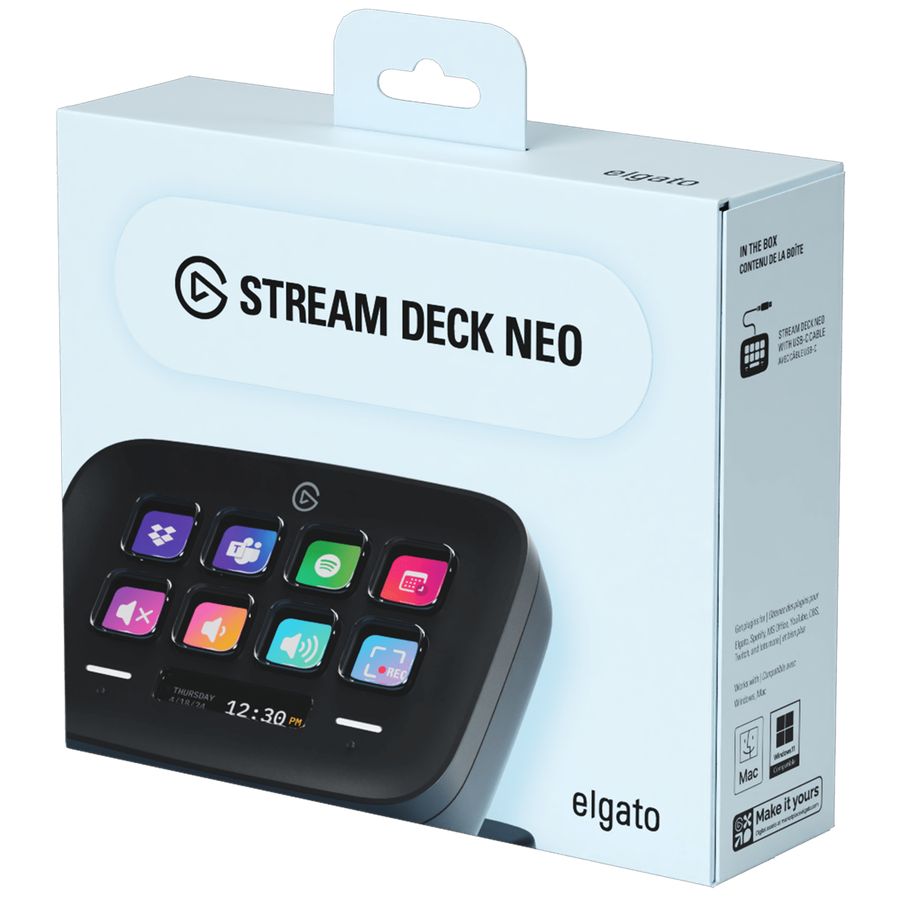
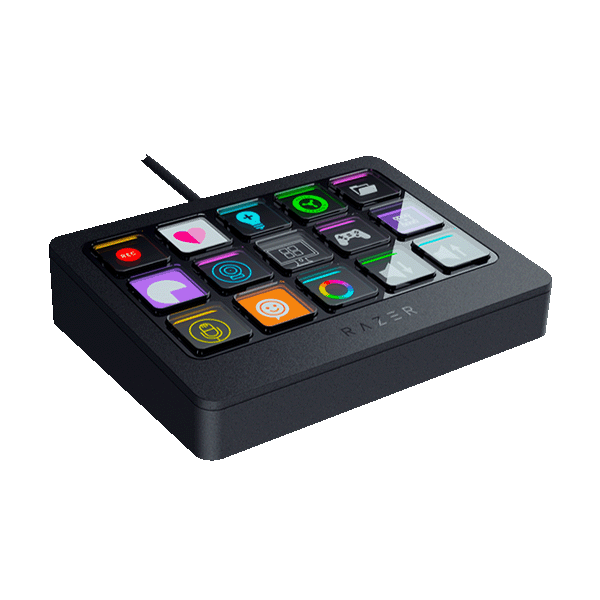
Eight LCD keys and Stream Deck software vs Razer deck.
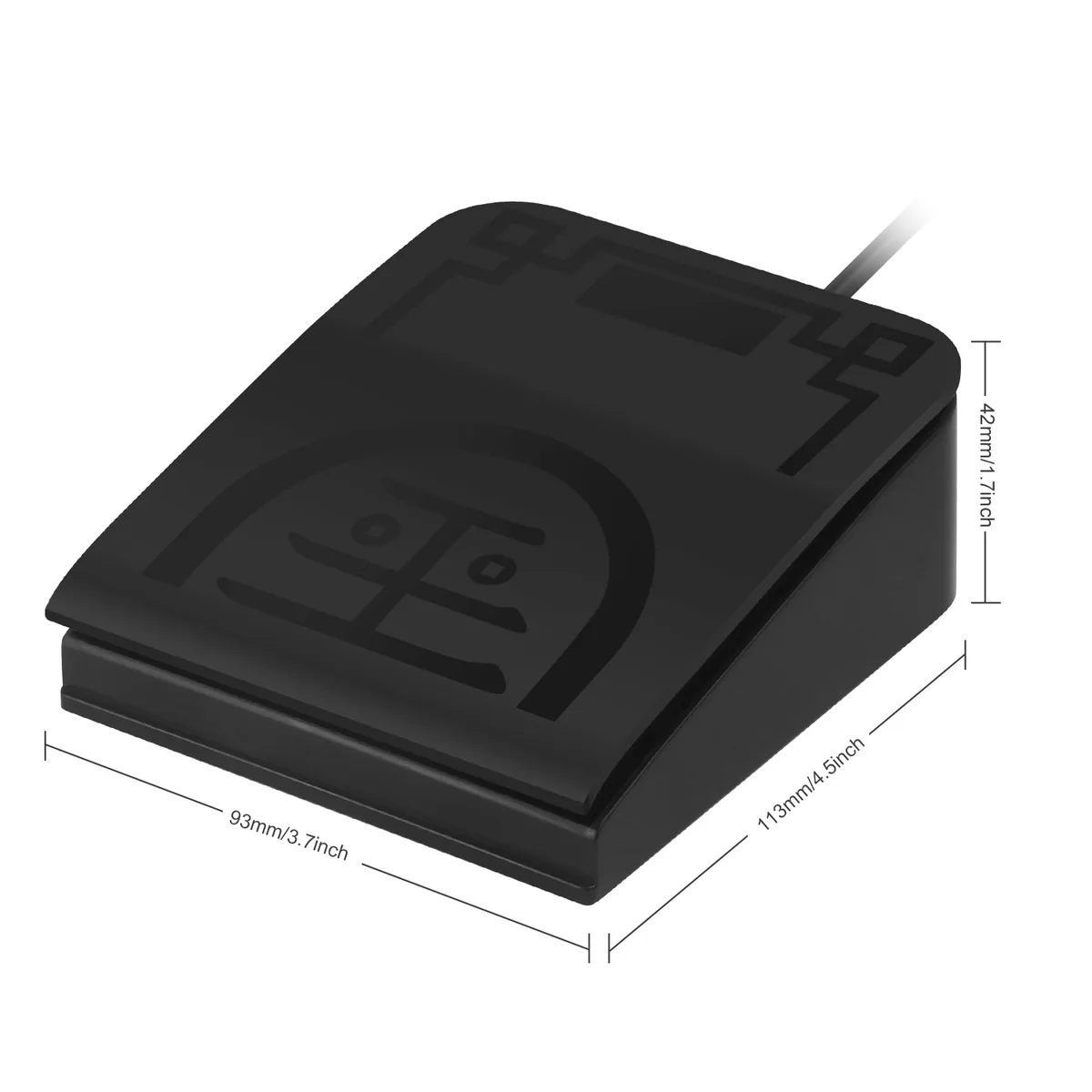
Per-app pedal profiles vs fixed USB keystrokes; OSRS macro rules carry ban risk.
Three app-managed pedals or one optical switch with a saved function; OSRS rules need a separate check.
Shopping picks
These picks match the differences covered in the comparisons below. Keep your current equipment when it already fits.
The fixed 12-button thumb grid is part of 19 programmable buttons (21 controls counting scroll up/down). Razer lists up to 250 hours on one AA over HyperSpeed 2.4 GHz.
Razer Naga V2 HyperSpeed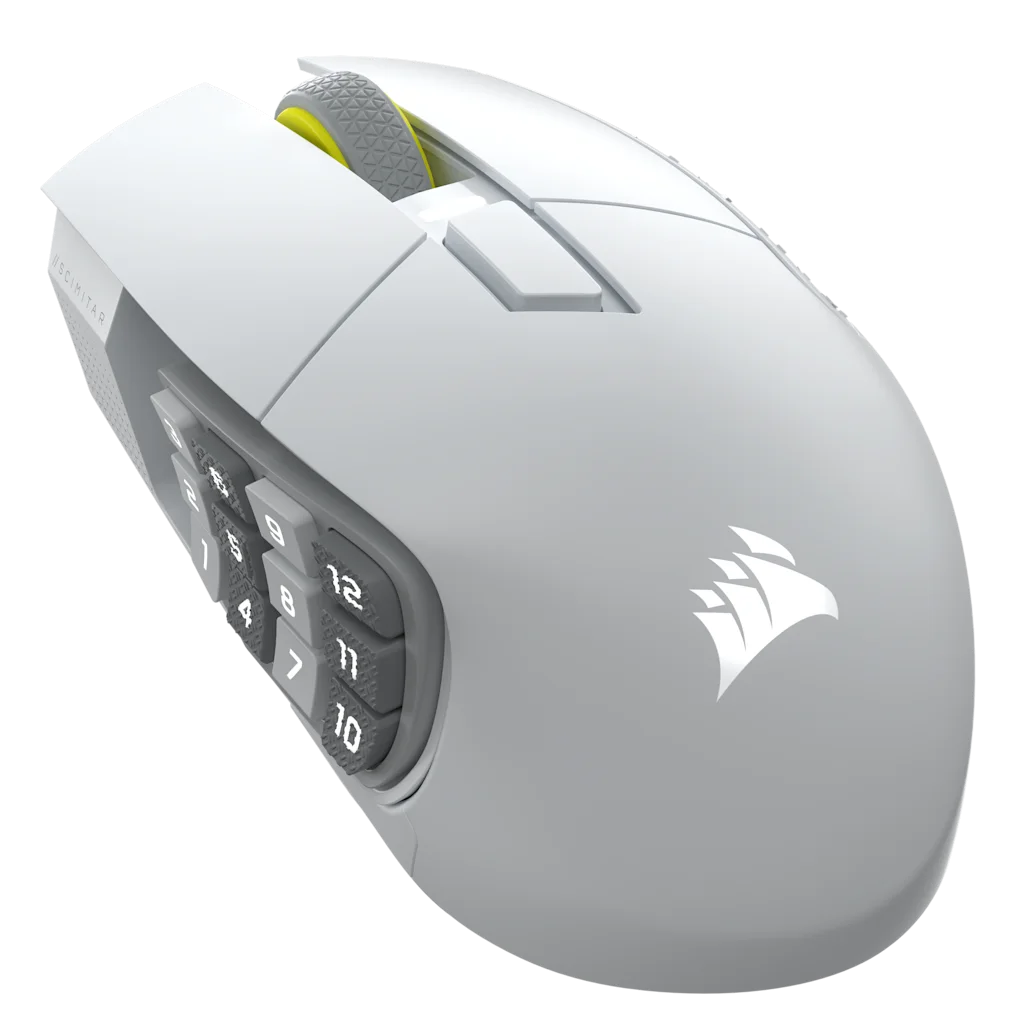
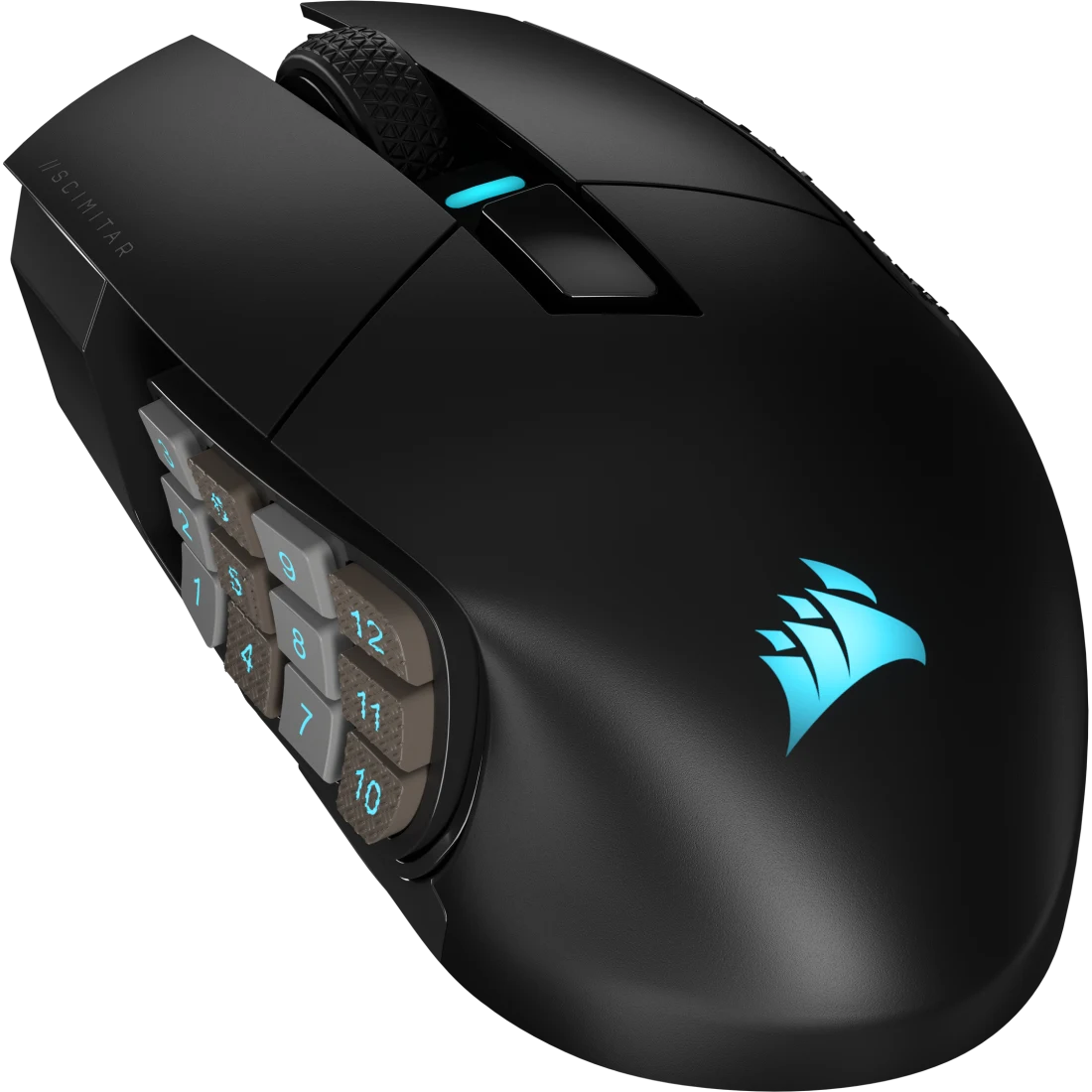
Its 8 mm slider adjusts the 12-button panel's position, and its rechargeable battery charges over USB-C. Choose it when you want to adjust thumb reach without changing the layout.
Corsair Scimitar Elite Wireless SE (White)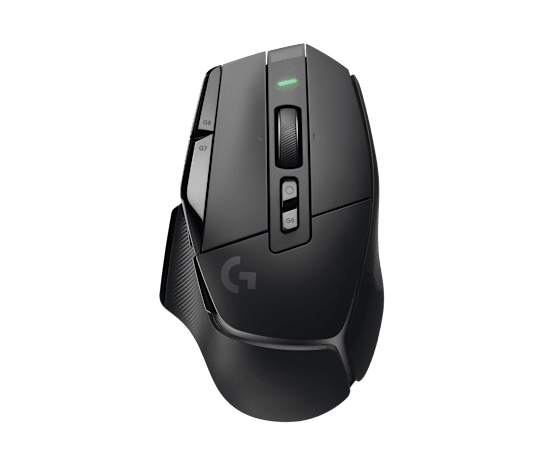
A smaller set of thumb and index controls for a pointer-focused layout without a 12-button side grid.
Logitech G502 X LIGHTSPEED
A separate left-hand keypad with analog optical switches. Compare it with the adjustable finger positions on the Azeron Cyborg II.
Razer Tartarus Pro
Three foot switches that can be assigned through Stream Deck software. Review game rules before mapping any game action.
Elgato Stream Deck Pedal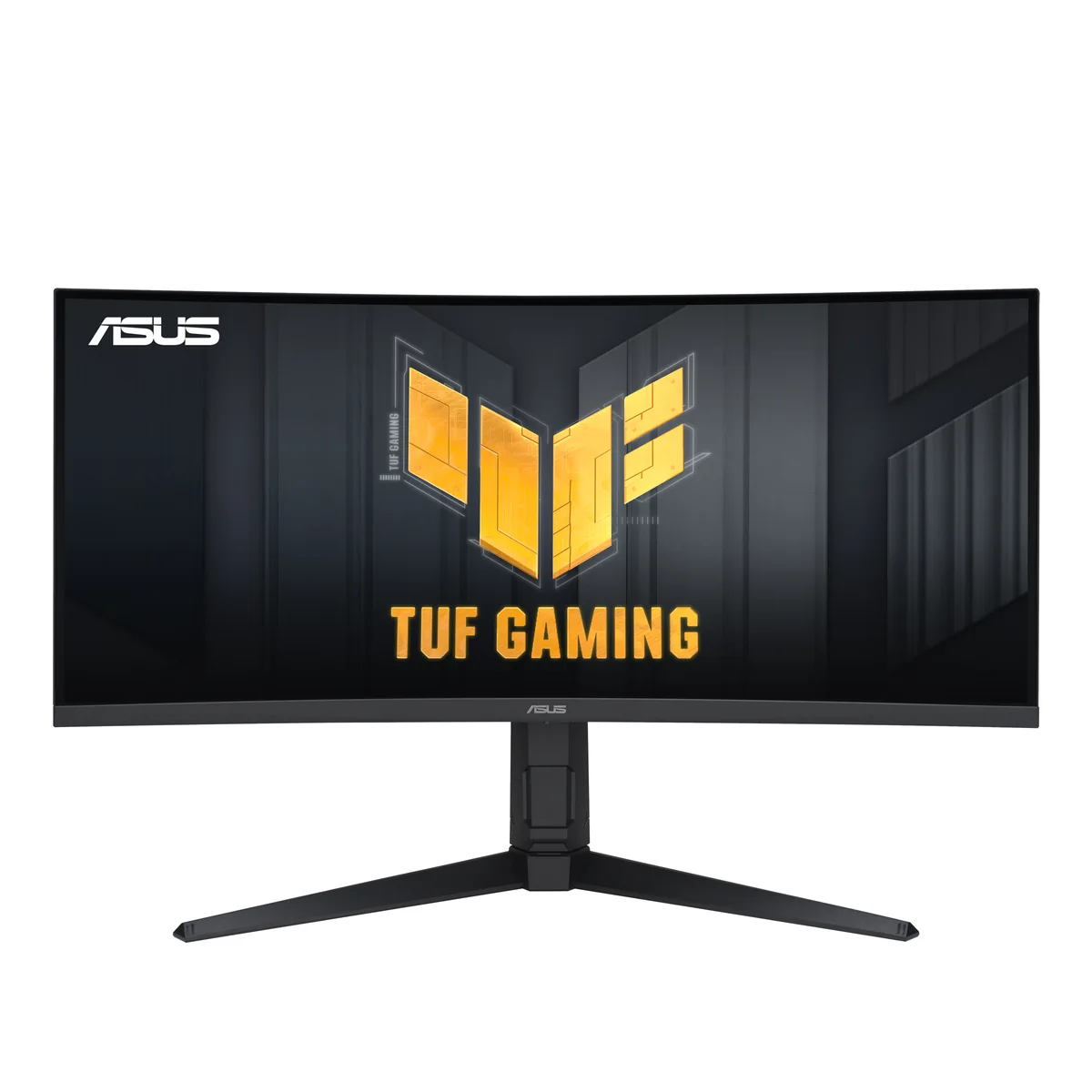
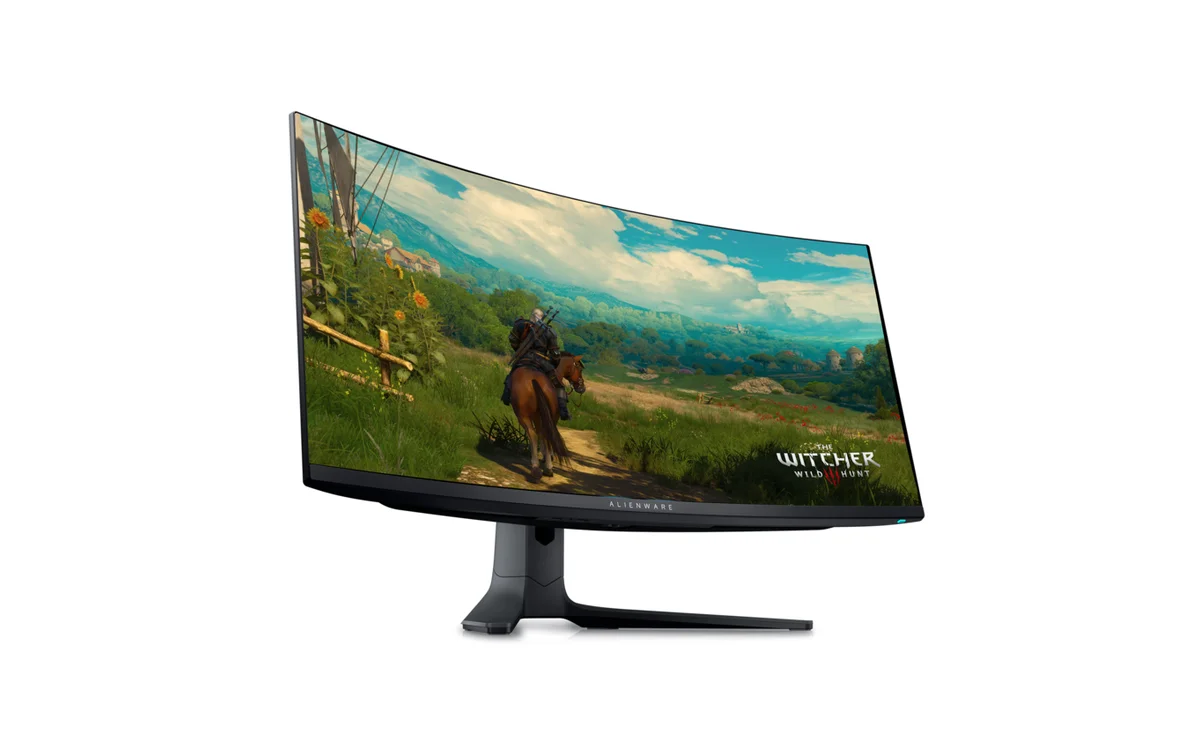
A 34-inch curved VA ultrawide with a listed 180Hz refresh rate. Compare the panel and connection tradeoffs with the Alienware display.
ASUS TUF VG34VQL3AFAQ
The Razer Naga V2 HyperSpeed has a fixed 12-button grid and tilt-scroll controls. The Naga V2 Pro adds swappable side plates, while the Corsair Scimitar Elite Wireless SE has a sliding 12-button Key Slider.
A 5-to-9-button mouse like the Logitech G502 X LIGHTSPEED or SteelSeries Aerox 5 Wireless can suit click-heavy games such as Old School RuneScape, Albion Online, or Path of Exile when you prefer fewer thumb inputs and use the cursor often.
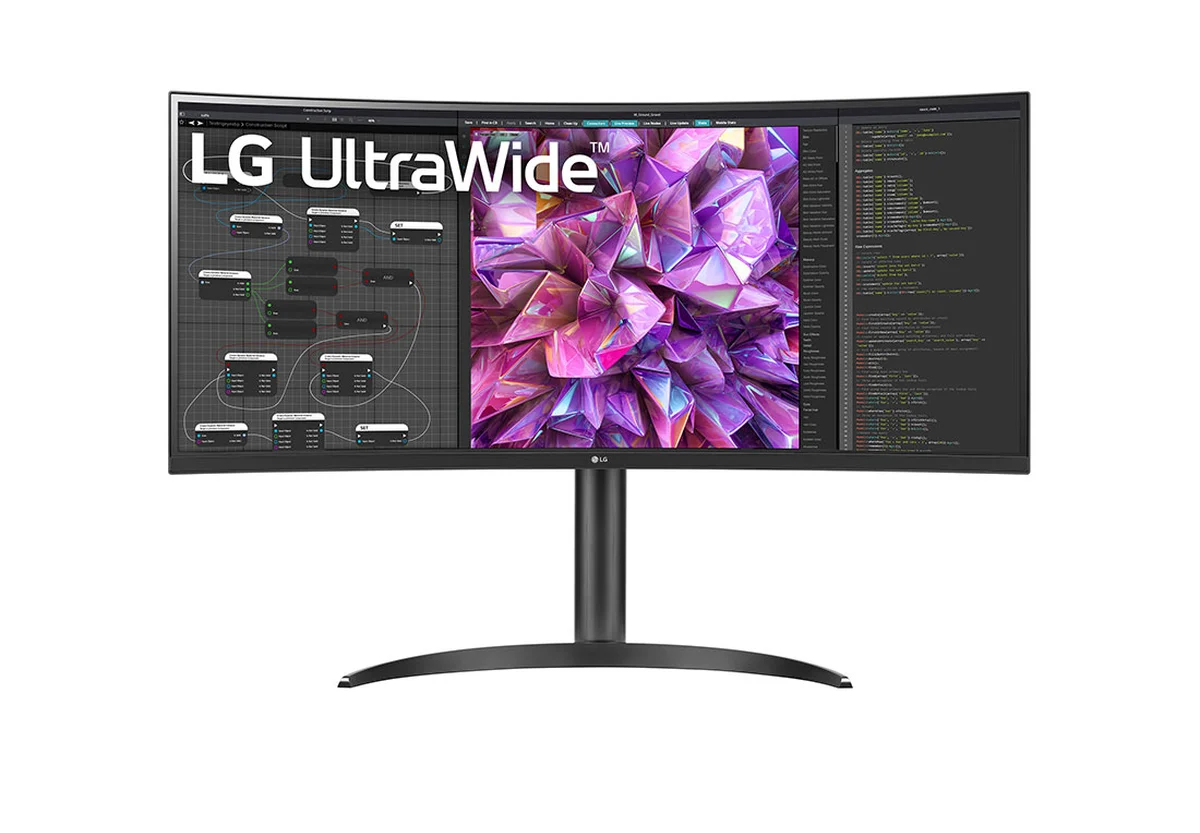
The LG 34WQ73A-B is a 3440 × 1440 IPS ultrawide with a built-in KVM; the ASUS TUF VG34VQL3A is a VA panel, and the Alienware AW3423DWF is QD-OLED. Compare panel type, connection options, and each maker's guidance for static images against your layout.