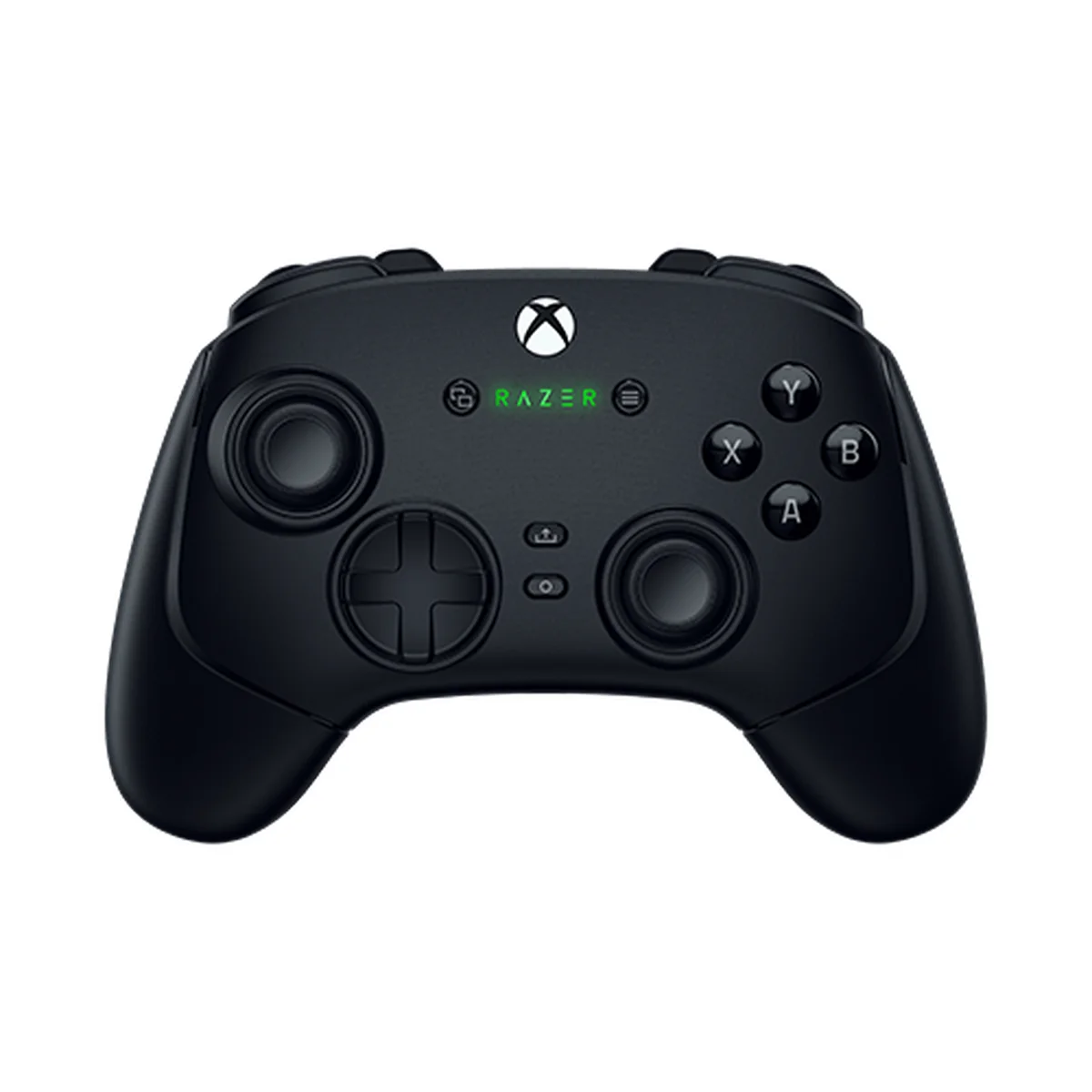
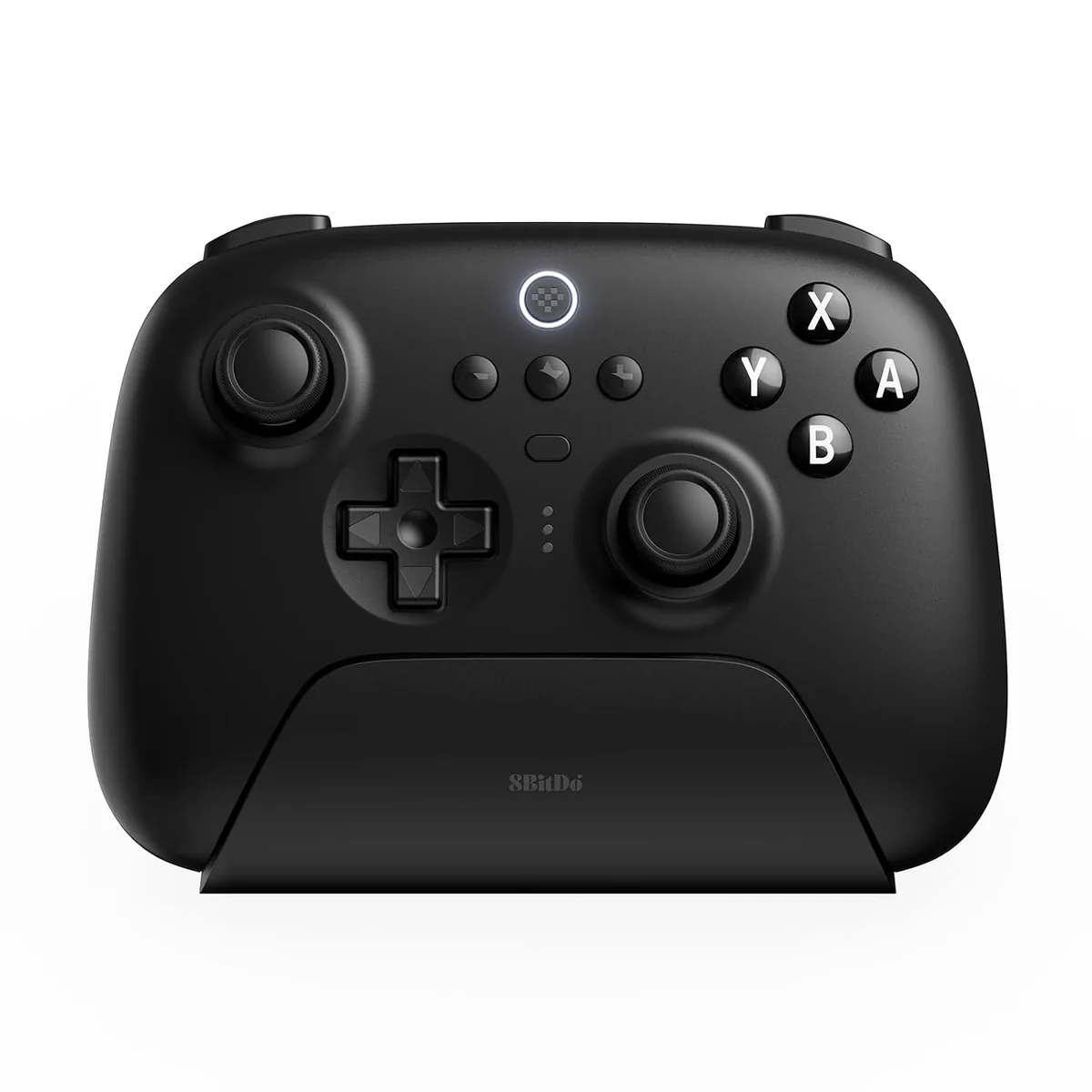
Six mapped actions matter only if you have six places to put them
Separate repeated actions from movement
The Wolverine’s four rear buttons and two extra bumpers create six additional physical inputs. In PoE 2, that can give a player separate positions for assigned flask and skill actions. In FFXIV, the same controls can hold selected hotbar assignments. The value is the count of available buttons; it does not make a particular action easier to execute or improve play.
Before choosing it, write down the controls your gamepad layout already uses. If movement, dodge, camera, and menus fit comfortably on the standard controls, six more assignments may add setup work without solving a real conflict. The PoE controller versus mouse and keyboard guide covers the broader control-path choice, and the FFXIV setup hub links gamepad and hotbar planning.
The dock changes how the 8BitDo lives on a desk
8BitDo lists two rear paddle buttons, three saved profiles, a charging dock, and a 2.4GHz adapter in the package. Its official page says docking starts charging and removing it powers the controller on and reconnects it. That makes the dock useful if you put the pad down during inventory, crafting, or chat work and pick it up for the next controller session.
On Windows, choose the 2.4GHz adapter or a USB-C cable. The model’s Bluetooth connection is for Switch, so it is not a universal Bluetooth PC pad. For a couch setup, the adapter’s placement and signal reach still matter. For a desk-only setup, the dock is convenient but does not replace the extra bind locations on the Razer.
Hall-effect sticks do not separate these two
Both manufacturers list Hall-effect sticks. That specification is not a reason to choose the Wolverine over this 8BitDo model. Focus on the four-button difference, the dock, and which connection modes fit the device you intend to use. If your main reason for buying is avoiding stick wear, confirm the controller’s warranty and exact model details as well as its sensor label.