Albion Online Tablet guide

Best tablet for Albion Online

The short answer: start with the base iPad. For Android, compare the Galaxy Tab S11, S10 FE, and A11+ by use case. These Samsung picks are spec-based replacements for unavailable listings, not Albion performance tests. But check your phone first. Albion has a native mobile client with full cross-play, and if your current phone runs it without cooking itself, a tablet buys you comfort, battery, and screen size, not more power. If you are shopping because your device stutters, freezes mid-fight, or dies in two hours, read on.

ClientOfficial Albion mobile app (iOS / Android)
Shopping forHandheld or seated play
Last updated
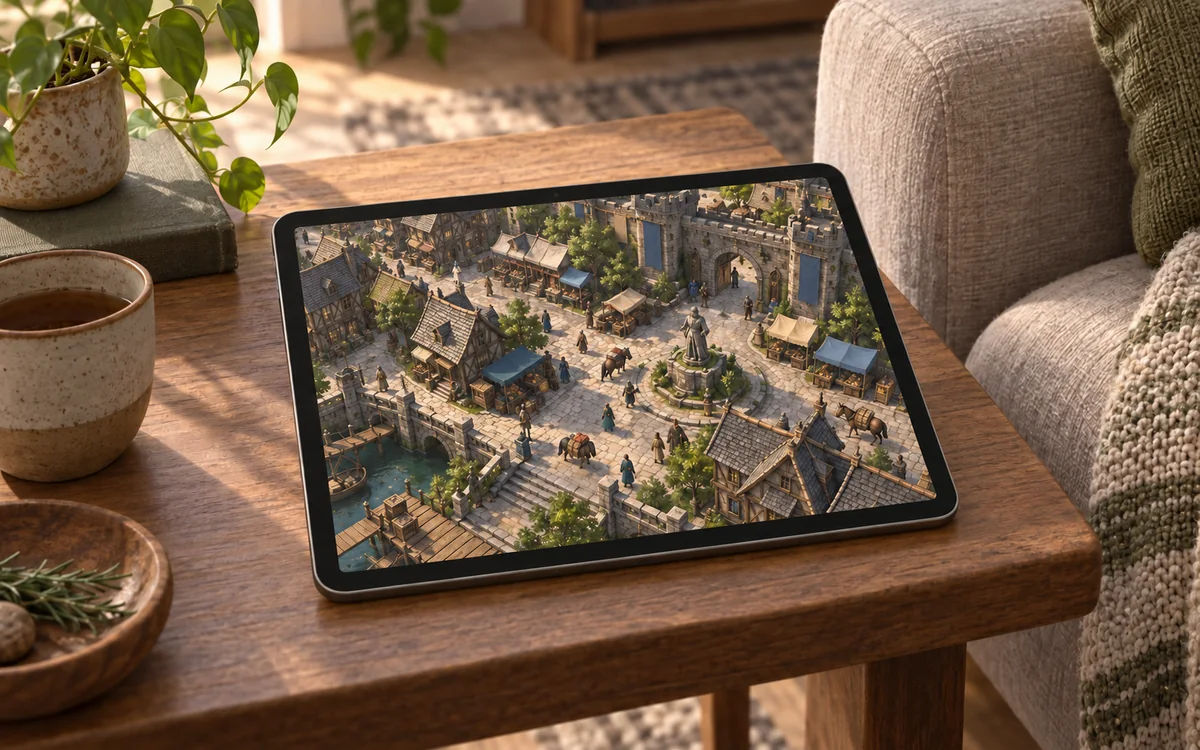
Tablet on a side table running a top-down fantasy MMO city scene.

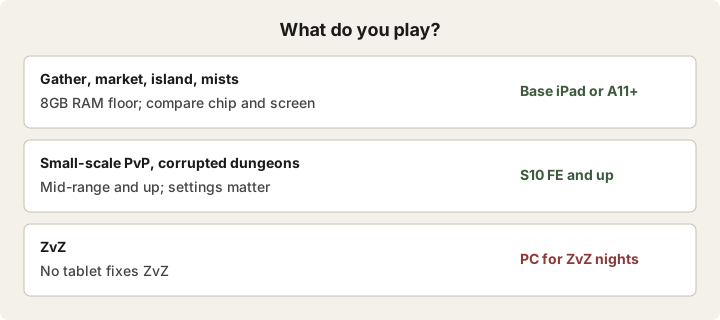
What do you actually play?

Pick the row that sounds like you. The right tablet follows from the content, not the other way around.

  • Gather, market, island, mists: start with an 8GB-RAM model and compare the chip and screen too. Do not assume RAM alone guarantees smooth play.
  • Small-scale PvP, corrupted dungeons: mid-range and up. Your settings matter more than your chip; see the targeting section.
  • ZvZ: no tablet fixes ZvZ. Buy for everything else and play the big fights on PC.

Which tablet should you buy for Albion Online?

These are researched picks from official specs and player reports, not hands-on benchmarks.

As an Amazon Associate we earn from qualifying purchases.

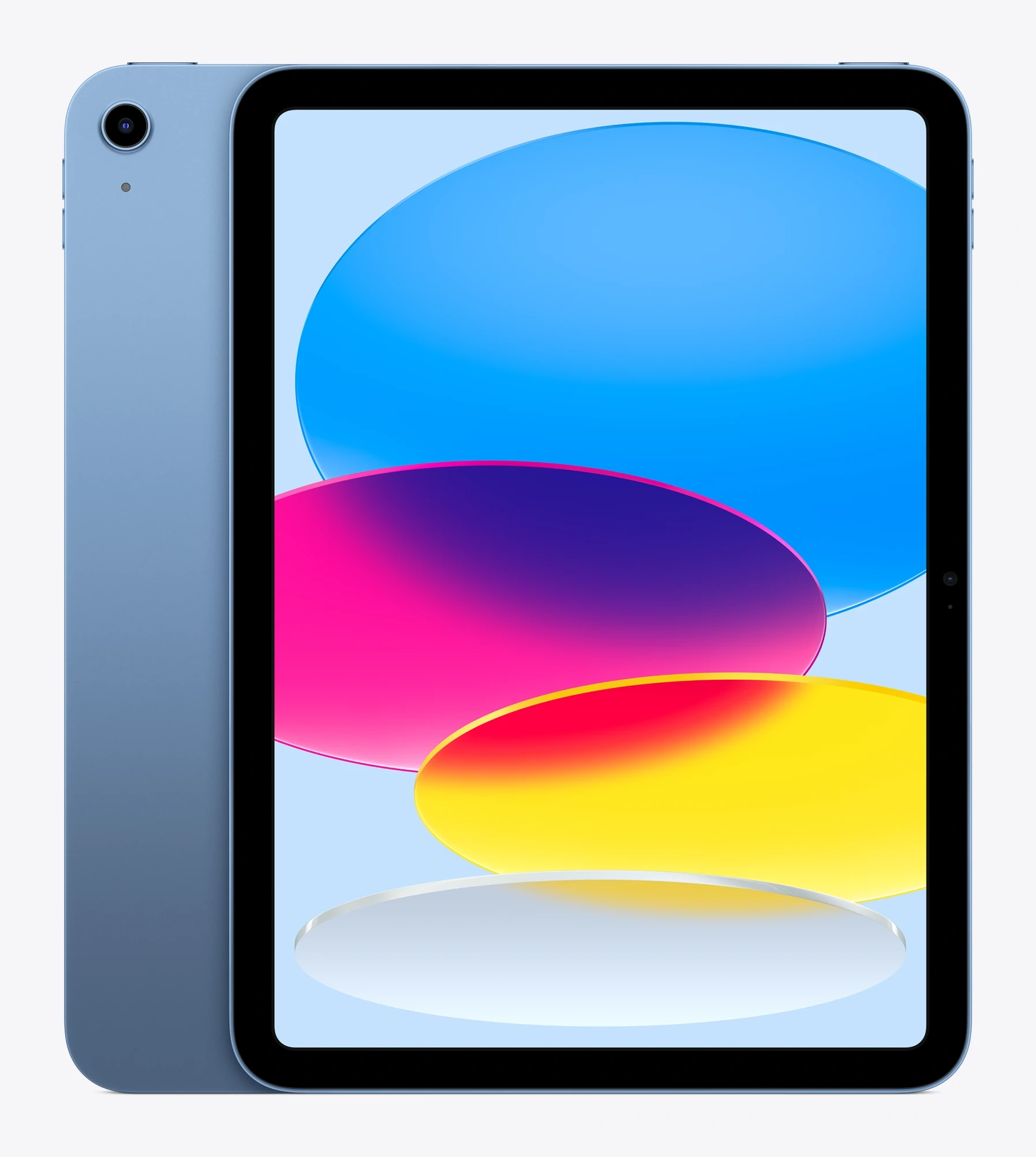
Blue Apple iPad 11-inch tablet
Default

Apple iPad 11-inch (A16)

The default answer.

Best for: most players. The base iPad has been the community's default Albion answer every year since 2019, at every budget that can reach one.

A 2021 base iPad was still being called "smooth as butter" by players in January 2026. The current model is faster, and Albion's official floor is just an iPad 7th generation. This is the buy-it-and-stop-thinking option.

Skip it if: you already own a device that runs Albion fine, or the field-of-view tradeoff bothers you (the 4:3 screen shows less of the map sideways than a phone - details below).

Exact listing: iPad 11-inch, A16 chip, 128GB Wi-Fi. Check the color and storage before ordering.

See the iPad 11-inch on Amazon.
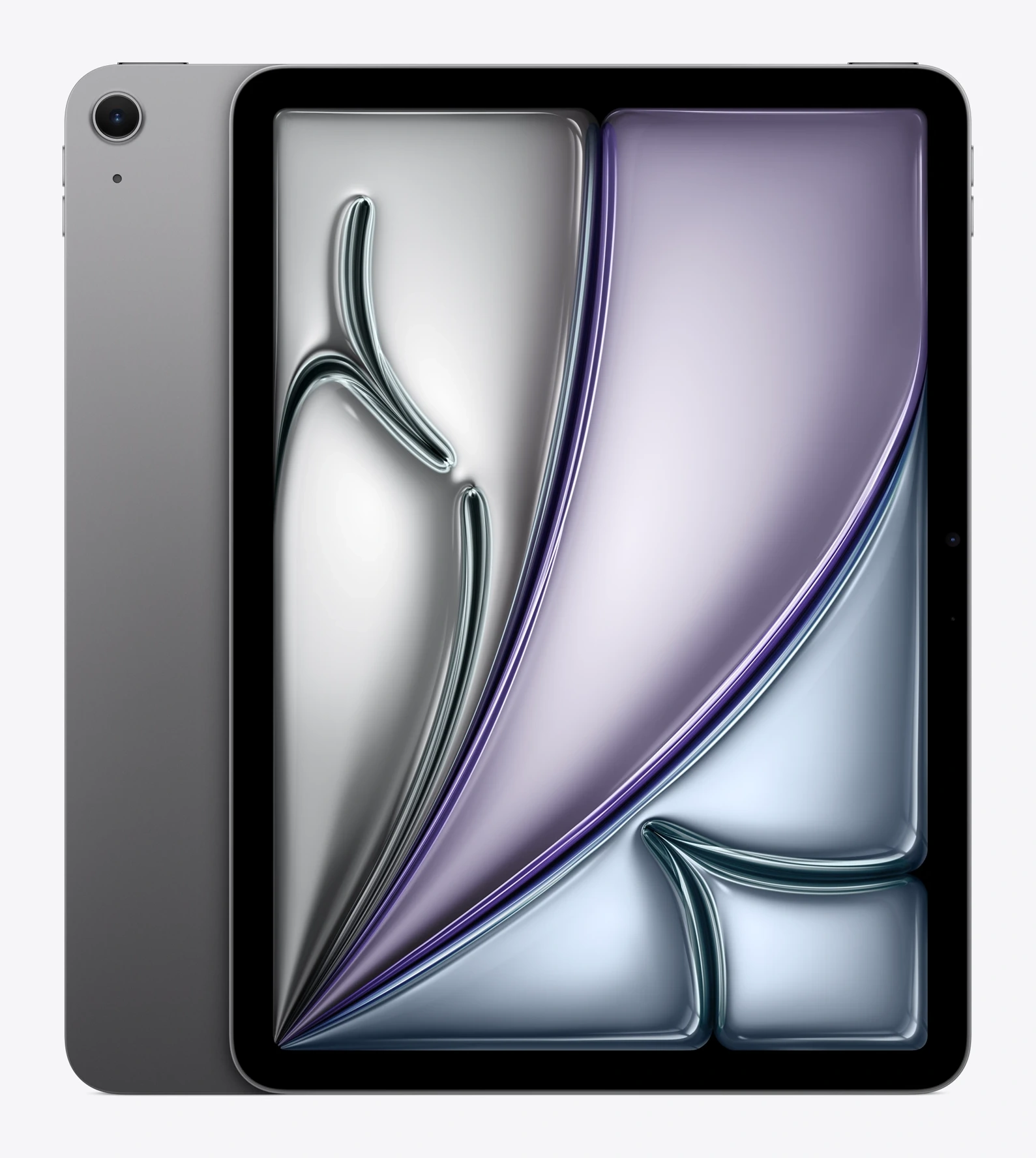
Space Gray Apple iPad Air 11-inch tablet
iOS upgrade

Apple iPad Air 11-inch (M4)

The iOS upgrade.

Best for: players who also want the Air for work, drawing, or other demanding apps. A 2022 Albion player reported good results on an M1 Air, but that is not a test of this M4.

The current 11-inch Air uses Apple's M4 chip. That is headroom, not a reason to expect flawless ZvZ.

Skip it if: Albion is the only reason you are shopping. The base iPad is the simpler buy.

Exact listing: iPad Air 11-inch (M4), 128GB, Wi-Fi, Space Gray. Check the selected variant and offer before ordering.

See the iPad Air M4 on Amazon.
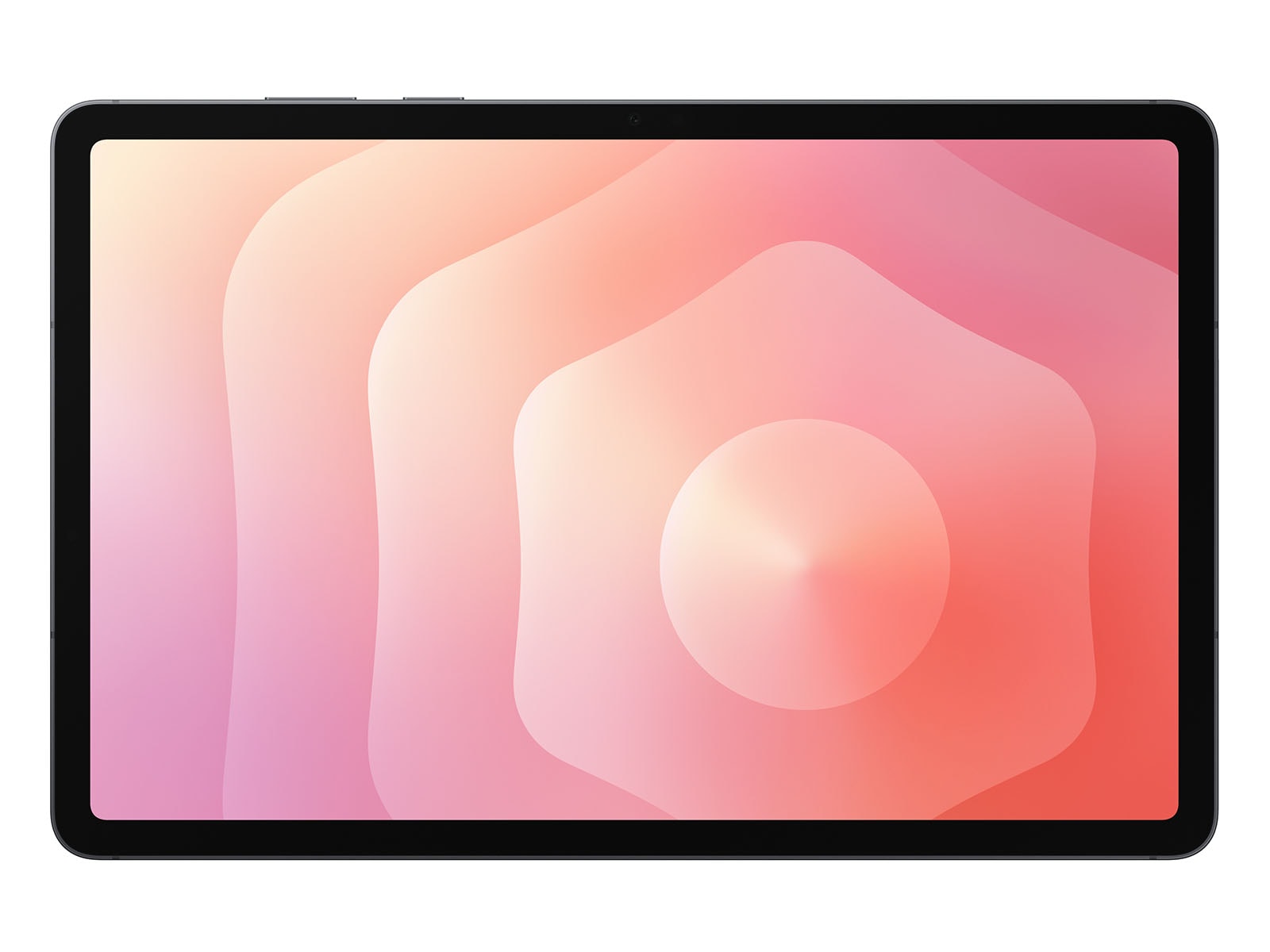
Samsung Galaxy Tab S11 tablet
Premium Android

Samsung Galaxy Tab S11

The premium Android pick, if you want more than Albion.

Best for: Android buyers who want an 11-inch AMOLED tablet with 12GB of RAM. This takes the premium Android role, but it is not an 8.8-inch Legion-style handheld. No Albion S11 benchmark or owner report was found for this package, so do not promise Legion-like thermals or frame rates.

Skip it if: you want a compact handheld tablet, or mainly gather and do island tasks. Compare the S10 FE and A11+ first.

Exact listing: Galaxy Tab S11, US Wi-Fi version, 11-inch, 12GB RAM, 128GB, Gray.

See the Galaxy Tab S11 on Amazon.
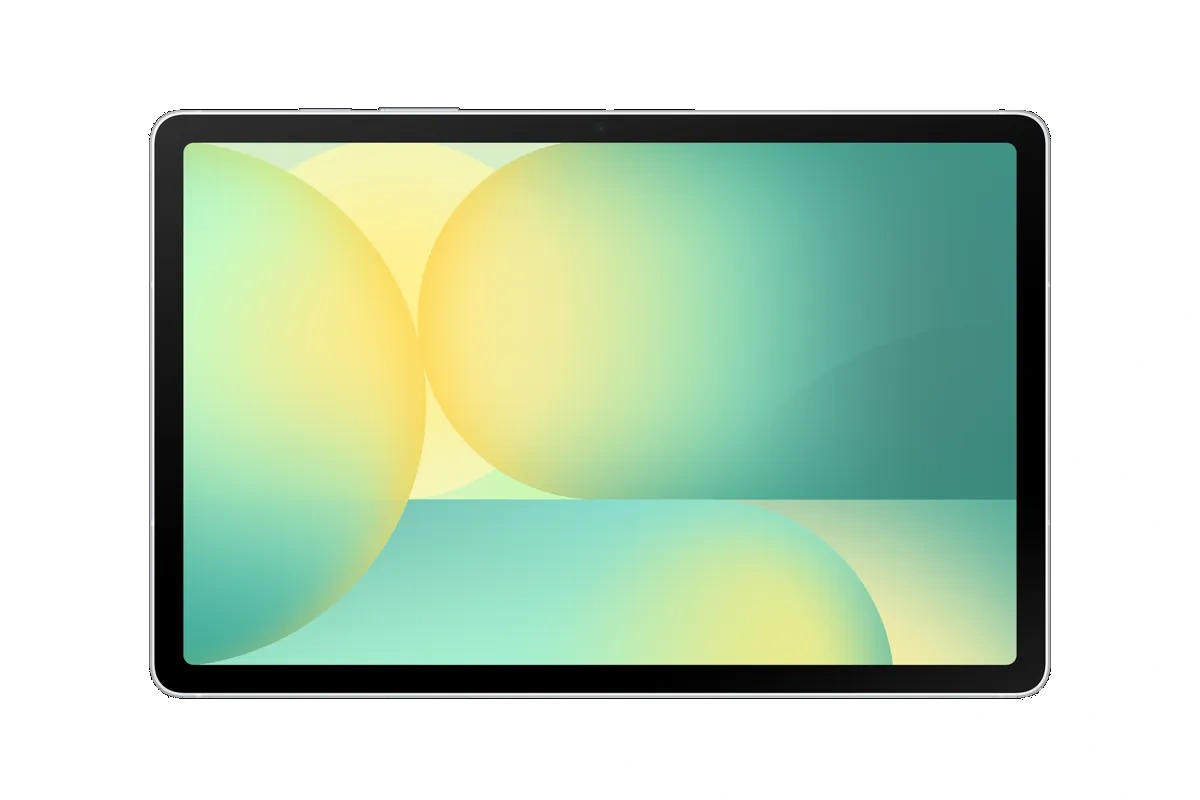
Samsung Galaxy Tab S10 FE tablet
Mid Android

Samsung Galaxy Tab S10 FE

The mid-range Android.

Best for: buyers who want 8GB RAM, a 10.9-inch screen, and a US Samsung listing without Global ROM import uncertainty. It uses the Exynos 1580; this is a specification-based pick, not a measured Albion FPS claim.

Skip it if: you need a smaller tablet in your hands, or the A11+ is enough for your gathering and market use.

Exact listing: Galaxy Tab S10 FE, US Wi-Fi version, 10.9-inch, 8GB RAM, 128GB, Silver.

See the Galaxy Tab S10 FE on Amazon.
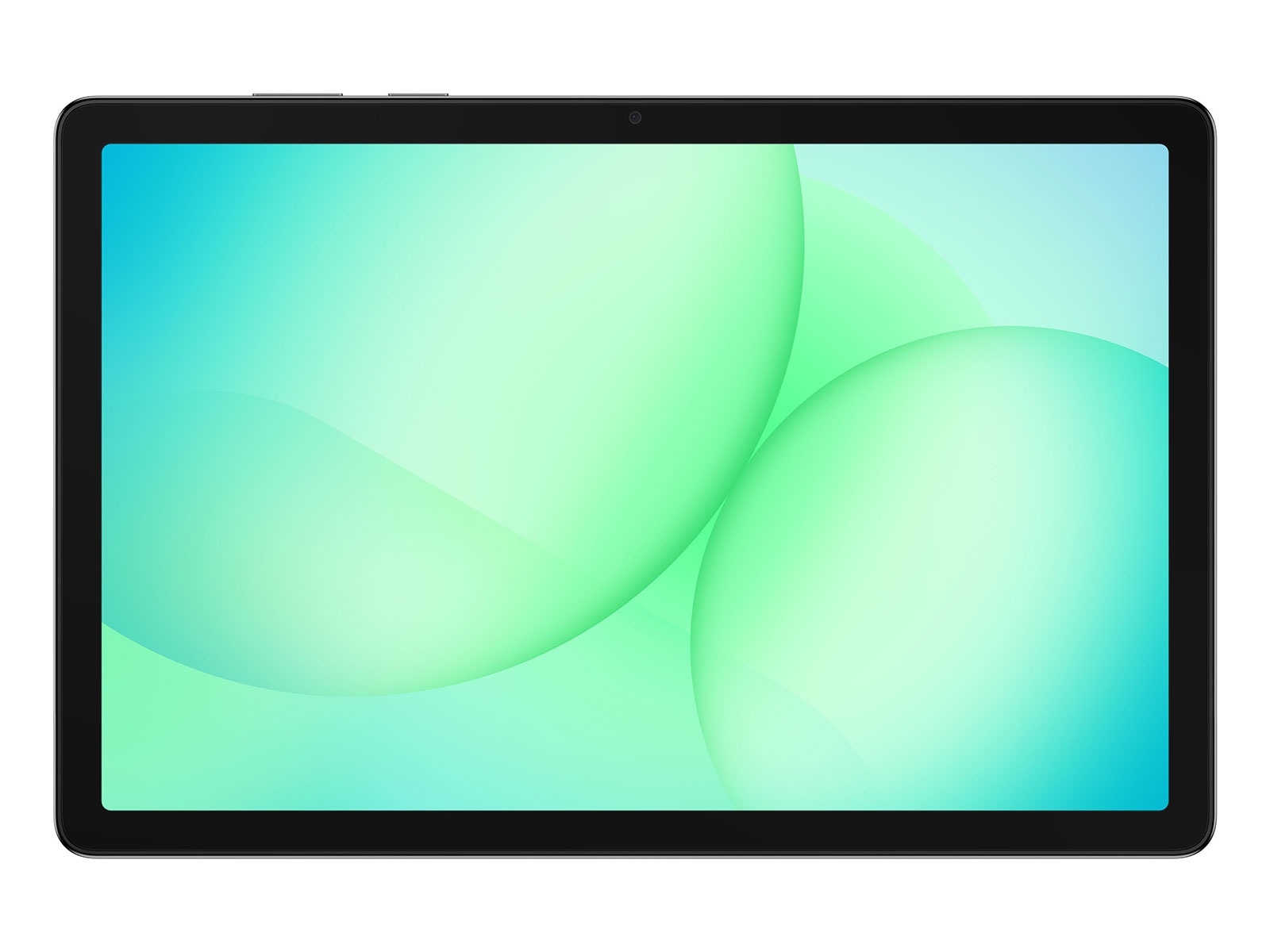
Samsung Galaxy Tab A11+ tablet
Lower-cost Android

Samsung Galaxy Tab A11+

The lower-cost Android choice in this shortlist.

Best for: someone shopping mainly for gathering, island, and economy play on an 11-inch screen. Choose the 8GB/256GB version here, not the 6GB/128GB variant. We have no verified Albion performance report for this device, so its fit for even lighter tasks is an untested estimate; try the game on a device you own before buying if you can.

Skip it if: demanding PvP is your main use. The 8GB RAM does not turn a budget-class chip into a gaming flagship. The S10 FE is a stronger specification tier, not a verified Albion performance upgrade.

Exact listing: Galaxy Tab A11+, US Wi-Fi version, 11-inch, 8GB RAM, 256GB, Gray.

See the Galaxy Tab A11+ on Amazon.

What about ZvZ?

Do not buy a tablet expecting dependable ZvZ. Players report spell effects causing lag or crashes in big fights, including on gaming-focused tablets. None of the four new picks has been benchmarked for Albion here, so this is a caution based on player reports, not a measured verdict for every device.

The plan that works: tablet for gathering, economy, island, mists, and small-scale. PC for ZvZ nights. If there is no PC in your life, cap your settings, choose hardware for your other uses, and accept that a large fight may lag or crash.

How much RAM does Albion mobile actually need?

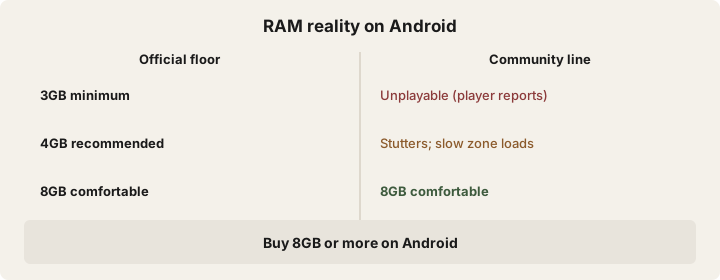
The official requirement says 3GB minimum, 4GB recommended on Android, and iPad 7th generation or newer on iOS. The official floor predates the current game, and the community line is blunter: 3GB is unplayable, 4GB stutters with slow zone loads, 8GB is comfortable. Buy 8GB or more on Android. Every current iPad clears it.

Which tablets should you avoid for Albion?

Every buyer thread contains an avoid list. Nobody publishes one. Here it is:

  • Amazon Fire HD 10. Crash reports going back years, including crashes right after character select. Still asked about. Still a no.
  • Samsung Galaxy Tab A8 (4GB). Random freezes mid-fight - owners report deaths and disconnects - plus zone loads slow enough to lose your group.
  • Anything under 8GB of RAM on Android. See above.
  • Mystery-brand budget tablets. One buyer's $300 no-name Lenovo "looked decent on paper" and was "absolutely horrible." If you cannot find Albion players talking about the exact model, that silence is your answer.

Phone or tablet for Albion?

Tablets win on thermals, battery, and comfort. Phones win on chip-per-dollar and one thing most pages never mention: field of view.

Players have documented with screenshots that phones show more of the map sideways than 4:3 iPads, because of the aspect ratio. There is no in-game fix and no official statement on it. Name tags render at the same distance for everyone, so this is terrain vision, not target vision. If you mostly gather and run markets, you will never notice. If you scout in the black zone, you might. Players were still asking about widescreen behavior on tablets in June 2026; do not treat one tablet’s aspect ratio as a tested Albion view.

Tablet or laptop for Albion?

"I'd rather spend the money on a laptop" comes up in every hardware thread. It is true only once the budget roughly doubles. A gaming-capable laptop at tablet prices does not really exist; a good tablet at that price does. If your goal is competitive ZvZ, save toward the PC. If your goal is Albion from the couch, buy the tablet.

How do you stop the heat and battery drain?

Albion eats batteries and cooks phones. The free fixes come first: lower brightness, kill background apps, take the case off, cap FPS, and drop resolution in the game settings. Phones overheat, then throttle, then lag; a tablet's bigger body is half the reason to buy one.

When that is not enough, two accessories the community actually uses (and no competitor page covers):

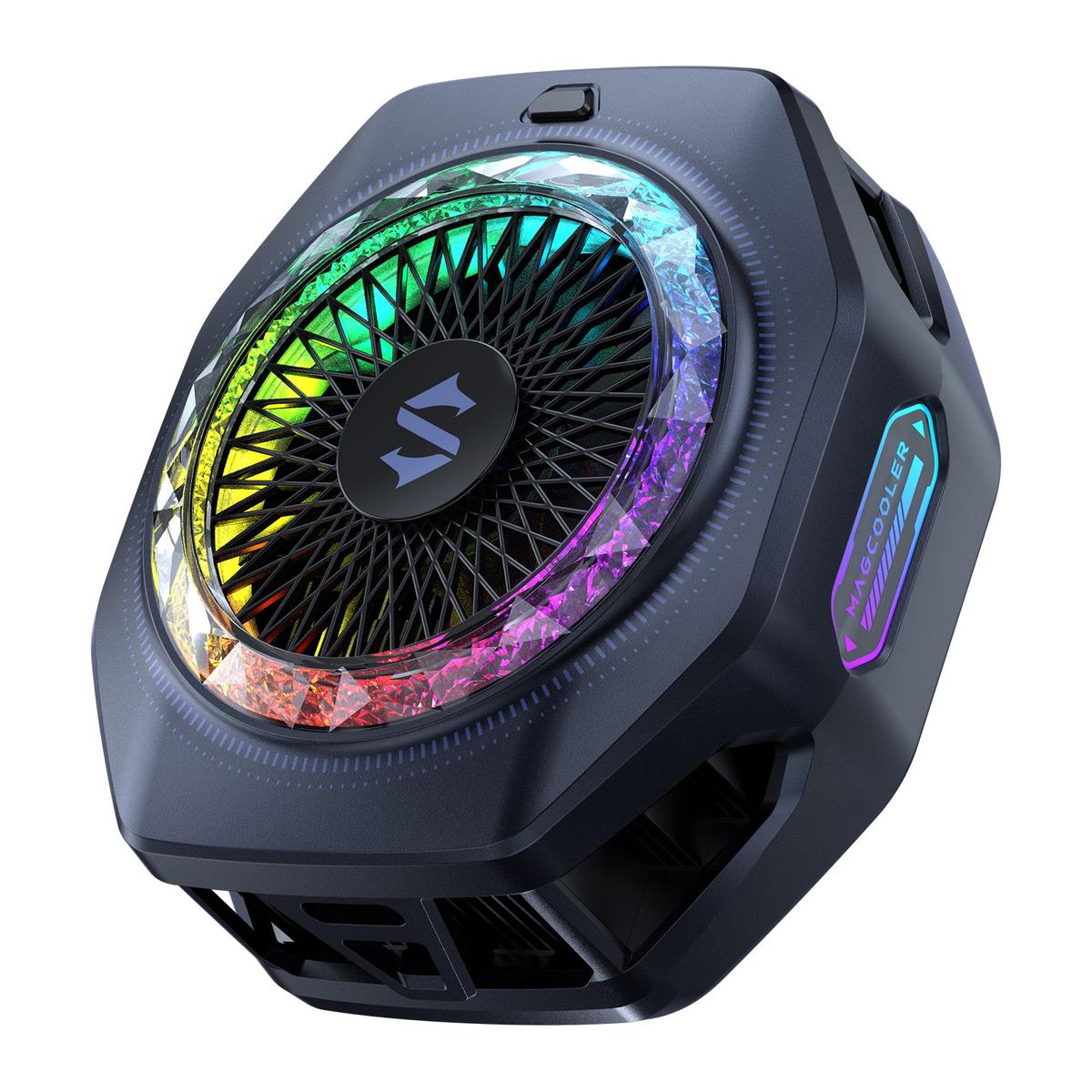
Black Shark magnetic phone cooler
Heat accessory

Black Shark Magnetic Phone Cooler 5 Pro

Best for: phone and small-tablet players in long sessions. A magnetic cooling fan; the listing covers iPhone MagSafe, Android, and iPad. Check the fit against your specific device before ordering.

See the Black Shark cooler on Amazon.
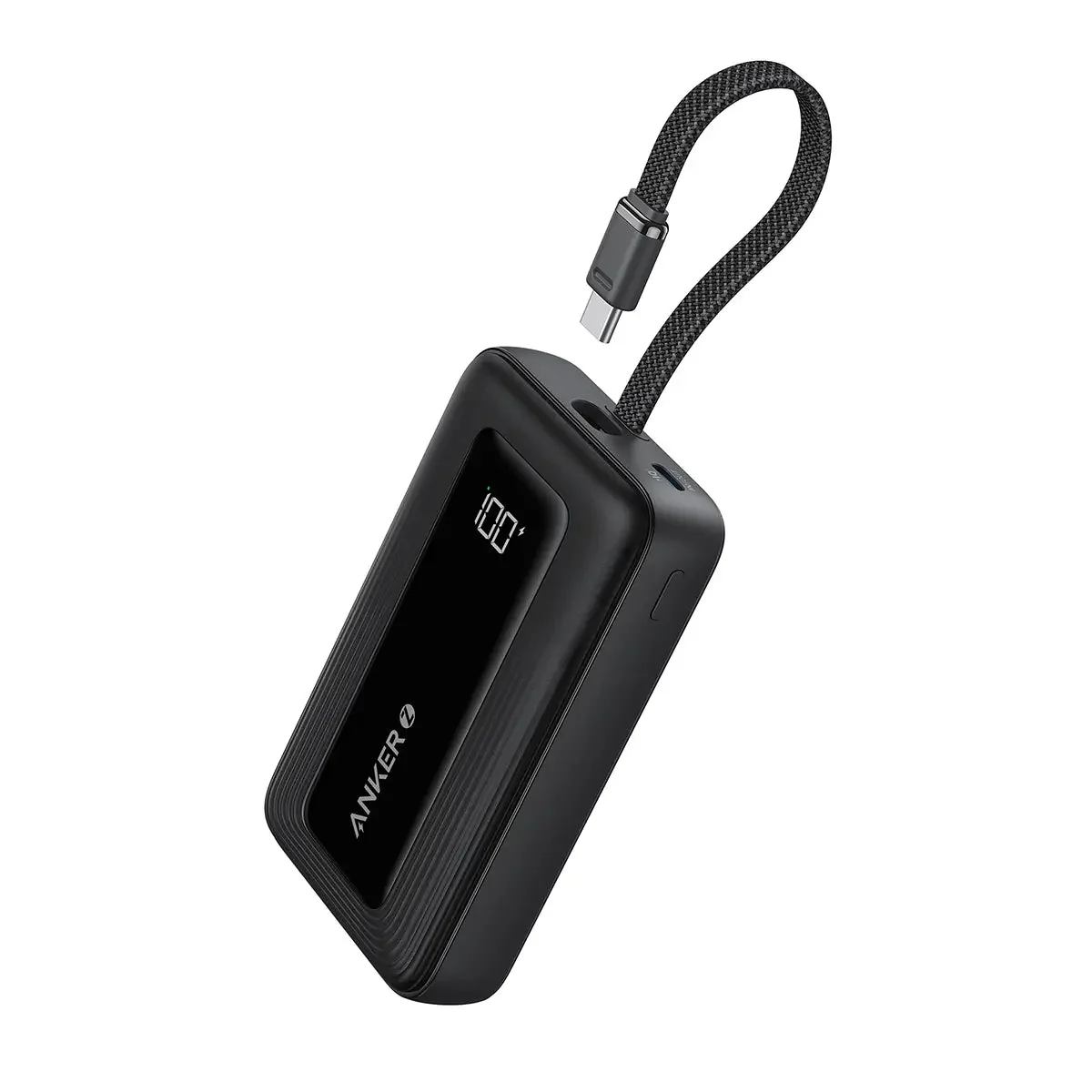
Black Anker 10,000mAh power bank
Battery accessory

Anker Power Bank 10,000mAh (30W)

Best for: travel and couch sessions. An iPhone SE owner reported Albion draining 15-20% battery per hour, so a power bank turns a two-hour session into an all-day one.

Exact listing: 10,000mAh, 30W USB-C input and output, black.

See the Anker power bank on Amazon.

Can you use keyboard and mouse on Albion mobile?

Do not buy hardware for this. Player reports from 2024 through 2026 call keyboard-and-mouse on mobile broken: clicks mis-register (fishing becomes impossible), keybinds do nothing, repeated presses of the same key fail. One reported workaround is switching the UI from virtual-controller mode to touch mode, but we have not verified it on the current build. An iPad Pro with Magic Keyboard worked for one player back in 2021; the recent reports disagree. If kb/mouse happens to work on your device, treat it as a bonus. Never the plan.

What about a controller?

Support exists: the toggle in settings is called Gamepad (Beta), and the April 2026 Xbox launch came with enhanced controller support. That same April update reworked how controllers behave in the game - cursor aiming became auto-targeting, custom binds were reset, and the recovery path runs through the legacy and advanced controller settings, according to player threads. The community is still arguing about what works now.

A full controller guide needs firsthand verification on the current build before we publish it. For now, from the threads: the DualSense is the most recommended pad (most players already own one), melee and lock-on builds are the comfortable path, and aimed skillshots are where controller players suffer.

Which mobile settings should you change first?

This recipe comes from a 26-upvote community answer (February 2026), not from us. Menu paths move between builds, so verify each one in your own settings:

  • Settings > Controls > General: cast on press ON
  • Auto-targeting: auto-target ground spells ON, auto-target skill shots ON, cast beneficial spells on self ON
  • Preview attack target OFF, preview spells target OFF
  • Target type priority: players
  • Auto-target lock: sticky

The habits that go with it: drag skills instead of tapping, keep the reset-target button reachable, run performance mode, cap FPS, and drop brightness on long sessions. A full settings guide is coming as its own page.

FAQ

What is the best tablet for Albion Online?

For most players, the current base iPad (11-inch, A16). It is the community's default answer every year, and Albion's official floor is only an iPad 7th generation. For Android, the Galaxy Tab S11 is the premium spec-based pick in this buyable shortlist, while the S10 FE and A11+ cover mid-range and lower-cost roles. We have no Albion benchmark for any of those Samsung models.

Can a cheap tablet run Albion Online?

Yes, if it has 8GB of RAM and a decent chip. Our Galaxy Tab A11+ 8GB pick is intended for gathering and lighter tasks; its Albion performance has not been tested for this package. Avoid the Fire HD 10, the Galaxy Tab A8 4GB, and anything under 8GB of RAM.

How much RAM do you need for Albion Online mobile?

The official spec says 3GB minimum and 4GB recommended on Android. Players running current builds say 3GB is unplayable, 4GB stutters, and 8GB is comfortable. Buy 8GB or more.

Can you play ZvZ on a tablet?

Expect lag and possible crashes in large-scale fights. Spell effects are the wall on every mobile device, including the best ones on this page. Use a tablet for everything else and play ZvZ on PC if you can.

Is an iPad or Android tablet better for Albion Online?

The iPad is the safe default with the most consistent player reports. The Android choices span a range of sizes and features, but the new Samsung picks lack Albion-specific thermal or FPS tests. One real iPad tradeoff: the 4:3 screen shows less of the map sideways than a phone.

Does Albion Online mobile support controllers?

Yes, through the Gamepad (Beta) setting, and the April 2026 Xbox launch added enhanced controller support. That update also changed how controllers behave, and the community is still settling on what works. Check the current build before buying a controller just for Albion.

Can you play Albion Online mobile with keyboard and mouse?

Player reports call it broken: clicks mis-register, keybinds do nothing, fishing is impossible. One workaround exists (switch the UI to touch mode) but it is unverified. Do not buy a keyboard case for Albion.