Home / Guides / Albion Online mobile vs desktop setup
Albion Online / Control path
Albion Online mobile vs desktop: targeting and control differences
Choose by the tasks you repeat. A tablet keeps gathering, market, and island sessions portable; a desktop lets you use a pointer for visible targets or party entries while keeping keys available for bound actions. Albion also has a dedicated controller interface.
The platform choice matters most when you repeat a specific interaction: managing inventory, selecting a party entry, or navigating with a controller. The Mists guide covers detailed combat-target settings.
Albion Online activities that change the mobile-versus-desktop choice
Activity
Mobile or tablet
Desktop
Try before deciding
Gathering, island, and market errands
Touch keeps the client portable; use the tablet in hand or on a table.
Mouse and keyboard keep pointer and key input at your usual desk.
Open inventory, map, and market with the setup and seating position you expect to use.
Party selection and key-bound actions
Use the touch HUD and confirm the selected unit before acting.
A pointer can select a visible party entry while the keyboard remains available for bound actions.
Repeat movement, party selection, and ability use in the layout you expect to play.
For a solo gathering run, island check, or market errand away from your desk, mobile keeps the session portable. At a table, a stand can hold the screen in place; touch still operates the mobile HUD.
Party interaction
Use a pointer for visible party entries.
If your routine includes selecting party members while using key-bound actions, a mouse and keyboard put those inputs on separate devices. Test the movement, selection, and ability sequence in your usual layout before taking it into group content.
Gamepad
Treat controller as its own interface.
Albion's controller update includes a dedicated HUD, full-screen menu navigation, and radial menus. Use the Mists control walkthrough for current target options and ability-aim checks.
If large-scale fights are the decision point, use the ZvZ settings guide for the limits of tablet requirements and performance settings.
Optional equipment
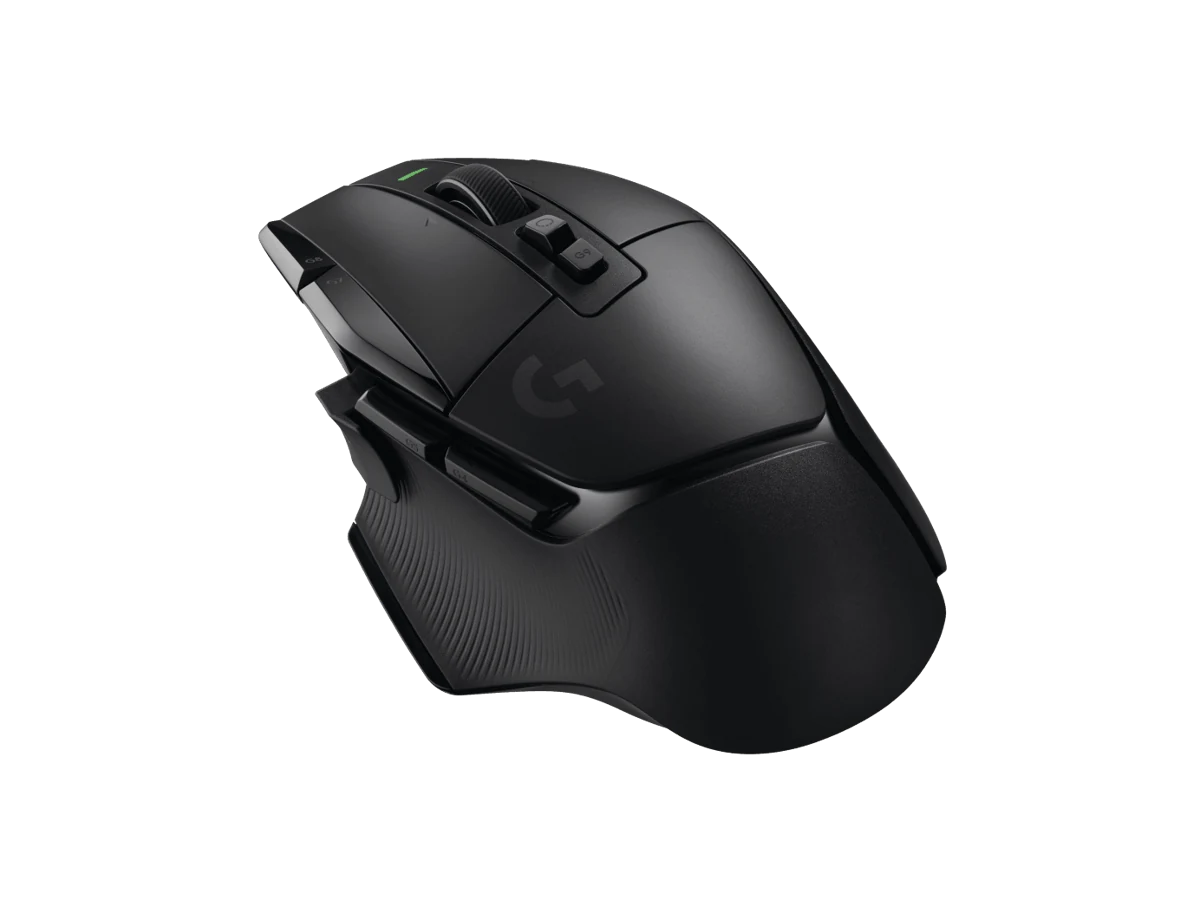
A handheld screen and a desktop mouse
These examples show the equipment sides of the choice. They do not predict Albion performance or decide how the client selects a target.
Buying through our Amazon links costs you nothing extra and helps keep MMOSetup free. As an Amazon Associate we earn from qualifying purchases.
Mobile tablet
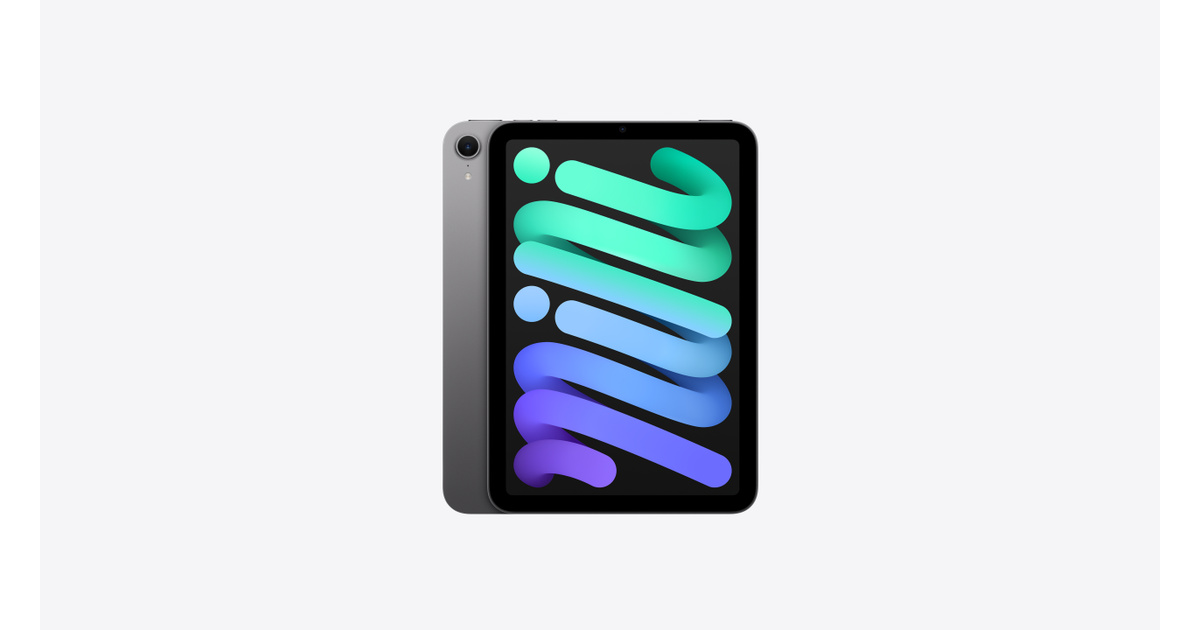
Apple iPad mini (A17 Pro, 128GB Wi-Fi)
Fits: handheld play if you want an 8.3-inch tablet. Apple lists a 293-gram weight for the Wi-Fi model.
Tradeoff: the controls and game view share a compact screen; the size alone does not establish which control layout will fit your hands.
This page covers client and input choices. It does not compare aspect ratios or multi-client layouts. For arranging several game clients across 4K and ultrawide displays, read the multi-client monitor layout guide.
Separate platform support from device performance.
Checked Oct. 16, 2026: Albion's platform information and official mobile-targeting and controller updates frame the input paths below. Manufacturer specifications are linked for the equipment examples. This is researched guidance, not hands-on testing; it does not claim that one input is faster or more accurate. Control options can change, so revisit the linked updates for current Mists settings. No prices, stock, ratings, or performance measurements are reported.
When should I choose Albion Online mobile for a session?
Choose mobile when you want to play away from your desk, such as a gathering trip, island check, or market errand, and touch suits those tasks. A stand keeps the tablet in place for a table session.
When does a desktop setup suit Albion party play?
Choose desktop when your routine includes frequent party selection and key-bound actions. A mouse pointer can select a visible party entry while your keyboard remains available for bindings. Try movement, selection, and ability use in your usual layout before group play.
Where should I compare multi-client 4K and ultrawide monitor layouts?
Use the multi-client monitor layout guide for arranging several game clients. This page focuses on mobile and desktop input paths.