Home / Guides / Albion Online tablet for gathering
Albion Online / Gathering setup
Tablet setup for Albion Online gathering, islands, and markets
For a resource run, choose what to collect and where to sell before heading out. Bring a tool for the resource tier, then decide whether to sell the materials raw, refine them, or keep them for crafting. The tablet comparison below focuses on the inventory and market checks around that loop.
A gathering session moves between inventory, storage, and the market. Try these actions in Albion's mobile client at the text size, orientation, and stand position you expect to use.
Check readability. Open inventory and read item names and stack counts at the scale and viewing distance you expect to use.
Try a drag. Move a low-value item between inventory and storage, then back. If you miss targets with a finger, try the S Pen on the Galaxy Tab S10 FE if you can; keep it in your shortlist only if you prefer that input.
Enter a market quantity. Tap a quantity field, use the on-screen keyboard, and confirm the amount. If entry feels awkward, compare the Android and iPadOS keyboard flow on devices you can try, then choose the one you handle more comfortably.
Set up the stand and charger. Place the tablet within reach at your usual angle, connect power, and route the cable clear of your hands. If the cable pulls on the tablet or crosses the touch area, adjust the stand or charging position.
Choose from your trial
Match the device to the task that feels awkward
Choose from the interaction trial rather than the model name or memory alone. Specifications do not show how these touch tasks will feel on a particular device.
Albion tablet configurations matched to observed interaction needs
What you notice during the check
Configuration to consider
Why it may fit
A pen feels easier than a finger for dragging items.
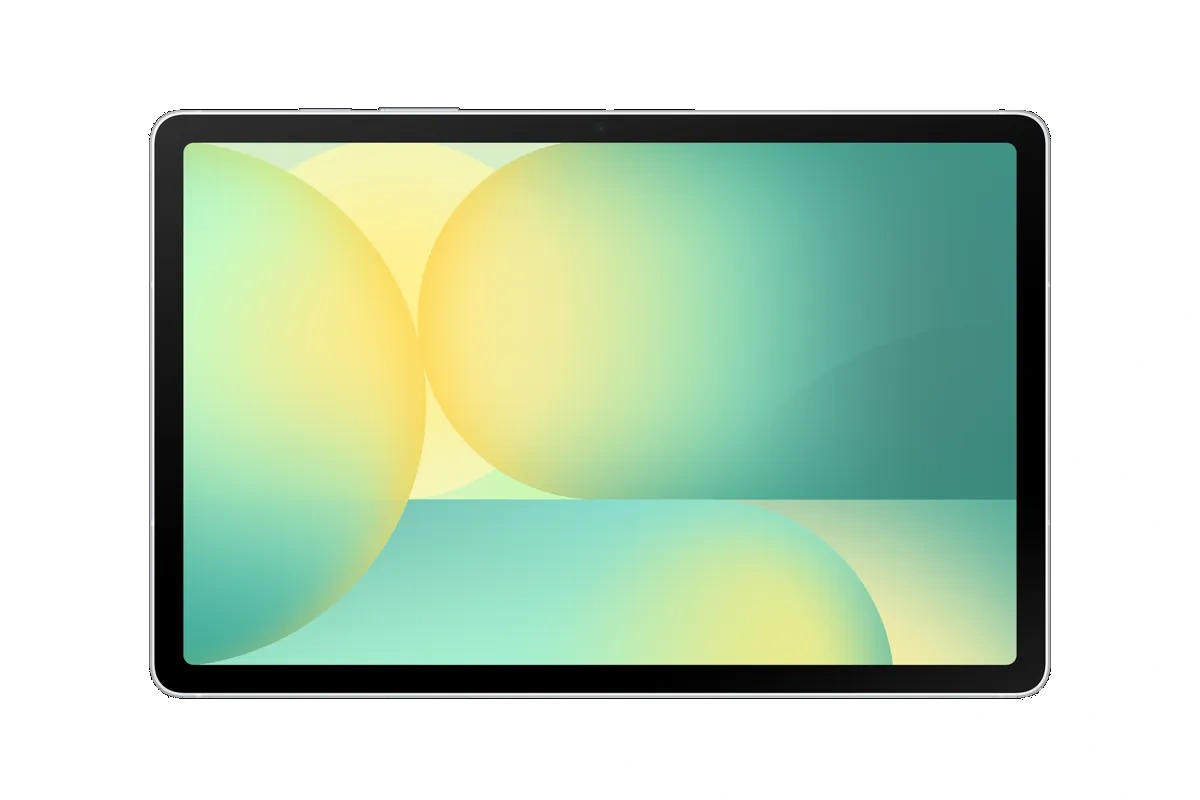
Samsung Galaxy Tab S10 FE (12GB/256GB)
This configuration includes an S Pen. Albion does not require a stylus, so choose it only if you prefer that input.
You prefer using iPadOS for quantity entry.
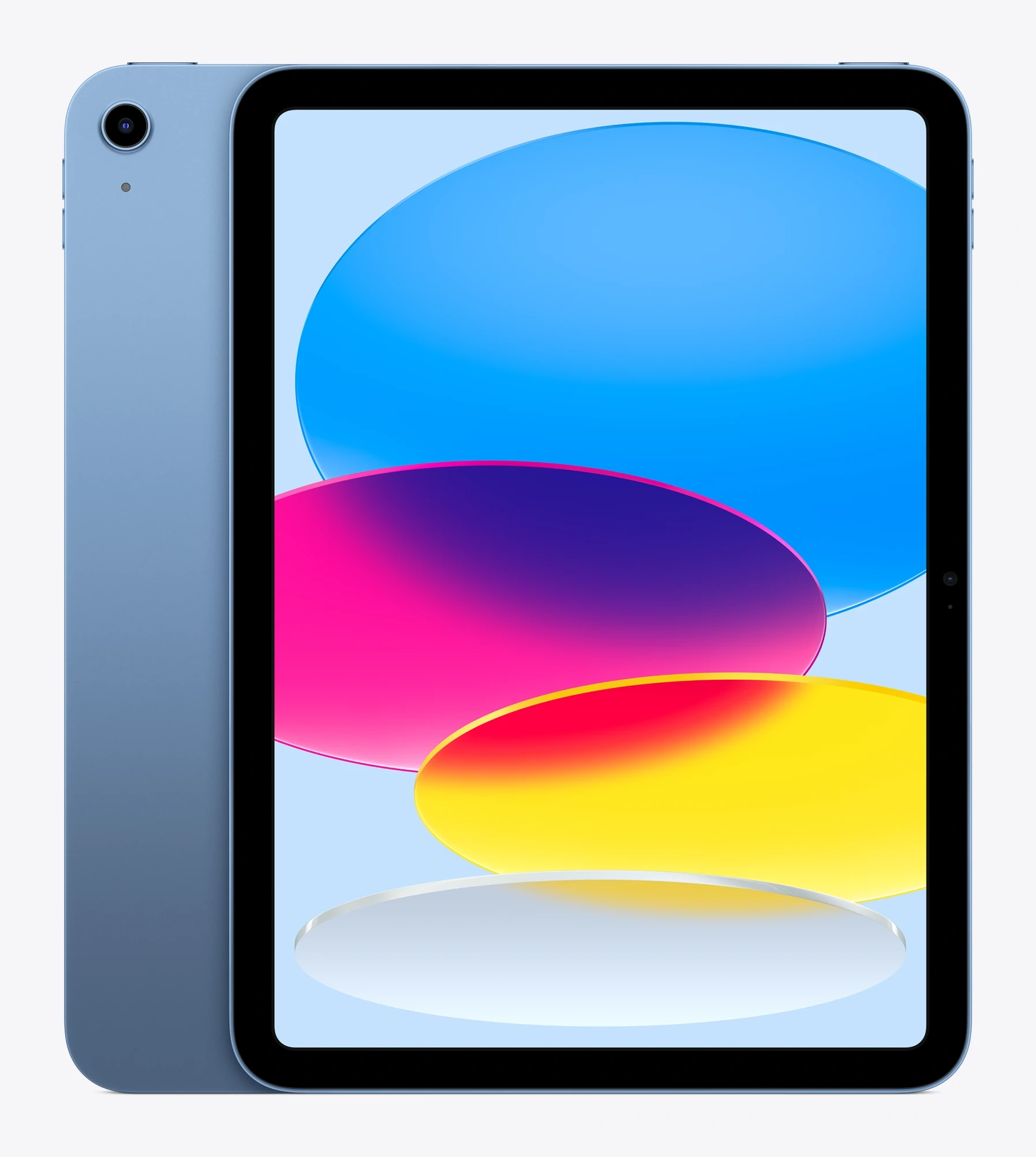
Apple iPad 11-inch (A16, 128GB)
It runs iPadOS on an 11-inch-class display. Check the on-screen keyboard with Albion before choosing.
Android feels easier for entering market quantities.
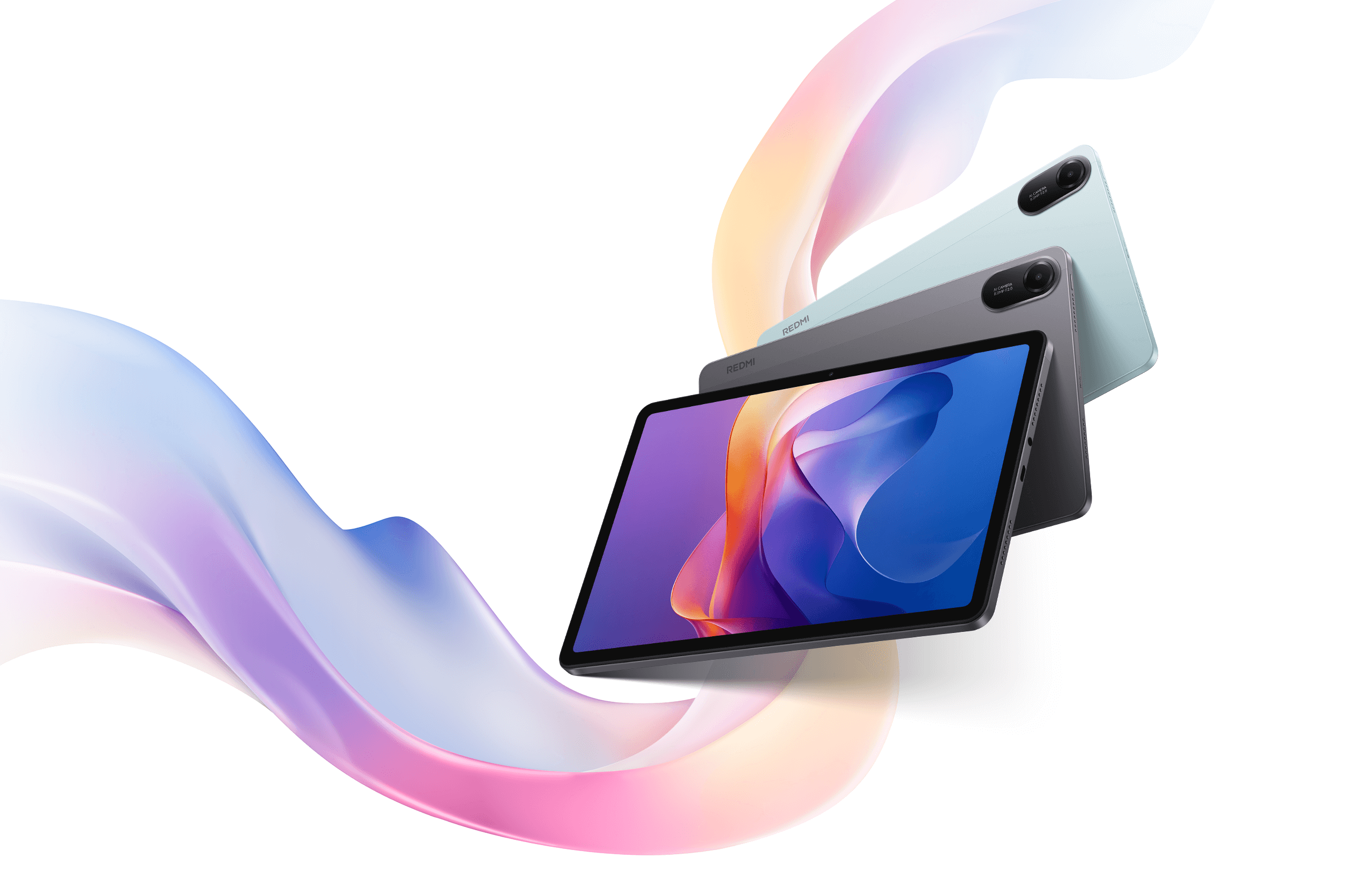
Xiaomi Redmi Pad 2 (4GB/128GB) or Galaxy Tab S10 FE (12GB/256GB)
Both run Android. The Redmi has Albion's recommended 4GB; the S10 FE includes an S Pen if dragging also troubles you. These details do not predict FPS.
These displays are 10.9 or 11 inches, so none is a clear step up in screen size. If item labels remain cramped, try adjusting Albion's interface scale or your viewing distance before deciding screen size alone is the problem.
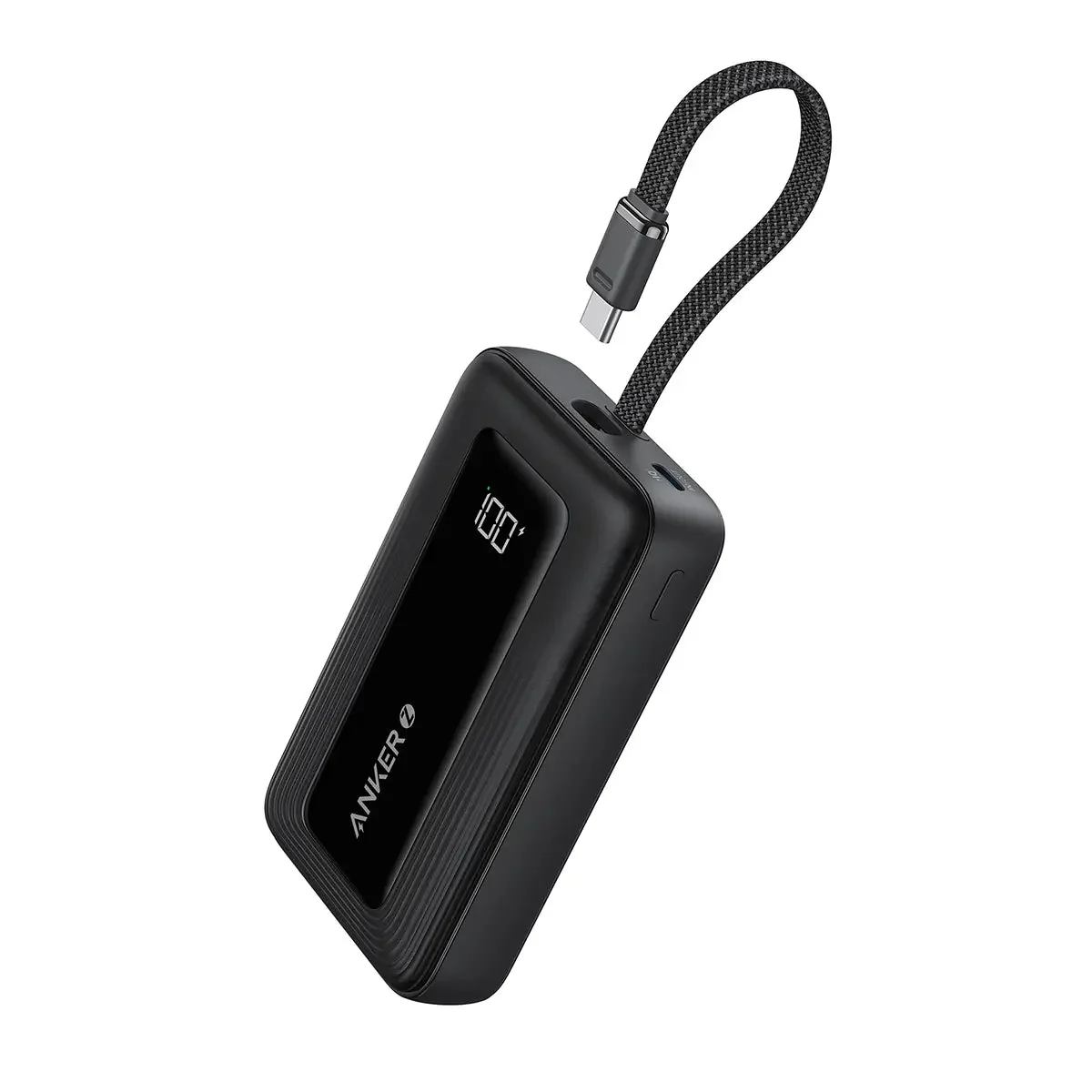
Use a stand that keeps touch controls within reach. Place the charger or power bank so its cable runs clear of your hands and does not pull on the tablet.
Buying through our Amazon links costs you nothing extra and helps keep MMOSetup free. As an Amazon Associate we earn from qualifying purchases.
Android tablet
Samsung Galaxy Tab S10 FE (12GB/256GB Wi-Fi)
Fits: stand use when you want a 10.9-inch LCD and an included S Pen. Samsung lists this memory and storage configuration.
Tradeoff: its 10.9-inch screen is slightly smaller than the two 11-inch options.
Checked Oct. 16, 2026: this guide uses Albion Online's published Android requirements, official guides to gathering, farming, markets, and refining, and the game's HUD Editor information for interface adjustments, plus manufacturer specifications for the listed tablet configurations. These sources identify compatibility and device features, but they do not establish Albion performance in busy areas; no device benchmarks are included.
For a correction, use the contact and correction information in our methodology.
What should I test on a tablet before gathering?
Read inventory labels at your normal viewing size, move a low-value item between inventory and storage, and enter a quantity with the on-screen keyboard at a market. Repeat in your usual orientation with the tablet on its stand and charging connected if that is how you plan to play, then choose the device where those actions feel easiest.
What Android RAM does Albion Online list?
Albion's download page lists 3 GB minimum and 4 GB recommended for Android. Check the current page for the full device and software requirements.
Does a stylus help with Albion market tasks?
A stylus is optional. The Galaxy Tab S10 FE includes an S Pen, so try it if finger taps or item dragging are difficult. Choose it only if you prefer the pen for these tasks; Albion does not require one.