MMO mice · WoW, FFXIV and Albion

Corsair Scimitar Elite Wireless vs Redragon M913 Impact Elite

The Corsair Scimitar Elite Wireless moves its 12-button panel up to 8 mm and adds Bluetooth. The Redragon M913 has a fixed grid and a top-left button that sends three clicks by default.

The short answer

Choose the Scimitar if you want its adjustable grid, Bluetooth or optical main switches. Choose the M913 if its fixed grid fits and you want a separate top-left button beside left click. Its default rapid-fire setting sends three clicks per press; remap it to one input when a game or activity requires one output per press.

Last checked
Before orderingRecheck the exact model and listing

The panel adjustment and top-left button decide this pair

Both mice have a 12-button side grid, wireless 2.4 GHz mode and a wired USB-C option. Corsair adds a sliding panel and Bluetooth; M913 adds a separate button beside left click.

Buying through our Amazon links costs you nothing extra and helps keep MMOSetup free. As an Amazon Associate we earn from qualifying purchases.

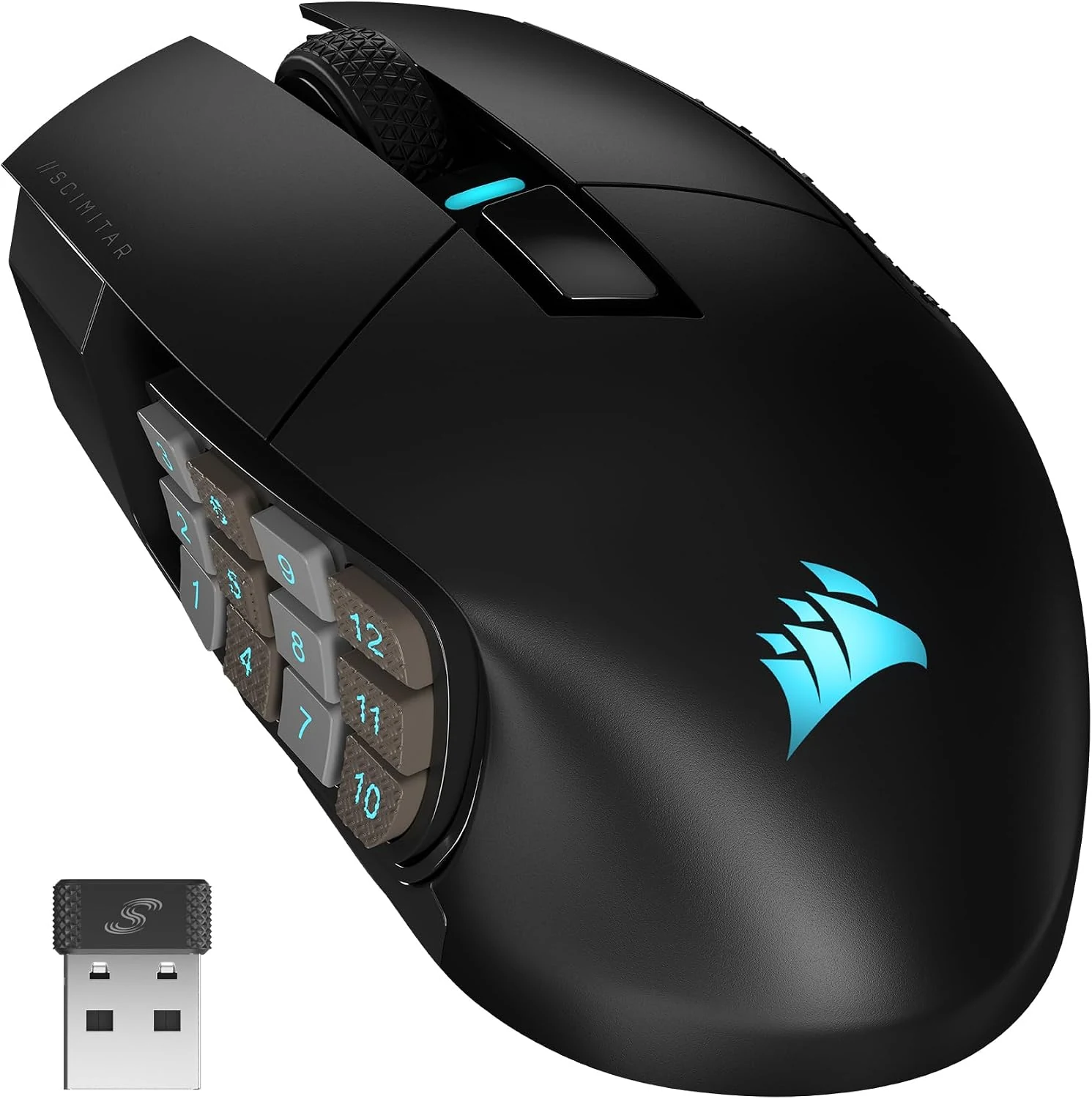
Black Corsair Scimitar Elite Wireless mouse and USB receiver, with its 12-button side panel visible.
Move the side grid

Corsair Scimitar Elite Wireless

Choose it if: the fixed 3-by-4 grid puts rows outside your comfortable thumb reach. Its Key Slider moves the panel up to 8 mm.

Tradeoff: the panel still has twelve buttons and the mouse lacks the M913's top-left index button.

View on Amazon
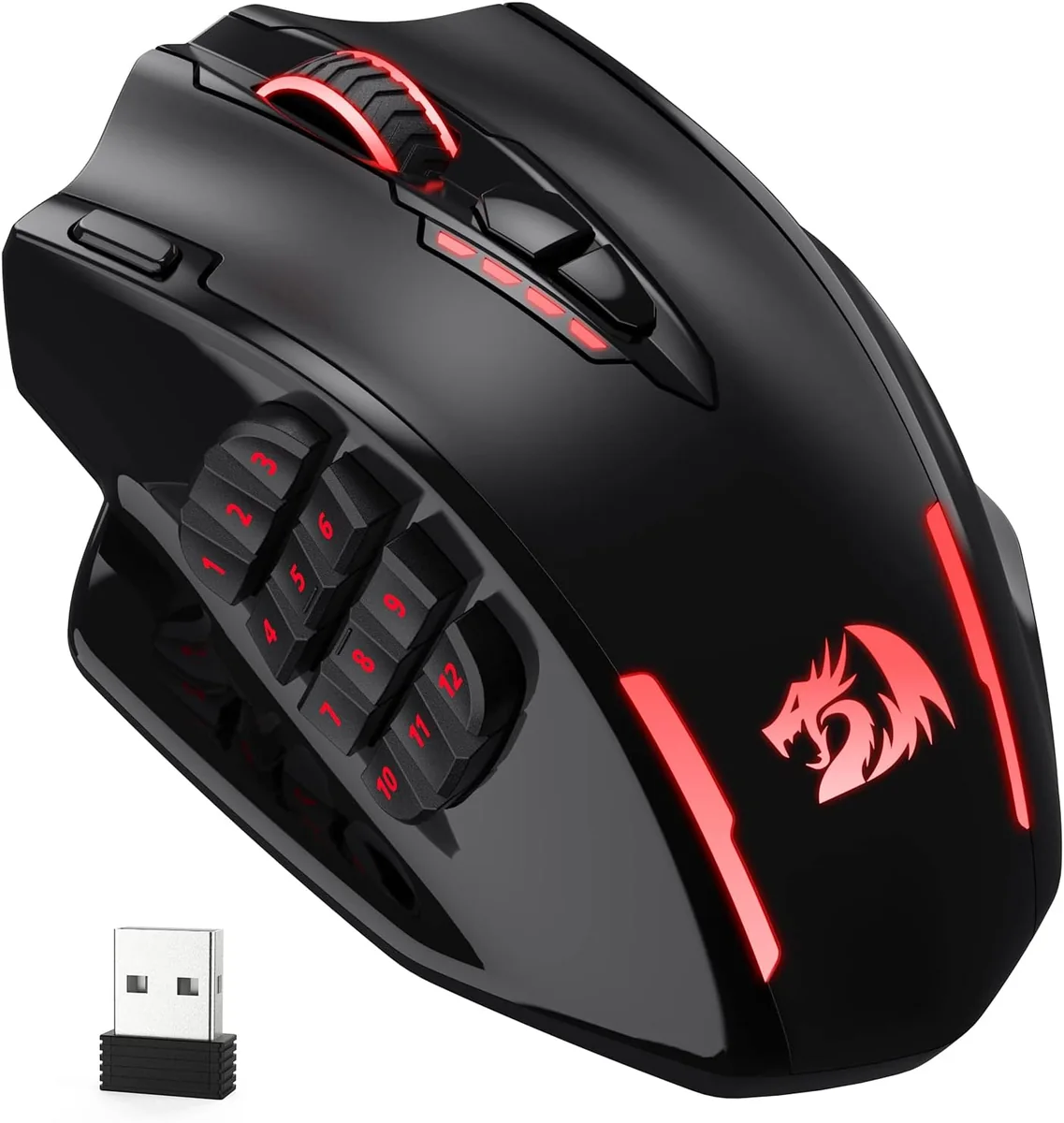
Black and red Redragon M913 Impact Elite mouse with its twelve-button thumb grid visible.
Fixed grid plus index button

Redragon M913 Impact Elite

Choose it if: the 12-button panel suits your thumb and you want a separate top-left input you can remap.

Tradeoff: Tom's Hardware measured 129 g; it has no Bluetooth, and its top-left button starts with a three-click burst.

View on Amazon

Specs that change the choice

The stated polling ceiling is the same; panel position, Bluetooth and the M913's top-left button make the practical difference.

Corsair Scimitar Elite Wireless and Redragon M913 Impact Elite controls, weight and connection modes
Decision pointCorsair Scimitar Elite WirelessRedragon M913 Impact EliteDecision
Weight114 g without cable or accessories129 g measured by Tom's HardwareScimitar is about 15 g lighter by these figures.
Side panel12-button grid slides up to 8 mmFixed 3-by-4 thumb gridScimitar adjusts panel position.
Extra index buttonNo separate button beside left clickTop-left button; factory action is a three-click burstM913 adds a button that may need remapping.
Sensor and pollingMARKSMAN 26K; up to 1,000 Hz over 2.4 GHzPixArt PAW3335; up to 16,000 CPI and 1,000 HzSame stated polling maximum; sensor ceilings differ.
Main switchesOptical main switchesMechanical main switchesDifferent switch design.
Connection modes2.4 GHz, Bluetooth and USB-C wired2.4 GHz and USB-C wiredScimitar adds Bluetooth.

A sliding grid versus a fixed grid with one more top button

The Scimitar's main distinction is panel position. The M913's top-left button changes the bind map, but its default action needs attention.

Scimitar's 8 mm Key Slider

The standard Scimitar Elite Wireless has a 12-button side panel that slides by up to 8 mm and locks with the included tool. That helps when a fixed panel does not line up with your thumb; it does not change the number of side buttons.

Tom's Hardware measured the M913 at 122 × 92 × 42 mm and 129 g. The 122 mm figure is its length, not its weight; no removable bottom-weight system is listed for this model.

An index button with a default to check

The M913 adds a dedicated button next to left click. Its manual shows the rapid-fire control can send three left-click actions for one press. If a game or activity requires one physical press to produce one output, use Redragon's utility to remap it to a single key first.

The Scimitar does not have that extra top-left button. Its programmable controls follow the normal mouse layout, so it does not need the same triple-click reminder.

Sensor, polling and switches

Corsair lists a MARKSMAN 26,000-DPI sensor and optical main switches for the standard Scimitar. Tom's Hardware lists the M913's PixArt PAW3335 sensor, up to 16,000 CPI and polling options up to 1,000 Hz. Maximum DPI is an upper limit, not a quality ranking; the stated wireless polling ceiling is the same.

The products use different primary-switch designs. That does not establish which will last longer in your setup, and the M913's polling options do not exceed the Scimitar's 1,000 Hz wireless rate.

Connectivity and software

The Scimitar connects through 2.4 GHz Slipstream, Bluetooth or USB-C. The M913 uses a 2.4 GHz receiver or USB-C cable and does not list Bluetooth. Corsair uses iCUE for button setup; the M913 uses Redragon's utility.

For a laptop that switches between Bluetooth and a receiver, the Scimitar has more connection options. For a desktop with a fixed receiver, the M913's modes may be enough.

How this differs from the SE page

The standard Scimitar uses the MARKSMAN 26K sensor and has a listed 120-hour maximum over 2.4 GHz. The Scimitar SE uses the MARKSMAN S sensor and has a different battery rating.

The matchups share the M913 and a 12-button Scimitar layout, so there is catalog overlap. Choose the page that names the Corsair version you are considering.

Where each one wins

Use the next button you would actually bind, the panel adjustment and whether you need Bluetooth.

Thumb rows sit too far forward or back

Corsair Scimitar Elite Wireless

Move and lock its 12-button panel to match your grip. The grid stays the same; configure your binds in iCUE afterward.

A bind beside left click

Redragon M913 Impact Elite

You want an extra top-left button for one key. Change its default three-click assignment first if the activity expects one output per press.

Laptop and desktop switching

Corsair Scimitar Elite Wireless

Bluetooth joins 2.4 GHz and USB-C on its connection list. The M913 does not list Bluetooth.

WoW, FFXIV and Albion action bars

Either, depending on the panel

For WoW and FFXIV, the M913 can be a 12-button backup for a travel setup if its angled thumb-button ridges suit your layout. For Albion, choose the Scimitar if you want Bluetooth or an adjustable panel; remap the M913's default three-click button to a single key if the activity expects one output per press.

What neither one fixes

Both mice put twelve controls under the thumb, so neither is a small, simple shell. The M913's default burst action is configurable, but check its setting before relying on it. The Scimitar's slider changes position only; it will not make twelve thumb buttons useful if you prefer fewer.

Questions about the standard Corsair Scimitar Elite Wireless and Redragon M913

Is the M913 the same model as the wired M811?

No. The wired Redragon M811 is a different mouse from the wireless M913 Impact Elite. This comparison uses the black wireless M913. Match the product name and connection mode to the listing before ordering.

Does the M913 top-left button click three times?

The M913 manual documents a rapid-fire setting that sends three left-clicks per press, and Tom's Hardware describes the same default control. If you need one press to produce one output, use Redragon's utility to assign a single key before entering that game or activity.

Is the Corsair Scimitar Elite Wireless 2,000 Hz?

Corsair lists the standard Scimitar's 2.4 GHz polling at up to 1,000 Hz, not 2,000 Hz. The M913 also supports up to 1,000 Hz, so neither has a higher listed wireless ceiling.

How much does the Redragon M913 weigh?

Tom's Hardware measured the M913 at 129 g and lists dimensions of 122 × 92 × 42 mm. The 122 mm figure is its length, not its weight. No removable bottom-weight system is listed for this model.

Should I compare the standard Scimitar or the SE with the M913?

Use the standard page for its 26K MARKSMAN sensor and standard battery rating. Use the separate SE comparison for the 33K MARKSMAN S version and its longer listed maximums. Both share an adjustable 12-button panel but are different product listings.

Last checked