WoW ultrawide setup: center the UI before widening the canvas
WoW can use a wide display, but a wider picture does not make a wide interface easier to read. Keep your character, target, resources, cooldowns, raid frames, and encounter warnings near the middle. Put chat, bags, quest text, and review tools farther out.
Mythic ultrawide: start with 34″ 21:9
Practical default: a 34″ 21:9 monitor gives Mythic players useful horizontal space while keeping the main action in a manageable field of view.
Choose 49″ 32:9 only after doing the Edit Mode center-zone homework: keep the character, target, resources, cooldowns, raid frames, and encounter warnings close to the middle. At a short desk distance, a 49″ panel can make the far edges harder to scan and encourage extra head movement, so check your seating distance and UI scale first.
EvidenceOfficial UI documentation; exact ultrawide fit not yet tested by MMOSetup
Foreverunverified
Reviewed
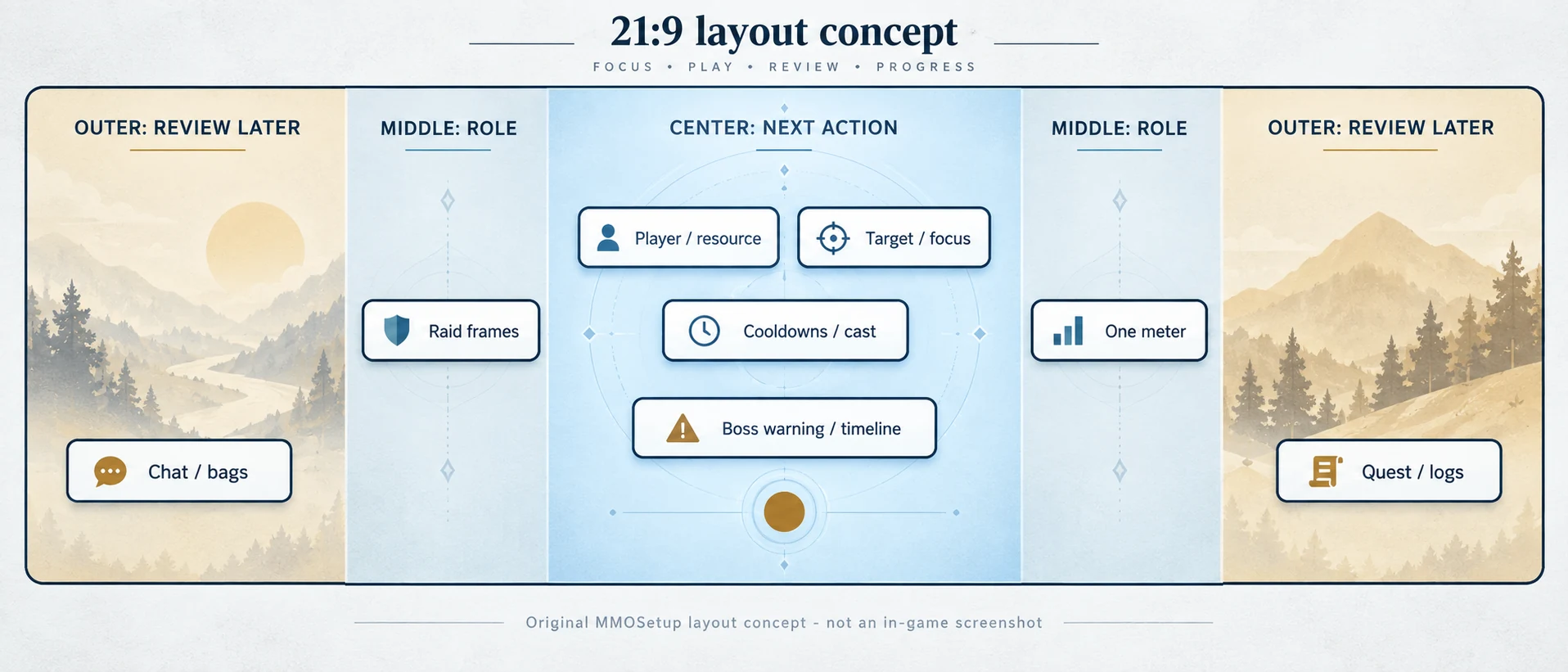
Start with placement. Use the center third for the next combat decision, the middle band for role information, and the outer thirds for information you can read later. This guide is Retail / Midnight guidance from official UI documentation; exact ultrawide fit is not yet tested by MMOSetup. WoW: Forever beta behavior is unverified.
Quick answer
What is the best WoW ultrawide setup?
Keep the information that changes your next input close to the character. The wider the screen, the more deliberate the hierarchy needs to be. If Forever controller targeting or action layers are the next input problem, use the Forever controller settings guide; graphics and performance stay here.
On a narrow screen, swipe the table sideways.
Center, middle, and outer zones for WoW ultrawide UI
Zone
Put this here
Keep out
When to keep it nearby
Center
Character, player and target frames, resources, cast bar, essential cooldowns, boss warnings.
Chat, bags, large meters, duplicated action bars.
If missing it changes the next input, keep it close.
Middle
Raid or party frames, secondary cooldowns, utility, and one compact meter.
Panels that cover movement or ground effects.
Role work stays visible without owning the whole center.
Outer
Chat, quest text, bags, logs, secondary meters, and infrequent tools.
Interrupts, defensives, health, and urgent warnings.
Use the side space for information that can wait.
Original visual concept
21:9 layout concept. The center holds next-action information, the middle bands hold role context, and the outer bands hold review-later tools. This is an original planning diagram, not an in-game screenshot.
What current reports support
Does WoW support 21:9 and 32:9?
Players have used both shapes, but that is not a guarantee of a perfect result at every resolution, GPU, window mode, addon set, or patch. A historical Classic beta thread from May 26, 2019 reports 3440x1440 and 32:9 use. A February 3, 2024 live-WoW discussion reports 5120x1440 tradeoffs including UI travel, edge distortion, performance, and windowing.
Use those reports to find failure modes. Do not transfer them to WoW: Forever (unverified), whose current resolution behavior remains unverified.
Shape decision
Is 21:9 or 32:9 better for WoW?
Choose the shape that fits the whole setup
Shape
Fits when
First adjustment
21:9
You want more peripheral view with moderate UI work.
Pull player, target, resources, and warnings inward.
32:9
You already know how to control extra width, GPU load, desk depth, and edge information.
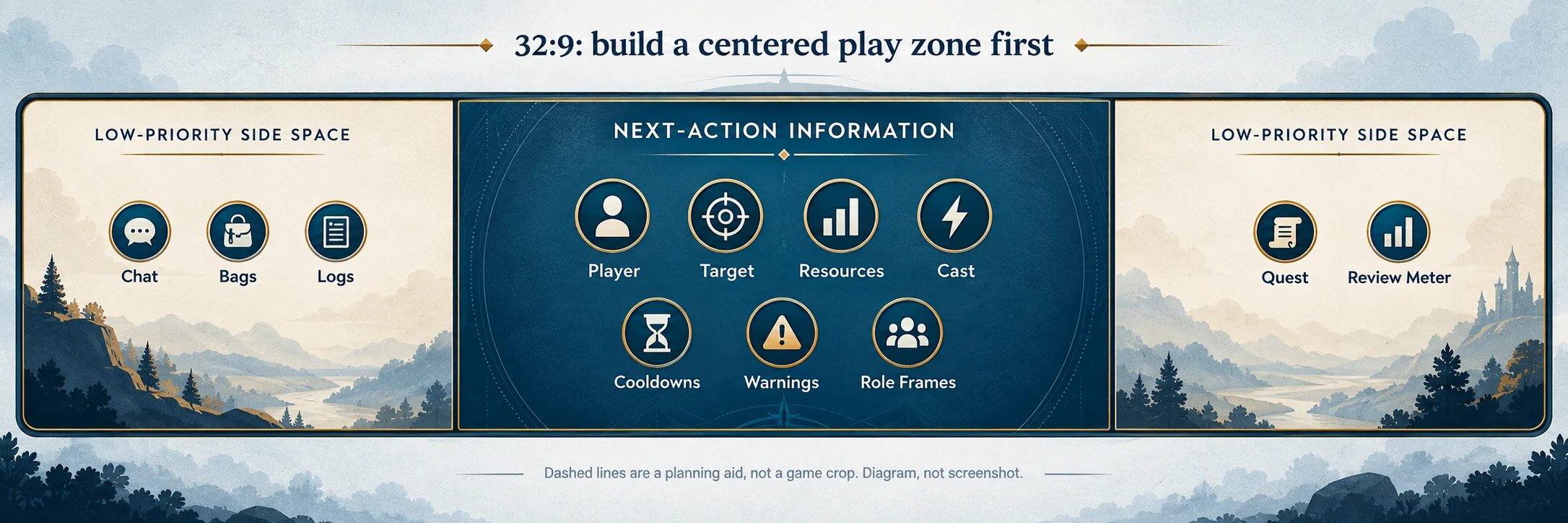
Build a centered play zone before adding side panels.
A bigger panel is not automatically a better WoW display. Change the UI before changing hardware.
Estimate, not a benchmark
Does going ultrawide affect FPS in WoW?
Usually. A wider resolution makes the GPU draw more pixels. The estimate below uses 2560x1440 as 100 and shows how much performance a GPU might keep when the GPU is the main limit. It is not a WoW benchmark or a promise of actual FPS.
3440x1440 has about 34% more pixels than 2560x1440. 5120x1440 has twice as many. Your result can be different because of the WoW build, scene, CPU, GPU, settings, addons, camera, and test method.
On a narrow screen, swipe the estimate table sideways.
Estimate: relative performance compared with 2560x1440
Resolution
Shape
Pixels
More pixels than baseline
Estimated RTX 3080 10GB
Estimated RTX 4070
Estimated RTX 5080
1920x1080
16:9
2.07 million
43.8% fewer
125–135
125–135
110–120
2560x1440
16:9 baseline
3.69 million
—
100
100
100
3440x1440
21:9
4.95 million
34.4% more
80–85
78–83
83–88
3840x1600
21:9
6.14 million
66.7% more
70–75
66–71
73–78
5120x1440
32:9
7.37 million
100% more
62–67
58–63
66–71
3840x2160
16:9 4K
8.29 million
125% more
58–62
55*
62–67
These are relative estimates from measured cross-resolution GPU scaling, not matched-scene WoW tests. They show performance retained against the 100 baseline, not FPS. The RTX 4070 4K value marked * is based on TechSpot's 13-game RTX 4070 average: 126 FPS at 1440p and 69 FPS at 4K, which works out to an index of 55. The other cells are estimates.
Original visual concept
32:9 centered-play-zone concept. The solid center is for next-action information; the wide side spaces are for low-priority tools. This is a diagram, not a screenshot.
Monitors
Which ultrawide monitor should you buy for WoW?
First: you may not need one. If your current monitor fits your desk, keeps raid frames readable, and lets you see the mechanics without your UI turning into airport signage, keep it. A new panel will not fix bad keybinds, a crowded HUD, or CPU-limited frame rates in a packed capital.
If you are buying, 34-inch 3440x1440 at 21:9 is the easy answer for most WoW players. It gives your bars, meters, Discord, and browser room to breathe without making your GPU regret the upgrade. Move to 32:9 only if you already know you want the extra width and have the desk, GPU, and patience to rebuild your UI around a centered play area. Use the shape decision above before paying for more panel.
The exact models and US Amazon listings below were checked September 20, 2026. Prices and sellers move, so the dollar amounts are snapshots, not evergreen promises.
As an Amazon Associate we earn from qualifying purchases.
OLED looks excellent, but WoW is unusually good at leaving the same pixels lit for hours. Action bars, unit frames, chat, and minimaps do not wander around during raid night. Use the panel-care features and decide whether burn-in management is something you want to think about. Every OLED pick here carries a multi-year warranty that includes burn-in coverage.
Resolution costs frames; refresh rate does not create them. Raids and crowded cities often hit the CPU first, while 5K2K and 32:9 add a real GPU load everywhere else. Check the FPS estimates below before paying for pixels your PC will struggle to push.
21:9 is the sensible default
For most people, this is the sweet spot: meaningfully wider than 16:9, easy to center, and still normal enough for work, Discord, and the 14 browser tabs open behind WoW.
Best value for money
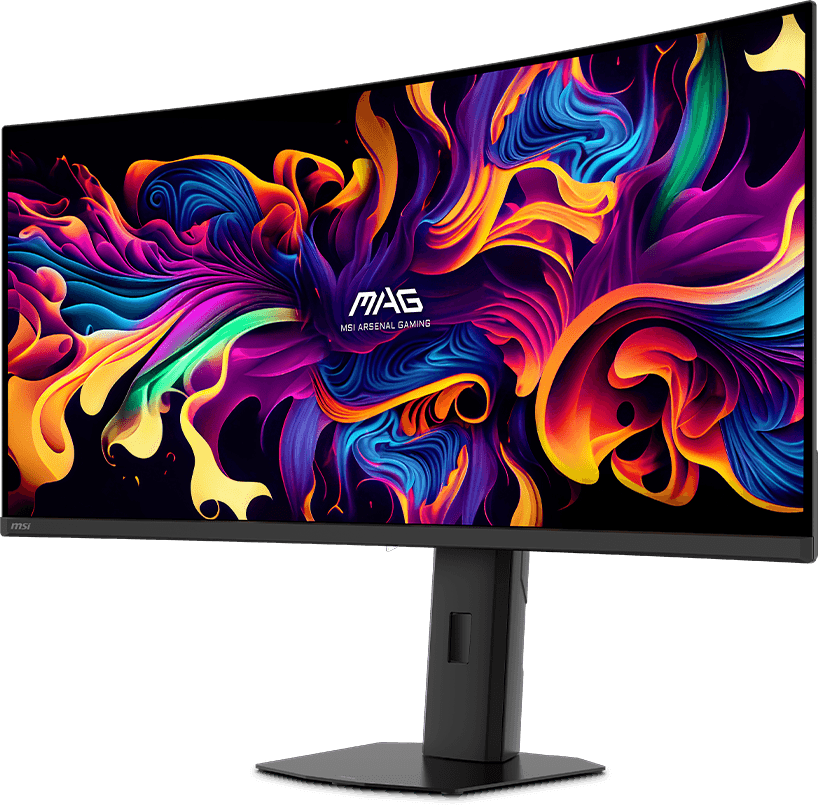
MSI MAG 341CQP QD-OLED X28
34-inch · 3440x1440 · QD-OLED · 280Hz · 1800R
It puts the newest OLED panel tech into the 34-inch size that makes the most sense for WoW. You get the contrast and motion clarity people buy OLED for, plus cleaner text for quest logs, Discord, and everything else you do when you are not raiding. It costs far less than the 5K2K options. MMOSetup has not tested this exact model firsthand.
Skip it if: you expect one USB-C cable to run and charge a laptop - 15W is phone territory - or you need a built-in KVM. If you mostly play in a bright room and just want more screen, the Gigabyte below is much cheaper.
Checked September 20, 2026: $749.99, sold and shipped by Amazon.com.
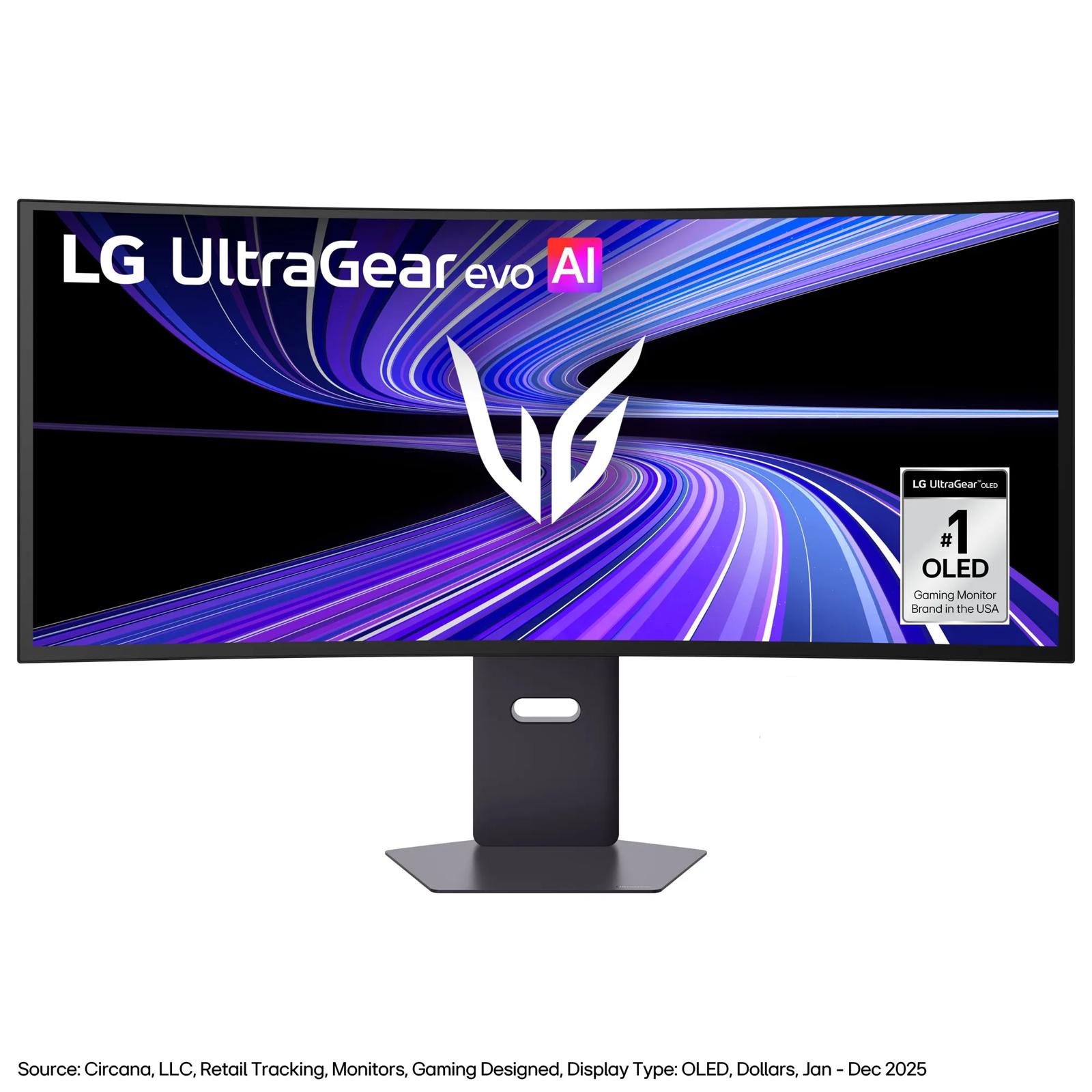
5K2K gives you the width of 21:9 without making text look soft, and 39 inches is large without swallowing the whole desk. WoW's UI stays crisp, spreadsheets remain civil, and 90W USB-C makes this the rare gaming monitor that can also anchor a work laptop.
Skip it if: your desk is shallow - the 800R curve wants roughly 30 inches of depth - you worry about panel-to-panel gray uniformity, or your GPU is already working hard at 3440x1440. The jump to 5120x2160 is not free. Read the FPS estimates below.
Checked September 20, 2026: $1,799.00, sold and shipped by Amazon.com.
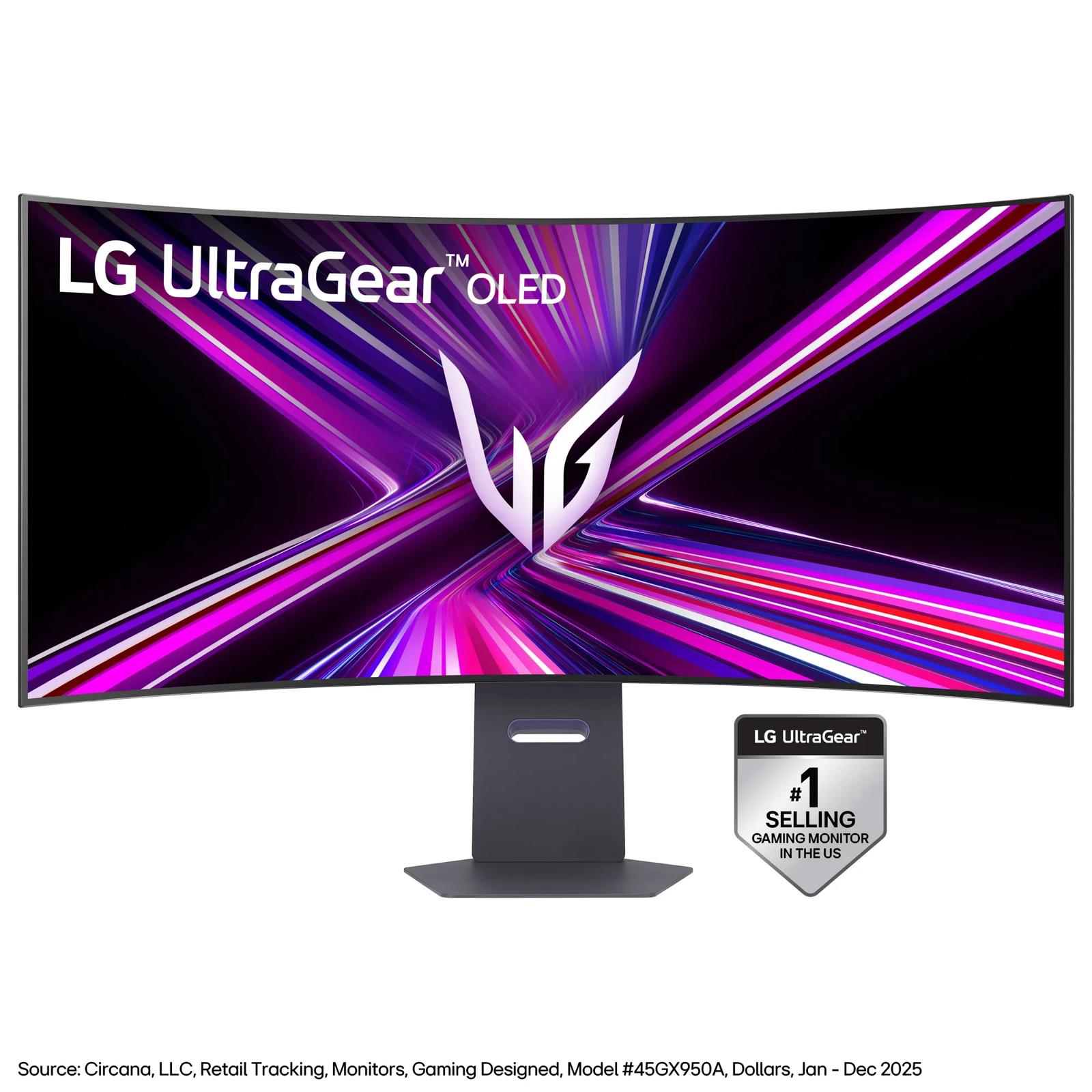
Choose the 45 when the screen itself is the event. The deep curve can fill your view without the UI gymnastics of 32:9, while 5K2K keeps WoW text and fine UI elements much cleaner than older 45-inch 3440x1440 displays.
Skip it if: your desk is under about 30 inches deep, you spend long workdays reading small text and would rather have the 39's higher pixel density, or you run an RTX 50-series card without checking the latest DisplayPort 2.1 driver notes. Owners reported a black-screen issue that NVIDIA addressed in a hotfix; DP 1.4 compatibility mode is the fallback.
Checked September 20, 2026: $1,299.99, sold and shipped by Amazon.com.
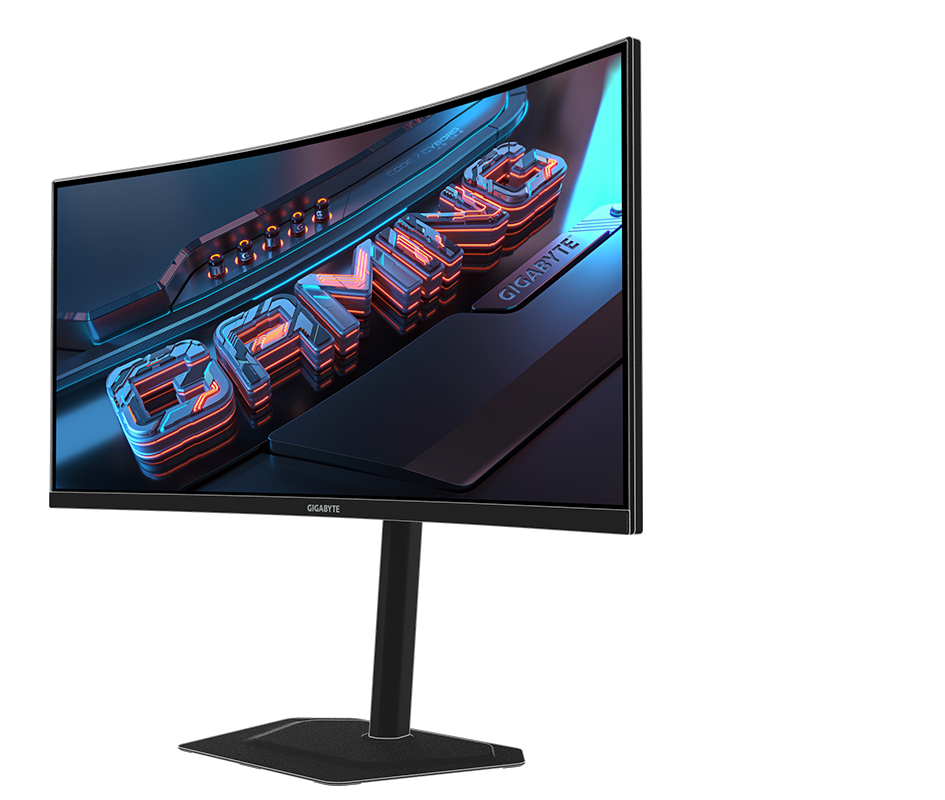
This is the low-drama way to try 21:9. You get the useful part - more room around your character and less overlap between WoW, Discord, and a guide - for about a third of the OLED price. Its VA panel also handles motion better than many cheap VA ultrawides.
Skip it if: OLED contrast is the reason you are shopping, you expect convincing HDR in a bright room, or dark-scene smearing drives you nuts. It is controlled here, not magically gone.
Checked September 20, 2026: $249.99, sold and shipped by Amazon.com; 14 left at the snapshot.
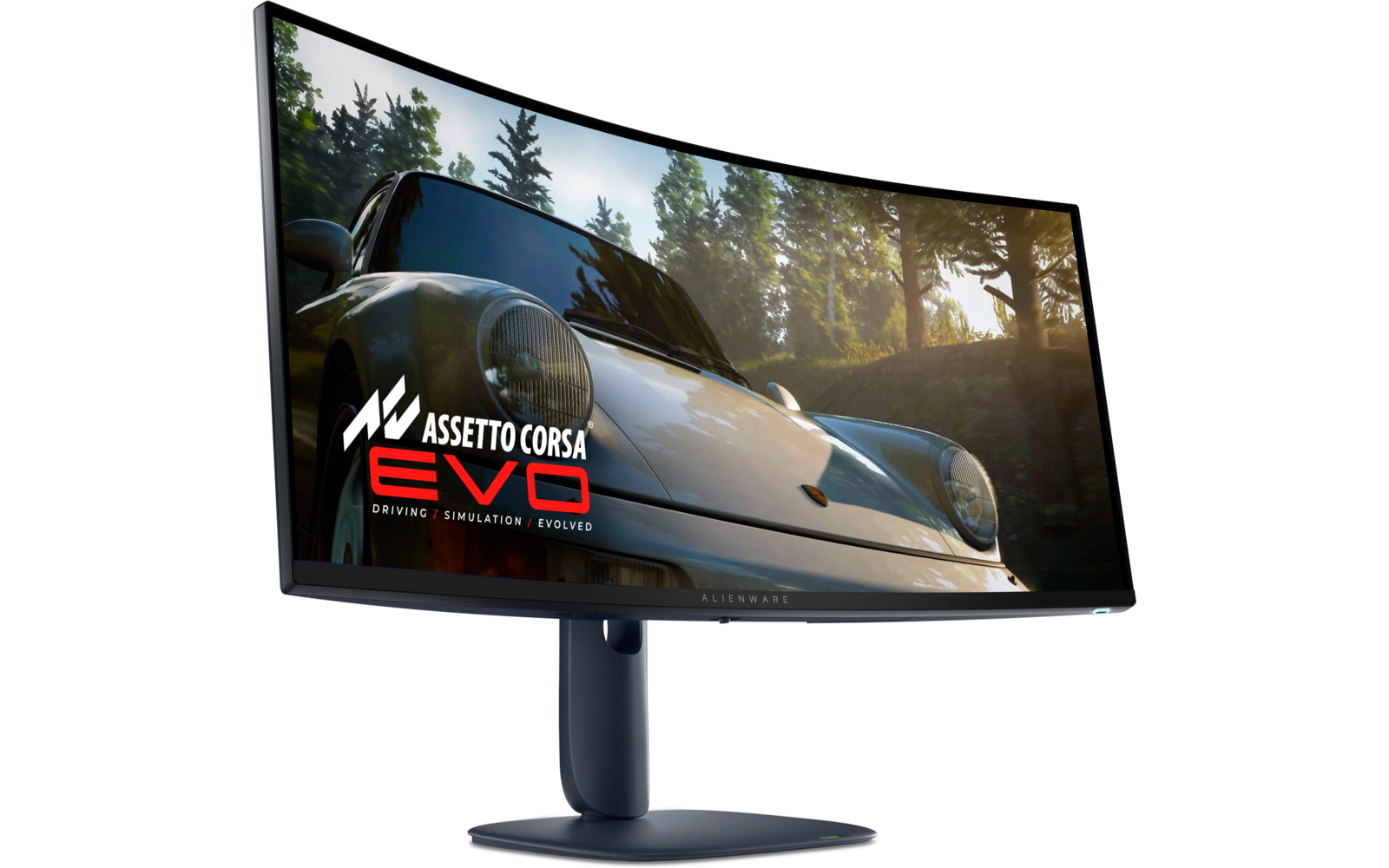
It is the familiar 34-inch OLED choice with a strong warranty and plenty of owner history behind it. The MSI leads because its newer tandem panel, RGB-stripe layout, and 280Hz refresh are the stronger 2026 package at a similar street price, but the Alienware still makes sense when its listing is cleaner or cheaper.
Skip it if: you are sensitive to coil whine or fan buzz - a minority of owners report it, and it varies by unit - or you do enough text work to notice QD-OLED color fringing.
Checked September 20, 2026: $699.99, sold and shipped by Amazon.com; used-like-new offers from $594.36. Confirm the seller and condition before buying.
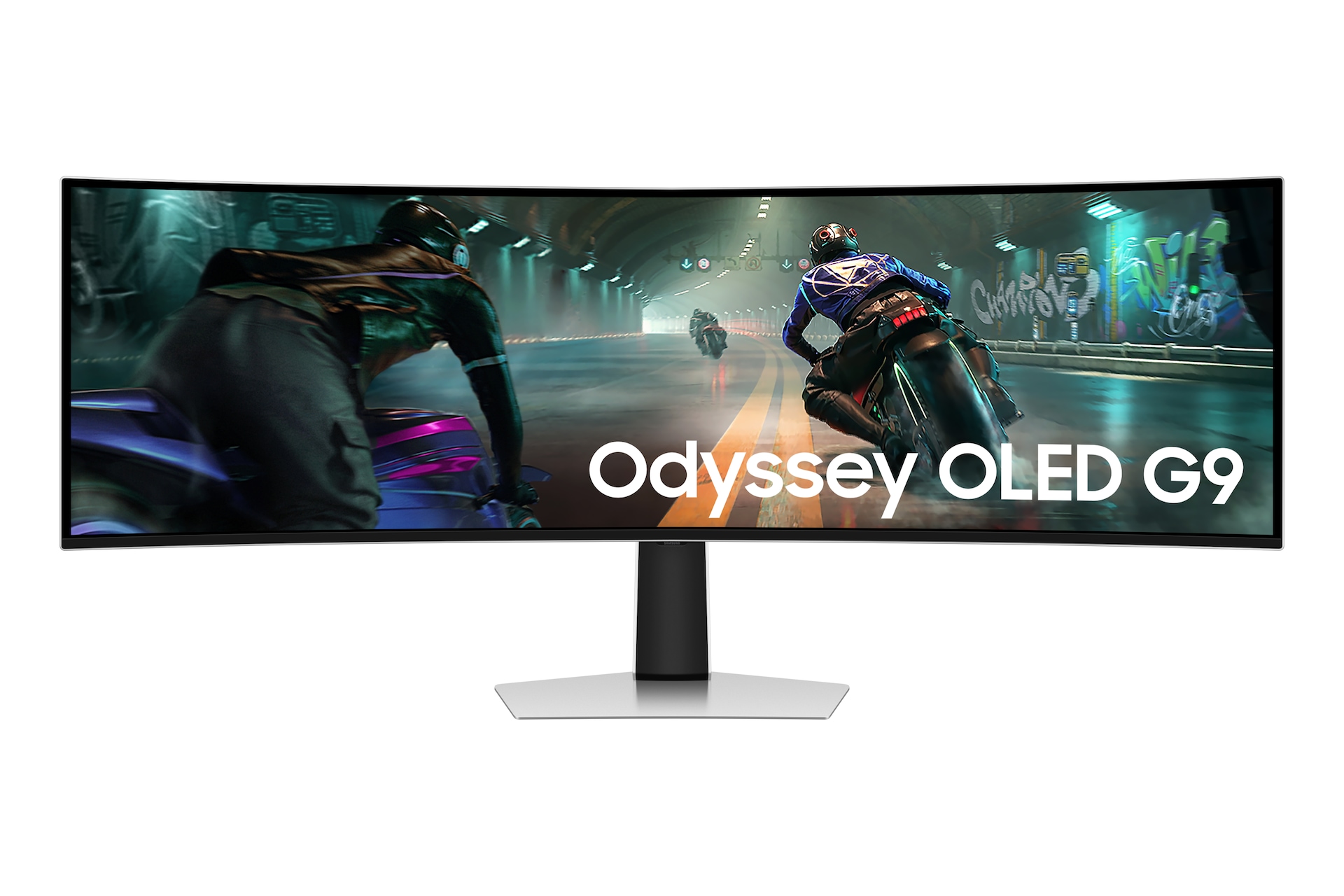
A 49-inch 5120x1440 monitor is two 27-inch 1440p screens without the bezel. That sounds great because it is great, right up until your damage meter is in another ZIP code. Plan on a centered play zone, more GPU load, and a desk that can handle the stand and curve. The prepared Samsung Odyssey OLED G9 (G95SD), ASIN B0DHJ7VBJ4, was unavailable at recheck, so it is intentionally left out rather than given a dead CTA.
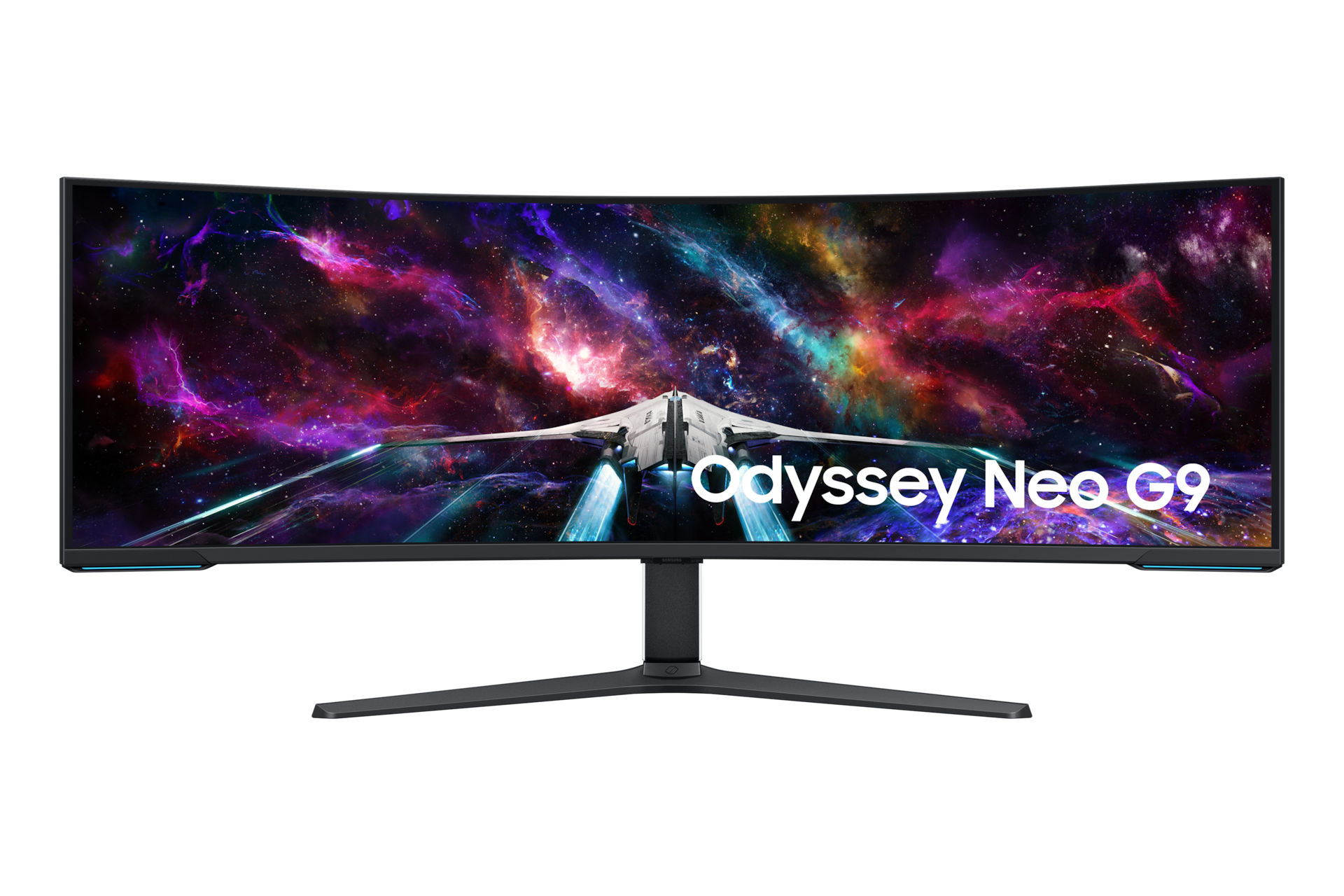
It is a wall of pixels, not a slightly better 49-inch G9. You get dual-UHD space and enough vertical resolution to work, play, and keep half your digital life open at once.
Skip it if: honestly, most people should. 7680x2160 is roughly an 8K-class rendering load, the monitor needs serious desk space, and WoW still needs a centered UI so your eyes are not commuting between cooldowns. Read the FPS estimates below before turning this into a GPU-upgrade chain reaction.
Checked September 20, 2026: $1,649.99, sold and shipped by Amazon.com.
It keeps the 49-inch OLED experience and drops the refresh rate to 144Hz, which is a very reasonable trade for WoW. Your raid frames are far more likely to hit a CPU limit than 240fps at this resolution.
Skip it if: competitive shooters share this setup and 240Hz matters to you, or a future G95SD listing returns close enough to erase the savings. Check both listings on the day you buy.
Checked September 20, 2026: $899.99, sold and shipped by Amazon.com; used-like-new offers from $809.99. Confirm the seller and condition before buying.
You get the full 32:9 layout, strong brightness, and no OLED burn-in routine. That matters if WoW, work apps, and the same static windows live on this monitor all day.
Skip it if: OLED contrast and HDR are the reason you started shopping, or a tight 1000R curve feels odd when you are answering email instead of dodging swirlies.
Checked September 20, 2026: $899.99, sold and shipped by Amazon.com; used-like-new offers from $854.99. Confirm the seller and condition before buying.
Ultrawide monitor shortlist checked September 20, 2026
Pick
Best for
Panel
Resolution
Refresh
The catch
Checked
MSI MAG 341CQP QD-OLED X28
Best value for money at 21:9
QD-OLED
3440x1440
280Hz
15W USB-C; no KVM
$749.99
LG 39GX950B-B
Sharp 5K2K for play and work
Tandem OLED
5120x2160
165Hz
Wants a deep desk and fast GPU
$1,799.00
LG 45GX950A-B
Maximum 21:9 presence
WOLED
5120x2160
165Hz
Desk depth; RTX 50 DP2.1 check
$1,299.99
Gigabyte G34WQC2
Trying 21:9 for the least money
VA
3440x1440
200Hz
No OLED blacks; modest HDR
$249.99
Alienware AW3425DW
A 34-inch OLED alternative
QD-OLED
3440x1440
240Hz
Used-like-new offers; confirm condition
$699.99
Samsung Neo G9 57
Dual-UHD space at any cost
VA Mini-LED
7680x2160
240Hz
GPU and desk demands
$1,649.99
Samsung G91SD
49-inch OLED without paying for 240Hz
QD-OLED
5120x1440
144Hz
Used-like-new offers; confirm condition
$899.99
Samsung G95C
32:9 without OLED care
VA
5120x1440
240Hz
VA cannot match OLED contrast
$899.99
How these picks were made: we matched each published model to its US Amazon listing on September 20, 2026, checked the manufacturer's specifications, and read owner reports from ultrawide and WoW communities. MMOSetup has not tested these displays firsthand except for the separate MPG 341CQPX note above. Recheck the price, seller, condition, and stock before buying. For the rest of the WoW setup paths, see the WoW guides hub.
Edit Mode
Move one frame, then test the encounter.
Make a separate ultrawide profile. Do not change placement, scale, addons, and graphics all at once.
Save or export the current layout, then create a new Edit Mode profile for the ultrawide display.
Place the player frame, target frame, resources, cast bar, essential cooldowns, and encounter warnings inside the center third.
Add role information around that center: raid frames for healers, target and mitigation information for tanks, and cooldown or proc information for damage roles.
Move chat, bags, quest text, and secondary meters outward. Remove duplicate trackers before making the whole interface smaller.
Test solo combat, a five-player encounter, and a raid or battleground if that is how you play. Review where your eyes moved during movement, interrupts, and defensives.
Original visual concept
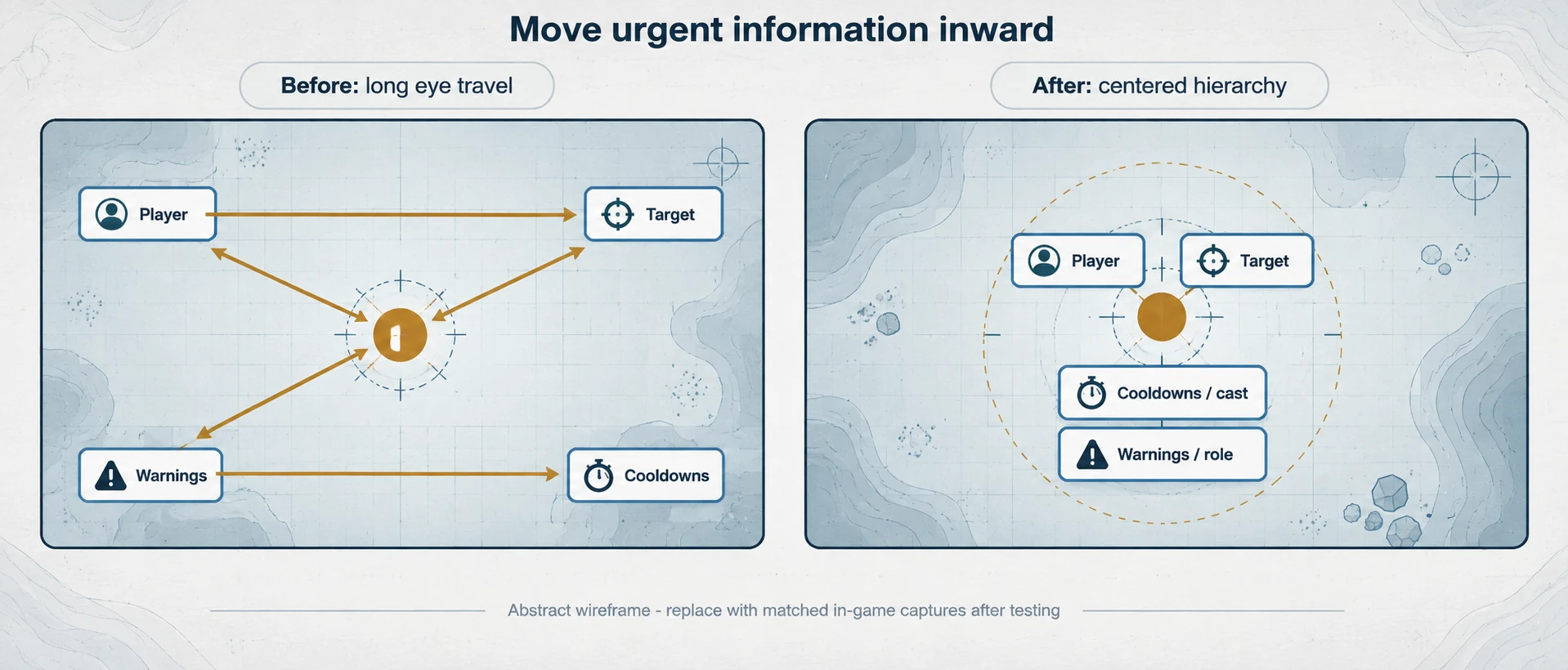
Before and after layout concept. The left panel shows long eye travel between edge-anchored frames; the right keeps urgent information close to the character. It is an abstract wireframe, not an in-game capture.
Role layout
Keep each role's next decision near the character.
The center cannot hold every panel. Put the information your role reads under pressure closest to the play area.
01 / Tank
Tank
Keep target, health, active mitigation, interrupts, boss warnings, and nameplates close enough to read while moving. Put review tools and secondary meters to the side.
02 / Healer
Healer
Raid frames belong near the center because group health changes the next input. Leave enough open space around the character for encounter cues and ground effects.
03 / Melee DPS
Melee DPS
Keep resources, procs, short cooldowns, interrupts, and target information near the character. Do not cover the floor just to fit another tracker.
04 / Ranged DPS
Ranged DPS
Keep the same decision information close, but leave more open space for positioning and casts. Do not separate the cast bar from the resource and cooldown read.
UI scale
What UI scale should you use?
There is no honest universal number for 3440x1440 or 5120x1440. Panel size, viewing distance, eyesight, desktop scaling, resolution, and addon choices change the answer.
Set the intended display resolution and WoW display mode.
Build the center, middle, and outer zones.
Remove repeated bars or trackers.
Change global UI scale in small steps.
Adjust supported elements individually in Edit Mode.
Stop when text is readable and combat information does not block the world.
Troubleshooting
Separate layout problems from display and performance problems.
Do not reach for a universal command or a copied preset before identifying which layer is actually wrong.
World view
Stretching or edge warping
If the world looks odd at the edge, peripheral distortion may simply be more noticeable on a very wide display. If the UI is too far apart, pull important frames inward. Those are different problems.
Display mode
Black bars and lower-resolution views
A lower-resolution game view filling the whole panel is a display-mode or scaling problem. Community reports describe driver, monitor, and windowed-mode workarounds, but none is a current universal fix.
Performance
Low FPS at a wider resolution
More pixels usually create more GPU work, but MMOSetup is not publishing a frame-rate promise. Compare the same character, location, camera, addons, preset, render scale, and test duration at 2560x1440 and the target resolution.
Centered window
Can you keep WoW centered and use the sides for other apps?
Possibly, but window behavior needs exact testing. Verify the monitor's picture-by-picture or split-input support, GPU and driver scaling, current display modes, mouse capture, overlays, streaming software, and unexpected borders.
Do not publish a black-bar or centered-window instruction until it has been reproduced on the current client and named hardware path.
Graphics test order
Change one group at a time
Test ray-traced effects if present, shadows, lighting and ambient effects, ground clutter and environment detail, depth or liquid effects, view distance, then particle and spell density. Change render scale or resolution after that.
Check mechanics, enemy casts, and important spell effects before keeping a faster setting. Test once on a repeatable route and once in the busiest content you actually play.
Worth it?
Is an ultrawide display worth it for WoW?
It can be if you want more peripheral view, have enough GPU headroom, and are willing to rebuild the UI. It is a poor upgrade if the real problem is unreadable keybinds, duplicated addons, low frame rate, or a desk that cannot support the viewing distance.
Forever verification status
WoW: Forever (unverified)
Current Retail behavior and historical Classic beta reports do not prove the current unverified WoW: Forever beta's resolution, field-of-view, UI-scale, windowing, performance, or addon behavior.
Current statusForever unverified
What is missingCurrent beta build, resolution, hardware path, and captures
When access is available, test 2560x1440, 3440x1440, and 5120x1440 on the same machine. Capture login, character select, open world, combat, settings, UI scale, window modes, and an encounter. Until then, treat this page as Retail / Midnight guidance only and keep WoW: Forever unverified.
Method
Test the layout before you call it tested.
This release uses Blizzard documentation, dated community reports, and a repeatable test plan. MMOSetup has not yet run the exact display matrix, so the graphics sequence below is a method, not a benchmark.
One-variable graphics test
Test group
Hold constant
What the result tells you
Resolution / render scale
Build, route, camera, addons, preset, and display mode.
Whether this display resolution changes frame time on this system.
Visual settings
Resolution and every other setting.
Which setting group is worth changing before clarity.
Busy content
Same settings and capture method.
Whether a quiet route hides crowded-content behavior.
Evidence plan
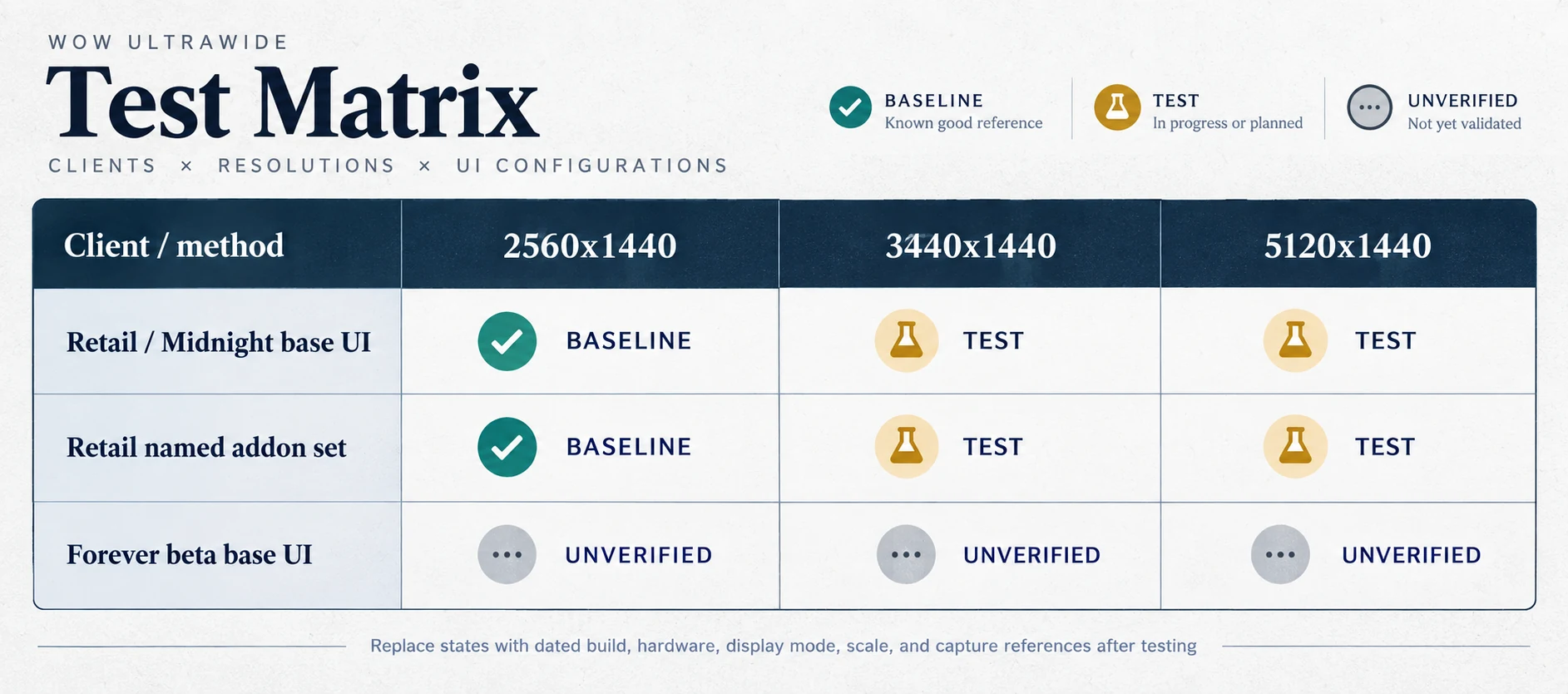
Test matrix concept. Baseline, test, and unverified are text states, not performance results. Replace them with a dated build, hardware path, display mode, scale, and capture reference only after testing.
Record average FPS and 1% low only when the capture duration and method are stable. If lowering resolution does not materially change frame time, investigate other limits instead of asserting a cause.
— Added Mythic guidance with a 34″ 21:9 practical default, a 49″ 32:9 center-zone check, and a desk-distance caveat.
— Added researched 21:9 and 32:9 monitor picks, including desk, GPU, OLED-care, seller, and stock checks dated September 20, 2026.
— Reworked the guide around 21:9 and 32:9 placement, Edit Mode, UI scale, troubleshooting, and evidence limits; added the resolution/FPS estimate table and original 21:9, 32:9, before/after, and test-matrix planning diagrams.
— Original guide published.
FAQ
WoW ultrawide setup questions.
Community reports show what to test. They do not turn one player's setup into a universal guarantee.
Does WoW work at 3440x1440?
Players have reported using 3440x1440, including during the 2019 Classic beta, but test the current client, GPU, addons, and display mode before treating that as a guarantee for your setup.
Does WoW work at 5120x1440?
Live-WoW players use 5120x1440, but community reports also describe UI travel, edge distortion, performance problems, and windowing tradeoffs. Center the play area and test the exact system.
Should action bars span the bottom of an ultrawide screen?
Usually no. Keep visible combat bars compact and close enough to read. Hide or reduce bars that only repeat keybinds you already know.
Can Edit Mode move every WoW frame?
No. Blizzard describes Edit Mode as moving almost anything, not everything, and addons can have their own layout controls. Treat immovable frames as constraints instead of shrinking the entire interface around them.
Should you use addons or the base UI on ultrawide?
Start with the base UI and add only what solves a specific gap. Midnight expanded the base interface's controls, while Blizzard has also changed what combat addons can access. Recheck addon behavior after major patches.
Is WoW: Forever (unverified) confirmed to support ultrawide?
Not by evidence MMOSetup can publish yet. We found no publicly indexed current-beta Reddit report confirming resolution behavior. Keep WoW: Forever unverified until a current beta build is tested firsthand or Blizzard documents it.
What is the best ultrawide monitor for WoW?
For most players, start with a 34-inch 3440x1440 monitor. It gives WoW useful side space without the desk and GPU demands of 32:9. As of September 20, 2026, our best value for money pick is the MSI MAG 341CQP QD-OLED X28. Choose the LG 39GX950B-B or 45GX950A-B if you want sharper 5K2K and have the GPU for it.
Is OLED worth it for WoW?
Yes, if OLED contrast matters to you and you are comfortable using panel-care features. WoW keeps action bars, unit frames, chat, and the minimap in the same place for hours, so burn-in is a real consideration. The OLED picks here include multi-year burn-in coverage. If the same UI and work windows stay up all day, a VA monitor removes that worry.
Do you need 240Hz for WoW?
No. Raids and crowded cities often become CPU-limited before a strong PC reaches 144fps, especially at ultrawide resolutions. Higher refresh still makes the desktop and camera movement feel smoother, but it should not be the reason you overspend. Pay for the panel, resolution, and size you will notice for years.
Is ultrawide a disadvantage in Mythic?
No, not when the important UI is centered. Ultrawide is a valid aspect ratio; it becomes a practical disadvantage when raid frames or encounter alerts sit far out on the edges or behind the bezel. A 34″ 21:9 display is the practical default. A 49″ 32:9 setup needs Edit Mode work to keep the action in a centered zone.
Checklist
Set up the screen in this order.
Native resolution selected.
Current layout saved or exported.
Separate ultrawide profile created.
Character, target, resources, cast bar, cooldowns, and warnings centered.
Role information placed around the center.
Chat, bags, quest text, and secondary meters moved outward.
Duplicate trackers removed.
UI scale changed only after placement.
Solo and group combat tested on the current client.
FPS checked against a repeatable baseline without inventing a universal target.
Forever claims kept separate and unverified unless tested on the current beta build.