A normal extra monitor.
Windows treats it as another screen. Use it for chat, a guide, music, a map, trade tools, or anything else you do not want covering the game.

Desk tech / Buying guide
A small screen can keep chat, guides, and music visible without covering the game. Name the job first, then choose a display, sensor panel, touch dashboard, or control deck.
Start by naming what the second surface must show. Use an extended display for Discord, a guide, a map, or music. Use a sensor panel for hardware status, a touchscreen for direct controls, and a Stream Deck style device for a small set of labeled actions. A display wins when the work needs readable pixels. A button deck wins when the job is only a few labeled shortcuts.
A screen solves reading and window-management work that a button panel cannot. If you only need mute, scene change, or a handful of app shortcuts, skip to a control deck.
| Device class | Fits when | What stays visible | Main tradeoff |
|---|---|---|---|
| Small secondary display | You want a normal Windows window beside the game. | Discord, guides, maps, music, chat, or reference tools. | Needs a video or USB-display path, power, and desk space. |
| Touch dashboard | You want to tap widgets or controls without reaching for the mouse. | System metrics, calendars, controls, or a custom dashboard. | Costs more, and the useful features may depend on vendor software. |
| PC sensor panel | You mainly want temperatures, fan speed, usage, or hardware status. | CPU, GPU, memory, storage, clock, and other telemetry. | Cheap listings vary by driver, software, cable, and exact model. |
| Control deck or macro pad | You want physical buttons, dials, or profiles. | Shortcuts, audio controls, application actions, or one-action binds. | It is not a general-purpose second monitor. |
| Old tablet or phone | You want the lowest-cost way to test the idea. | Dashboard apps, chat, guides, music, or a simple reference window. | Wireless setup, device support, charging, and mounting add friction. |
Manufacturers and buyers use overlapping names. The hardware is easier to compare when the job stays explicit.
Windows treats it as another screen. Use it for chat, a guide, music, a map, trade tools, or anything else you do not want covering the game.
Use it for CPU and GPU temperatures, fan speed, memory, storage, or clock information. The software and connection model matter more than the small panel's diagonal size.
Stream Deck-style devices and macro pads give you physical controls. They complement a monitor; they do not replace a second display for a guide or chat window.
MMO desk jobs
A second display is most useful when it removes window switching. For OSRS, that may be a wiki or activity reference. For WoW, it may be Discord, a guide, or a class reference. For PoE, it may be a build planner, trade window, map reference, or chat.
Small displays create awkward cable and mounting problems when the fit is treated as an afterthought.
| Check | Question | Why it matters |
|---|---|---|
| Video path | Does the unit use HDMI, USB-C DisplayPort Alt Mode, a USB display driver, or only a motherboard header? | Some products are ordinary monitors. Others need vendor software or internal USB wiring. |
| Power | Does one cable carry power and data, or do you need separate display power? | A clean-looking screen can create a messy cable run under the desk. |
| Software | Which operating systems, drivers, dashboard apps, and vendor tools are supported? | Advanced widgets may work on Windows while basic display output works elsewhere. |
| Mounting | Is there a stand, magnetic back, case bracket, tripod thread, arm mount, or VESA pattern? | The best screen is still a poor buy if it blocks the monitor or has nowhere to sit. |
| Orientation | Can it rotate horizontally or vertically, and does the software follow? | Aspect ratio and placement determine whether chat, stats, or guides remain readable. |
| Return path | Can you return it if the driver, software, or cable arrangement does not work? | Small display listings often hide the most important compatibility detail. |
These cards cover the main jobs. Confirm the exact product, configuration, image, and listing agree before ordering.
As an Amazon Associate we earn from qualifying purchases.
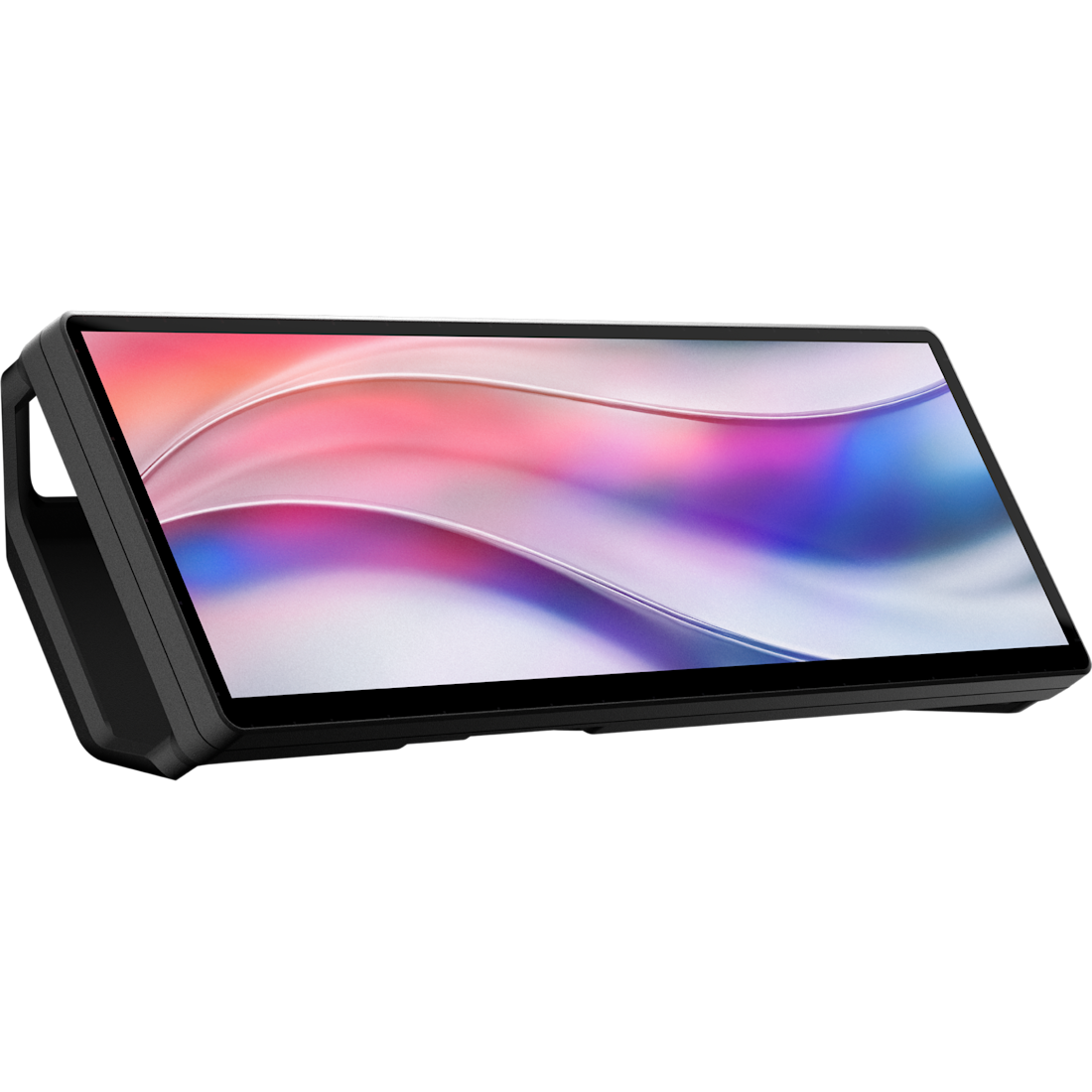
Best for: a wide touchscreen strip for chat, widgets, system stats, or a second app.
Tradeoff: the iCUE dashboard features are Windows-specific, and the 32:9 shape is specialized.
Verified: model CC-9011306-WW; Amazon listing B0H5KBJ41F is the Smoke configuration.
Read the Corsair product record
Check current price on Amazon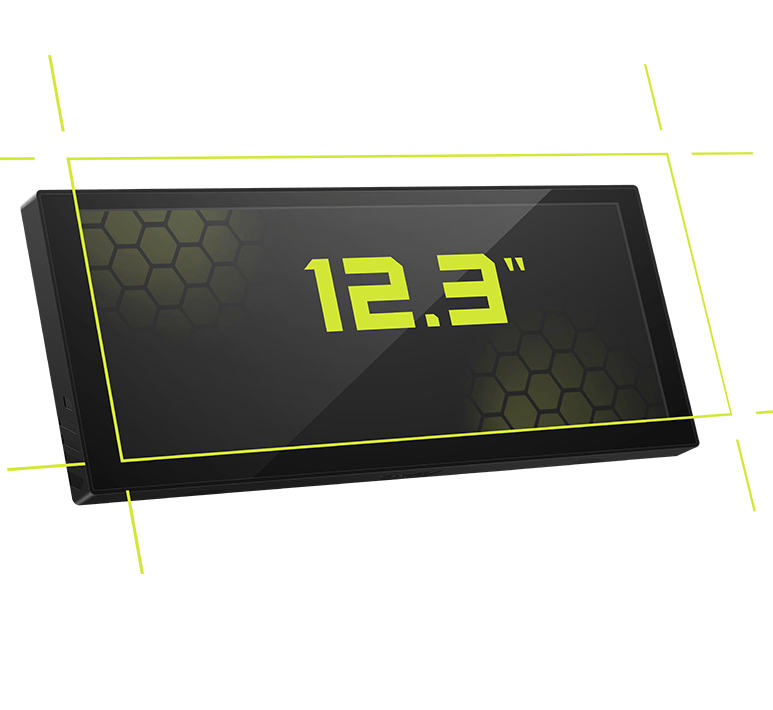
Best for: hardware monitoring, clock, photos, video, chat, or a second reference window in a desk or compatible PC case.
Tradeoff: the mount depends on a 360 mm radiator or 120 mm fan position, and the current MSI record does not identify it as a touchscreen.
Connection: MSI lists a single USB path with Type-C to Type-A and motherboard-header cables.
Read the MSI product record (manufacturer link; no verified Amazon match yet)
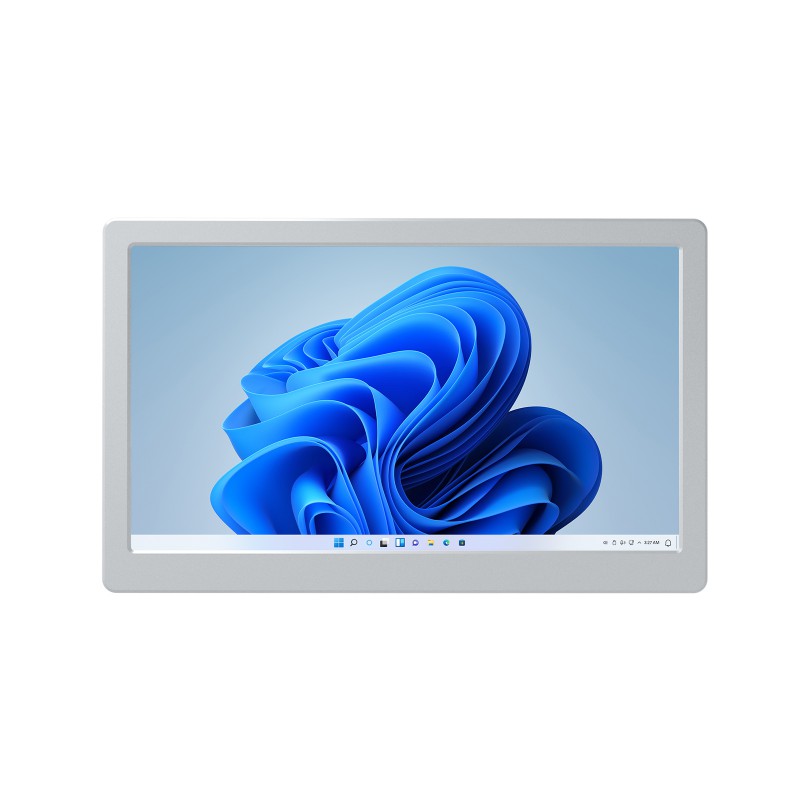
Best for: a compact Windows side monitor for desktop data monitoring, PC case use, or a simple game dashboard.
Tradeoff: it needs a first-use Windows driver and the small 1024x600 panel leaves less room for dense text.
Fit check: verify the driver, cable package, and USB connection before ordering.
Read the Waveshare product record (manufacturer link; no verified Amazon match yet)
A control deck is the better purchase when you want repeated commands, app actions, or physical shortcuts rather than another general-purpose display.
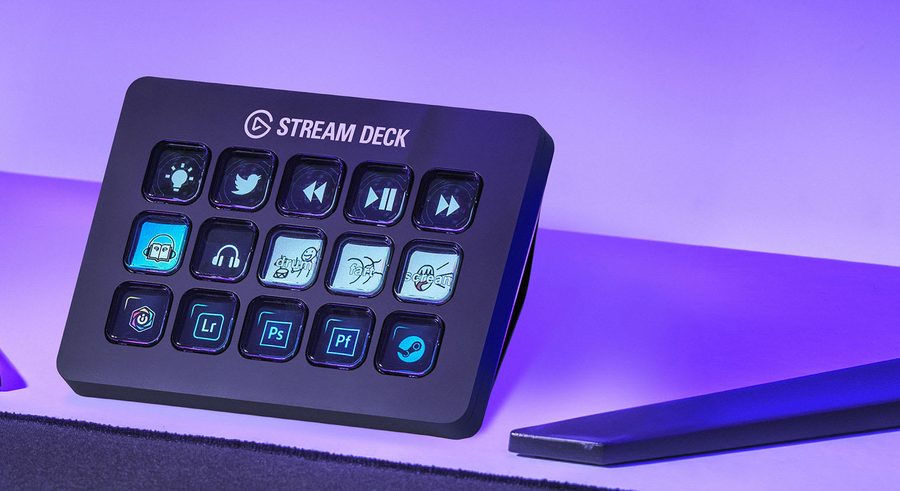
Best for: the largest one-touch button count in this group for raid macros, app launches, and utility controls.
Tradeoff: every control is a discrete key; there are no physical dials for smooth volume or scrub adjustments.
Check current price on Amazon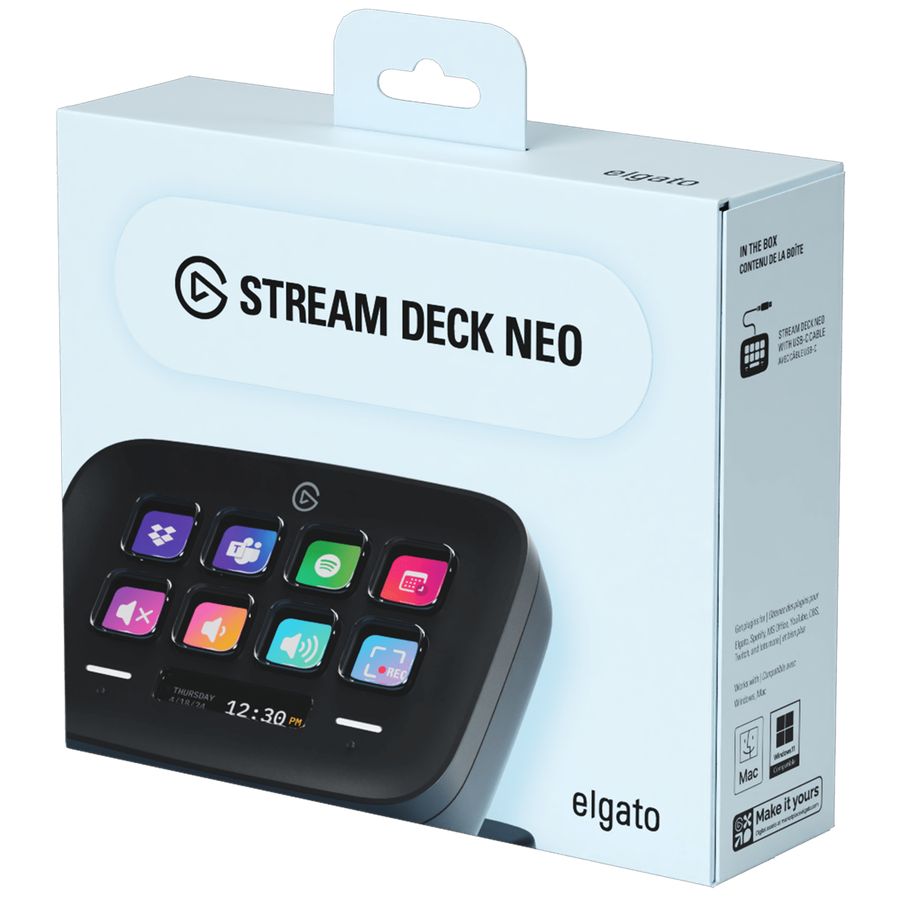
Best for: a smaller desk footprint when eight keys and two touch points cover the shortcuts you actually use.
Tradeoff: fewer visible triggers than the MK.2 or Razer Stream Controller X.
Check current price on Amazon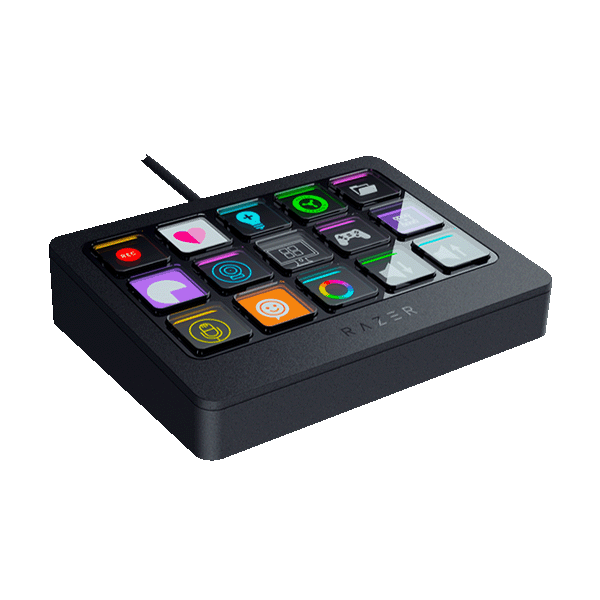
Best for: 15 visible triggers and a swappable faceplate when a compact deck does not provide enough buttons.
Tradeoff: it occupies more desk space and has a smaller software ecosystem than Elgato's deck.
Check current price on AmazonLower-cost test
An old tablet or phone can test whether a second dashboard earns its desk space. The tradeoff is setup: you need a supported dashboard app, a reliable connection, a charger, and a stand or mount.
Sources and limits
A second screen, sensor panel, touchscreen, and button deck do different work. The default here is an extended display for reading; the alternatives win when the task is smaller or more specific.
Manufacturer and Amazon listings for the named displays informed this guide. Color calibration and latency testing were not done. Price and stock are out of scope.
Listings may call the category a small secondary monitor, side monitor, auxiliary display, sensor panel, or gaming dashboard screen. Use the job and connection type to narrow the product, not the marketing label alone.
Not always. A normal second monitor can show any supported desktop window. A sensor panel may depend on a vendor app, a USB driver, a motherboard header, or a specific monitoring tool.
No. Touch is useful when you will tap widgets or controls. It does not make chat, a guide, or hardware stats more useful by itself.
Yes, when the device works as an extended display or supports a dashboard app that can show the content. Check the connection, operating system, and app behavior for the exact product.
No. A Stream Deck-style device is a control surface with physical or display buttons. It is a better fit for repeated commands than for keeping a guide or chat window visible.
Some may work, but the category has inconsistent listing names, drivers, cables, and software. Verify the exact model, support page, return policy, and current listing before paying for one.
Use this guide to decide whether the missing piece is a display, sensor panel, control deck, or no extra device at all.