Best gear for WoW: Forever? Keep what works, then fix the bottleneck.
WoW: Forever does not require a new mouse, keyboard, controller, or keypad. Start with the input path you already trust. If you can name a thumb-reach problem, compare a fixed grid, an adjustable panel, or swappable plates. If you cannot, keep your money and use the WoW: Forever setup hub to fix the map first.
Keep your current gear unless one physical problem survives a remap.
The mouse options below solve different reach problems. They are not a performance ranking.
WoW: Forever gear decision
If your problem is…
Start with…
Buy only when…
Skip when…
You need the broadest PC access
Keyboard plus a modest mouse
Your existing map is unclear and a better layout will solve it.
You are shopping for a vague "upgrade."
You need many reachable thumb actions
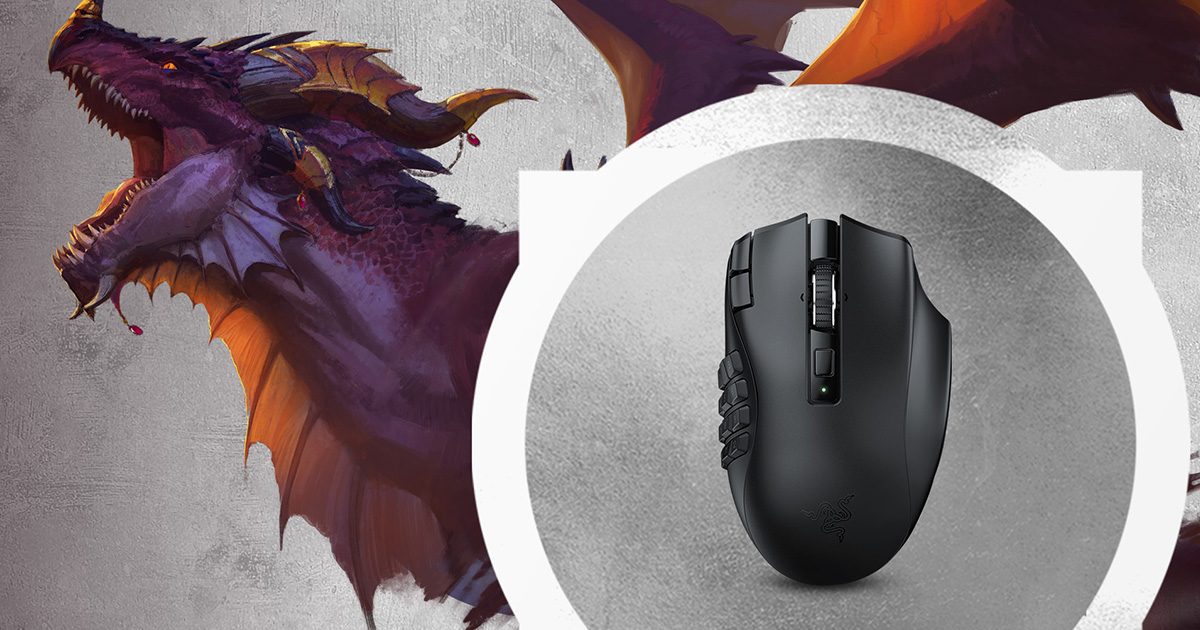
Razer Naga V2 HyperSpeed
A fixed 12-button grid fits your thumb and you have named the actions.
You cannot reach the lower rows without looking.
A full grid is close but not in the right place
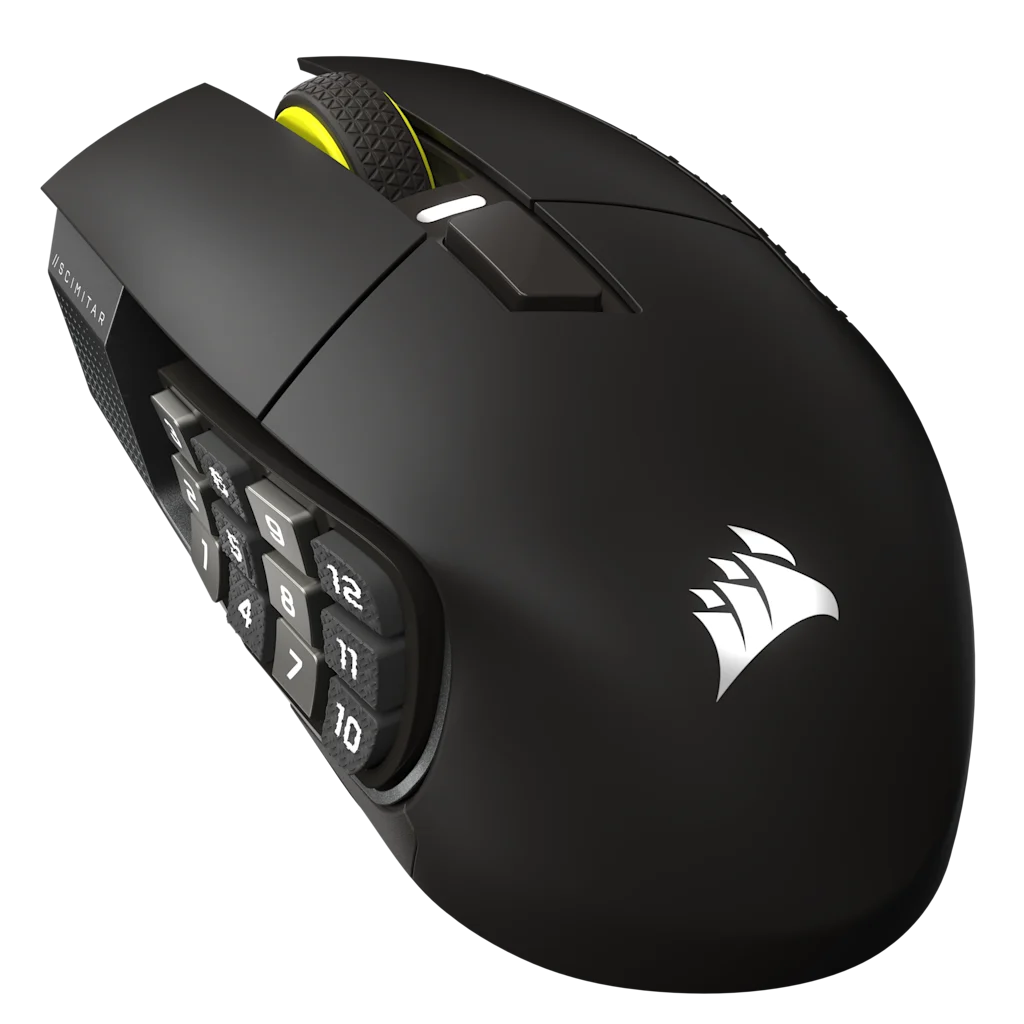
Corsair Scimitar Elite Wireless SE
The adjustable Key Slider is the specific fit fix.
You want a compact, light mouse or do not need 12 side buttons.
You want one mouse for different games
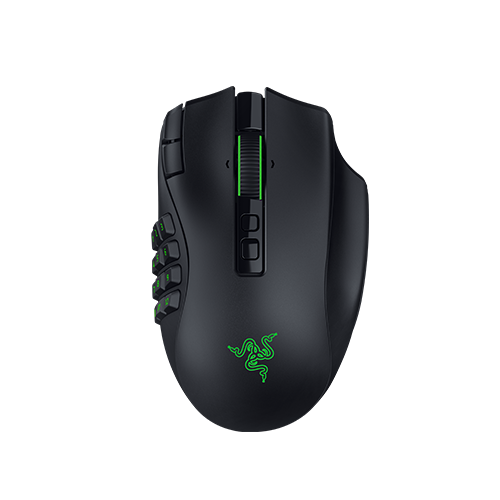
Razer Naga V3 Pro
Swappable 12/6/2-button plates are the reason to buy.
A fixed 12-button grid already fits or a sliding panel is the real problem.
You want a controller-first session
Your current compatible gamepad
You have tested the client, role, content, and mouse fallback.
You expect it to remove chat, inventory, or targeting friction automatically.
Save your money
Do not buy a Forever setup before you test the map.
Blizzard's official gamepad support means a controller you already own may be enough. A keyboard and ordinary mouse remain a complete starting path. A keypad is optional. The expensive part of a new device is often the learning cost, not the button count.
Write down the four actions that currently feel hardest to reach.
Test those actions with your current modifiers or a temporary remap.
Buy only if the same bottleneck survives the test.
Choose the Naga V2 HyperSpeed for a fixed grid, the Scimitar when the grid needs to slide toward your thumb, or the Naga V3 Pro only when you will use its swappable plates. None is a reason to replace a setup that already works.
Affiliate disclosure
As an Amazon Associate we earn from qualifying purchases.
Fixed 12-button grid
Razer Naga V2 HyperSpeed
Start here only if a fixed 12-button thumb grid already makes sense for your map. Razer lists 19 programmable buttons across the mouse, plus HyperSpeed 2.4 GHz and Bluetooth connectivity.
The side panel does not move. If the lower rows make your thumb search or shift your grip, use the adjustable Scimitar path instead.
The Key Slider is the reason to choose the Scimitar. Corsair lists 16 programmable buttons with a repositionable 12-button side panel, so the grid can move toward your natural thumb position.
At 114 g, it is the larger, heavier option here, and remapping uses Corsair iCUE. Skip it when a fixed grid already fits or when you only need a few side buttons.
Model to verify: MPN CH-9314014-WW, Amazon ASIN B0F6NGCDFN. The retailer selector can present a different color or configuration, so confirm both before checkout.
Choose the Naga V3 Pro when one mouse genuinely needs to move between dense MMO controls and simpler layouts. Razer supplies magnetic 12-, 6-, and 2-button side plates.
It is a larger rechargeable mouse. The extra mechanism is wasted when a fixed 12-button grid already fits, and it cannot move the grid toward your thumb like the Scimitar.
No. Use your current keyboard and mouse until you can name a reach, button-density, or physical-fit problem.
Is a 12-button mouse better for Forever?
It is only better when you can reach and identify the buttons in the map you actually use. A smaller mouse plus modifiers remains a valid path.
Should I choose Naga or Scimitar?
Choose Naga when a fixed grid fits. Choose Scimitar when the Key Slider is the reason you need an adjustable position. Compare the exact pair after you know the job.
Can I use a controller instead?
Yes, Blizzard lists official gamepad support. Test targeting, menus, and your role before relying on it for dense group content, and keep a mouse nearby.
Were these mice tested in WoW: Forever?
No. Use the manufacturer specifications as a shortlist, then verify thumb reach, the selected retailer configuration, and the return policy yourself.
What about a keyboard or keypad?
Use the focused keyboard or keypad guide when that is the physical bottleneck. Adding unrelated products here would not make the mouse decision clearer.
How I checked this page
What this guide can and cannot verify.
Reviewed Sep 18, 2026 against Blizzard's current Forever access and gamepad context, Razer's Naga V2 HyperSpeed and Naga V3 Pro specifications, Corsair's CH-9314014-WW specifications, and the Amazon destinations for ASINs B0BGJT87N2, B0F6NGCDFN, and B0H4SBT4SH.
Product fit was not verified in a live session. Price, ratings, stock, battery measurement, click feel, and raid performance remain out of scope.