WoW MMO Mouse Button Layout: How to Organize Your 12-Button Grid
Match the mouse’s four physical rows to a four-row, three-column action bar, then repeat the same key positions across unmodified, Shift, and Ctrl bars. This guide covers the grid; the linked setup guide handles mouse selection and output mapping, while the keybind guide handles ability roles.
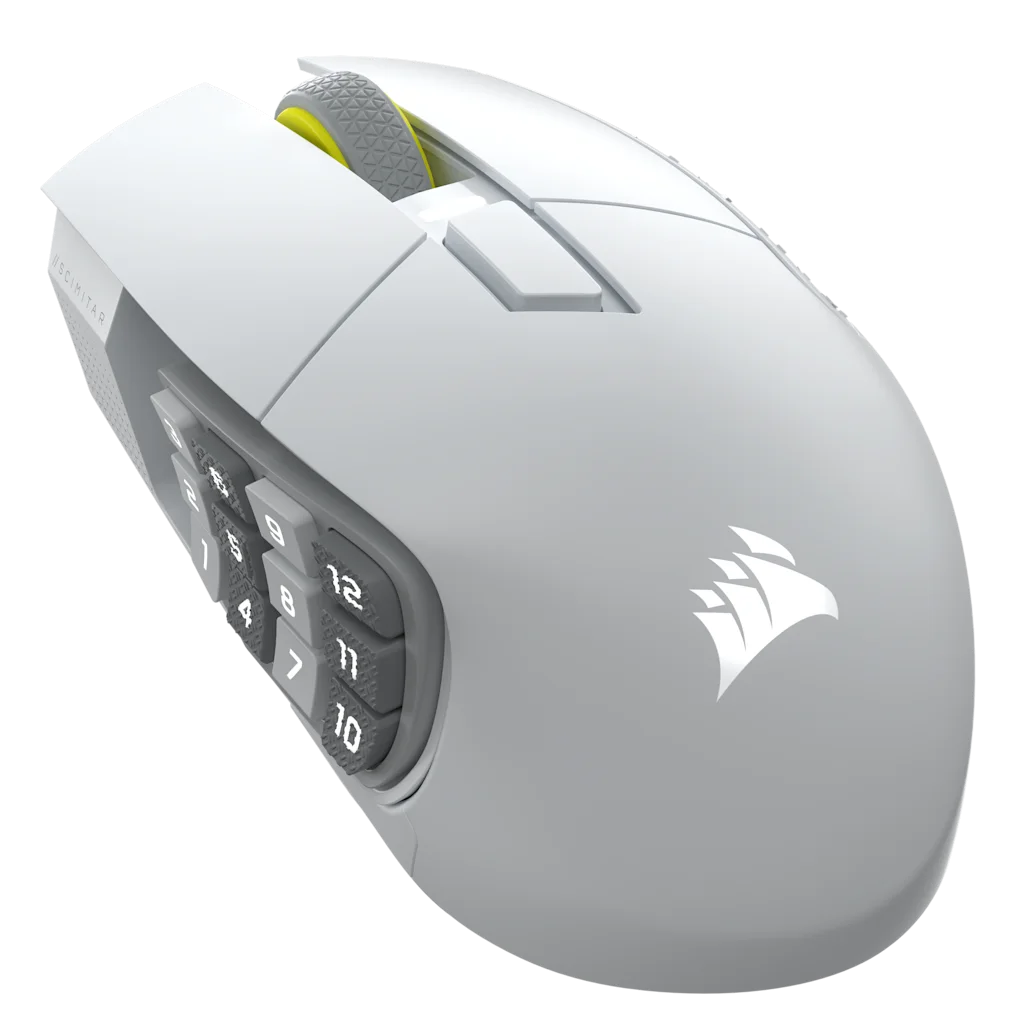
Start at the front of the mouse and number each row left to right. Match that order to an action bar with three columns. Button numbers here describe positions on the mouse; your mouse software determines which key each position sends.
Illustrative role placement: Put a builder in slot 1, a spender in 2, a short cooldown or DoT refresh in slot 3, a defensive in 10, and a mount in 12. These are example positions; adapt them to your character and reach.
12-button grid, front row first
Mouse row
Left
Center
Right
Front
1
2
3
Second
4
5
6
Third
7
8
9
Rear
10
11
12
Ability roles
Give each row a job
One possible role map for the unmodified bar. Use abilities your character has and leave unmatched roles blank.
Example ability roles by mouse row
Mouse row
Positions
Example roles
Front
1–3
AoE builder; AoE spender; short cooldown or DoT refresh
Second
4–6
Single-target builder; single-target spender; proc or execute ability
Third
7–9
Movement or gap closer; crowd control; self-heal or dispel
Rear
10–12
Healthstone or potion; taunt or utility; mount or travel form
Three layers
Reuse one sequence on each bar
Modifiers add layers without changing where each position sits in the grid.
Example key sequence for three action bars
Action bar
Keys for positions 1–12
Modifier
Action Bar 1
1 through =
None
Action Bar 2
Shift + 1 through =
Shift
Action Bar 3
Ctrl + 1 through =
Ctrl
Role example: If position 5 holds your primary spender, use Shift+5 for an offensive cooldown. If position 9 holds a self-heal, Shift+9 can hold a major defensive and Ctrl+9 an immunity when your class has one.
WoW binding settings and mouse software are separate: the mouse sends a key, and WoW assigns an action to that key. Follow the setup guide for the device-specific mapping steps.
Mouse choices
Compare mouse layouts
The grid models use thumb-side buttons. Layouts and software differ, so check the key outputs before copying a bind map.
As an Amazon Associate we earn from qualifying purchases.
Mouse picks
Recommended hardware configurations
These two layouts pair a 12-button grid with the role-based map below.
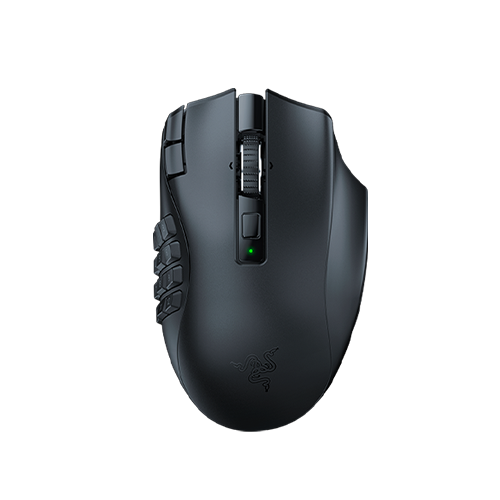
Its left and right tilt-clicks can take separate binds. For example, use one for an interrupt and the other for a focus-target action if those fit your key map.
Each mouse button sends one keyboard key; WoW then assigns that key to an action-bar slot.
Number-row map
Map mouse buttons 1–12 to 1–0, minus, and equals. Reuse those positions on the Shift and Ctrl bars. Choose this when those keys are free in your WoW bindings.
Numpad map
Map the grid to Numpad 0–9, Numpad +, and Numpad - if your mouse software can send those keys. Choose it when you want a separate key set, then check each bind in WoW with Num Lock in the state you use.
Pick one key set and test it in WoW before assigning the other layers. If a Numpad key behaves differently with Num Lock, use the number-row map or another key set your software can send.
These sources describe product controls and WoW’s interface; they do not establish which positions will suit your hand or whether a layout works for a particular character. Test the key map outside a live encounter and keep any hard-to-reach actions on the keyboard.
Common questions
Keep the grid easy to read
A consistent sequence makes the bars easier to compare at a glance.
How should I choose which mouse buttons to use most?
There is no universally easiest row. Start with the positions you can identify without changing your grip; keep other actions on the keyboard until you can reach them consistently.
Should you map your WoW MMO mouse to the number row (1 to =) or the Numpad?
If you want separate mouse and keyboard binds, map the mouse grid to Numpad 0–9, Numpad +, and Numpad - in mouse software that supports those keys, then check the binds in WoW with Num Lock in the state you use. If you want the mouse grid to replace the number row, map it to 1 through = instead.
How do you set up WoW Edit Mode action bars for an MMO mouse?
In Edit Mode, select Action Bar 1 and set Orientation to Horizontal, # of Icons to 12, and # of Rows to 4 for a four-row, three-column match. Repeat that layout on Action Bars 2 and 3 if you use separate Shift and Ctrl layers, keeping the same key position across each bar.