Settings order
Change one scale setting, then read the panels again.
- Open Graphics settings from the lobby or Esc menu. Note the current resolution, Interface Scaling, and Game Rendering Scaling.
- Set fullscreen resolution to the monitor's native value and Game Rendering Scaling to 100% for a baseline.
- Adjust Interface Scaling until chat, action bars, inventory, minimap, and settings are readable from your usual seat. Jagex documents a 70% to 300% range.
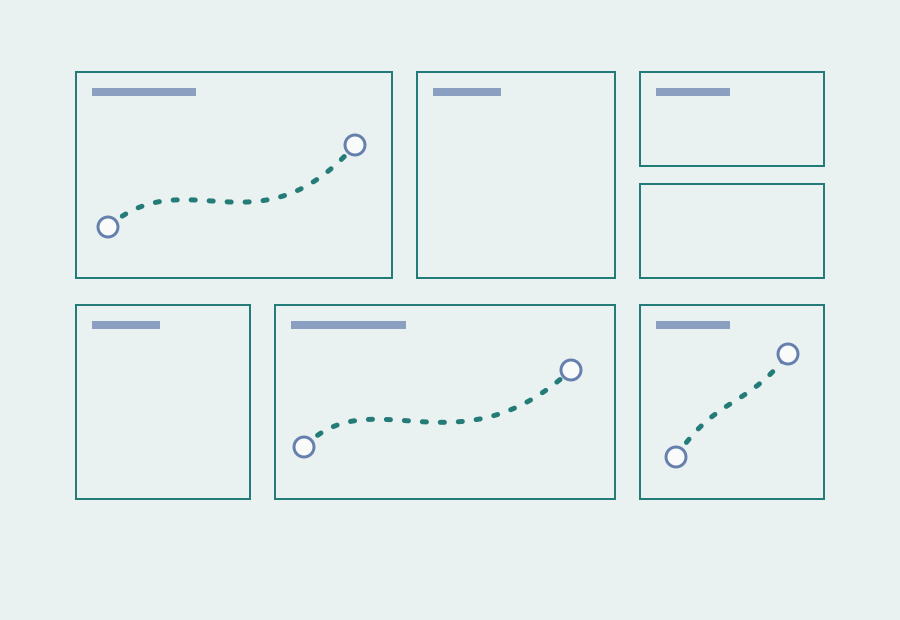
- Unlock and arrange the 2026 interface around combat, inventory, and chat. Save the layout before performance tuning.
- If frame rate needs help, lower Game Rendering Scaling in small steps. Compare world clarity without changing Interface Scaling.