RuneScape, still commonly searched as RuneScape 3, changes activities, bars, and combat styles often enough that a mouse profile built around ability names becomes brittle. A physical map built around jobs and stable action-bar slots survives more changes.
Map the mouse grid to stable action-bar positions, not to a different list of ability names for every activity. Keep frequent actions, defensives, movement, and utility in repeatable rows, then change the in-game bar when the job changes. Stay keyboard-first if the grid does not remove a real reach problem. Skip mouse software that builds ability-name profiles or hidden sequences.
The hardware stays learnable when the in-game bar changes by activity. Rebuild the profile if you catch yourself naming abilities instead of bar slots.
RuneScape 3 MMO Mouse Setup decision paths
Path
Choose it when
What it solves
Limit
Top row
Frequent combat or skilling actions with low decision cost.
Easy starting layer for thumb recognition.
Avoid placing emergency actions where accidental presses are common.
Middle row
Defensives, movement, interrupt, or prayer jobs.
Creates a stable role-based zone.
Exact ability names change by style and activity.
Bottom row
Utility, food, familiar, or less frequent actions.
Keeps occasional controls available without crowding the keyboard.
Lower buttons may require grip movement.
Controlled setup
Map one bar and one role before expanding.
Create a new mouse profile with the twelve side buttons mapped to unused ordinary keyboard keys.
Bind those keys to one RuneScape action bar and place frequent actions on the easiest row.
Reserve a consistent zone for defensive, movement, interrupt, prayer, and food jobs across combat styles.
Duplicate the in-game bar for a second activity without changing the mouse software profile.
Test each button in a low-risk area, then remove any binding that makes you shift your grip or triggers accidental clicks.
Test during a combat rotation or skilling loop you actually run, not a quiet bank standing session.
01 / Revolution
Revolution
Use the mouse for manual priority actions and utility that sit outside the automatic portion of the bar.
02 / Full manual
Full manual
Keep the easiest thumb positions for frequent abilities and the keyboard available for modifiers or camera work.
03 / Skilling
Skilling
Reuse the same physical zones for repeatable interfaces without creating timed or repeating hardware actions.
04 / Multiple styles
Multiple styles
Change the in-game bar by activity while the mouse continues sending the same ordinary keys.
Confirm the exact model, configuration, seller, and region before ordering.
As an Amazon Associate we earn from qualifying purchases.
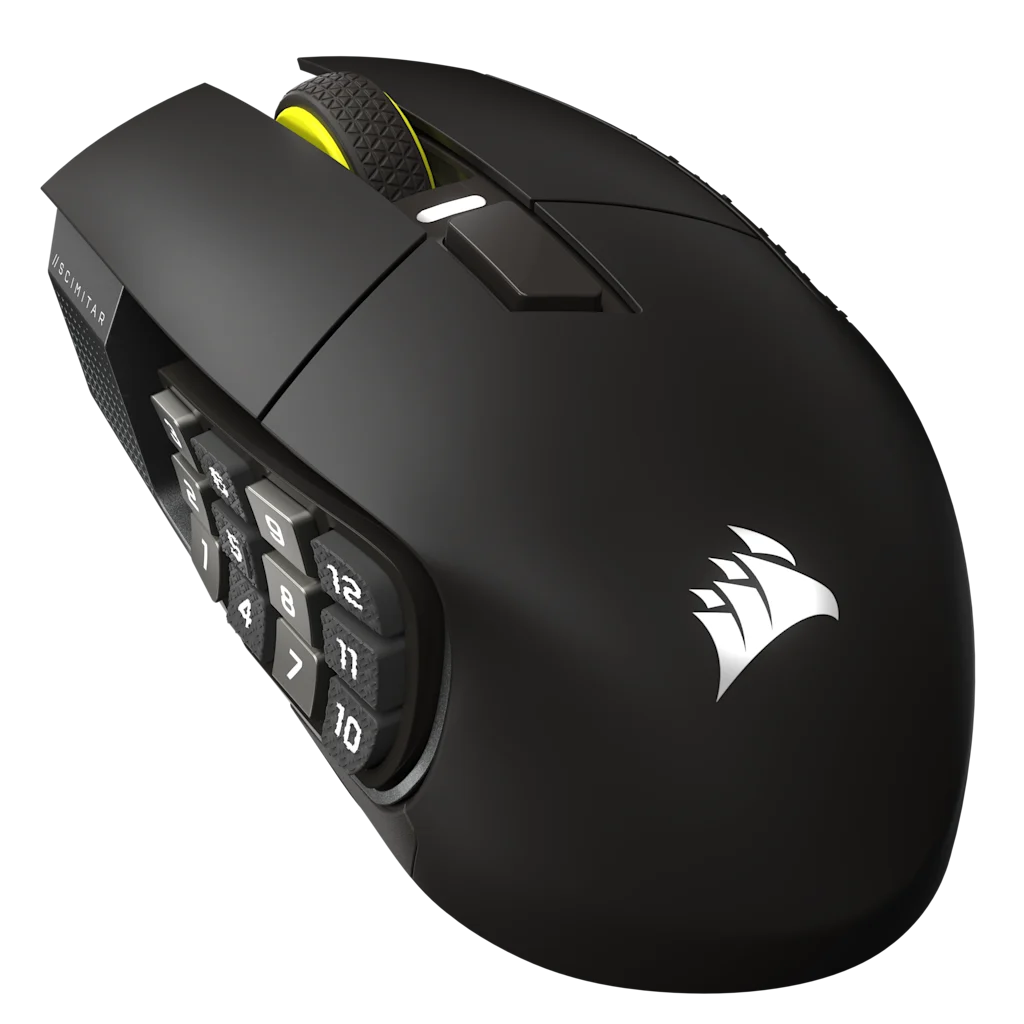
Corsair Scimitar Elite Wireless SE
Best for: players who need the twelve-button panel moved to match thumb reach.
Tradeoff: the right-handed body is larger and the grid still takes practice.
Why it fits: the Key Slider lets the whole side panel move while the three onboard profiles preserve basic assignments.
Exact U.S. record: B0F6NGCDFN, Gunmetal MPN CH-9314014-WW listing.
More buttons do not create a better map by themselves.
An MMO mouse does not make twelve new decisions easy to remember. It also should not run timed sequences or repeated inputs. The useful setup moves a few stable jobs first and leaves the keyboard available.
Compare
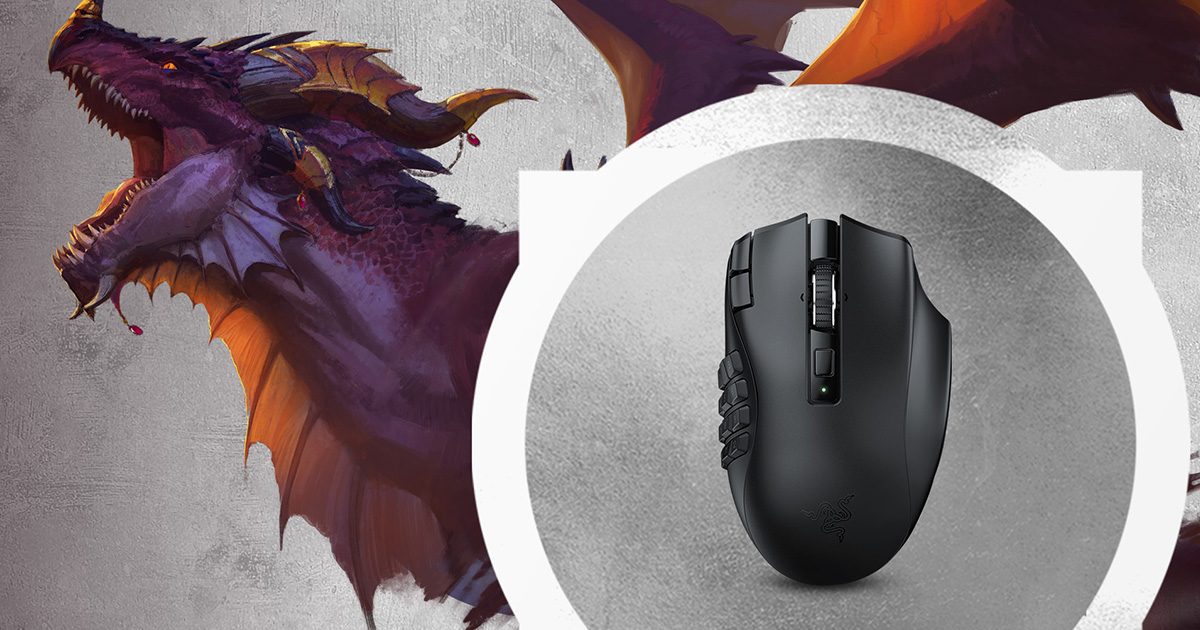
Compare the named MMO mice.
Bind action-bar jobs first. These pages settle two exact grids.