Home / Guides / LG 34WQ73A-B Built-in KVM and 90W USB-C: Two-PC Desk
Display setup · Work laptop and gaming PC
LG 34WQ73A-B Built-in KVM and 90W USB-C: Two-PC Desk
For one keyboard, one mouse, and one monitor across a work laptop and gaming PC, the LG 34WQ73A-B lists a built-in KVM and USB-C with 90W Power Delivery. LG also marks this model discontinued, so check the listing and your laptop documentation before planning around it.
The 34WQ73A-B is relevant if you want one monitor setup for a work laptop and gaming PC, with one keyboard and mouse controlling both through a monitor KVM. LG lists built-in KVM and USB Type-C with 90W Power Delivery.
LG's product page marks the monitor discontinued. Confirm the Amazon listing identifies this model and review its details. For the laptop, verify USB-C video support in its documentation and compare its charger wattage with LG's listed 90W figure.
What the LG 34WQ73A-B lists for a shared-input desk
A built-in KVM monitor lets one keyboard and mouse control two connected computers. USB-C with Power Delivery can carry video and charge a laptop over one cable in general. Check your laptop and gaming PC's connection requirements before relying on either feature.
We don't run ads but we do have affiliate links for some products. As an Amazon Associate I earn from qualifying purchases.
LG 34WQ73A-B features relevant to a shared two-PC desk
Feature
What LG lists
Why it matters to this desk
Screen
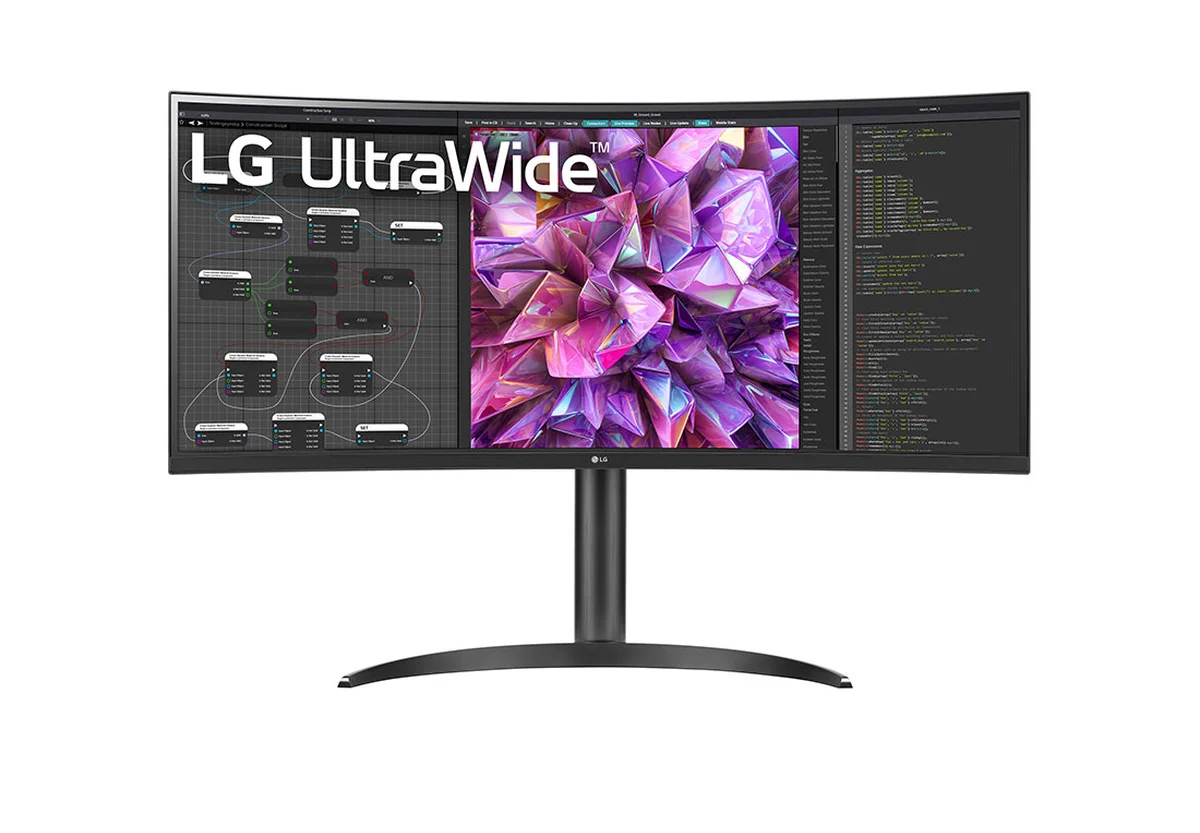
34-inch curved QHD (3440 × 1440) IPS display
Check that a 34-inch curved screen fits your desk and intended placement.
Color and HDR
sRGB 99% (Typ.) and HDR 10
These are display specifications; they do not confirm laptop video or charging support.
USB-C
USB Type-C with 90W Power Delivery
Compare 90W with the laptop charger's wattage and check USB-C video support in its documentation.
KVM
Built-in KVM
A KVM monitor lets one keyboard and mouse control two connected computers.
Stand
Tilt and height adjustable
It gives you tilt and height adjustment to consider when planning the monitor's position.
Design
3-side virtually borderless design
This describes the display design; it does not establish how your two computers connect.
Who should consider this monitor, and when should you look elsewhere?
Consider this model if your desk decision is specifically about sharing a monitor, keyboard, and mouse between a work laptop and gaming PC. The built-in KVM addresses the shared-input part, while the listed 90W USB-C figure gives you a number to compare with your laptop's documentation. Device compatibility still needs your own check.
Look elsewhere if your main question is display layout rather than this monitor's KVM and USB-C features:
Confirm the model and details. LG lists the 34WQ73A-B as discontinued. Check that the Amazon listing identifies the same model and review the details shown there before planning around it.
Check your laptop documentation. Confirm that its USB-C connection supports video, then compare the laptop charger's wattage with LG's listed 90W Power Delivery figure. USB-C Power Delivery is not a compatibility guarantee for a particular laptop.
Check the desk space. Measure your desk space against the 34-inch curved screen before choosing this monitor.
LG 34WQ73A-B KVM and USB-C questions
How does a built-in KVM help a work laptop and gaming PC?
On a KVM monitor, one keyboard and mouse can control two connected computers. LG lists built-in KVM on the 34WQ73A-B. Check the monitor's connection instructions and your laptop and PC ports before choosing cables for a shared setup.
Does the 90W USB-C figure mean my laptop is supported?
No. LG lists USB Type-C with 90W Power Delivery. Check your laptop documentation for USB-C video support and compare its charger wattage with 90W; those details help you decide whether this connection fits your laptop.
Is the LG 34WQ73A-B discontinued?
Yes. LG marks the 34WQ73A-B as discontinued. If you find one, confirm the listing names this exact model and check its port and accessory details before planning a two-PC setup.