Final Fantasy XIV / Display

Is an ultrawide monitor worth it for FFXIV?

Yes for open-world field of view and HUD space when you accept letterboxed story scenes. FFXIV gameplay can use 21:9, but in-engine cutscenes stay in a 16:9 frame. Center combat information before you chase more pixels.

ScopeFFXIV Windows client
Reviewed

Ultrawide helps when you want a wider field of view and room for hotbars without crowding the center. It does not remove 16:9 letterboxing during many in-engine cutscenes. Plan the HUD around that split before you buy.

Decision

Does FFXIV support 21:9?

Gameplay can run at common 21:9 resolutions with horizontal-plus scaling. Cutscenes are a separate case.

FFXIV ultrawide decision paths
PathChoose it whenWhat you gainLimit
32:9 super-wideYou already know how to center a play zone.Maximum horizontal canvas for crafting or multitasking.Edge travel and GPU load rise fast.
Stay on 16:9Letterboxed cutscenes bother you more than extra width helps.Consistent aspect ratio for every scene type.Less room for side hotbars and chat.

Third-party databases such as WSGF list native horizontal-plus support for gameplay while marking in-engine cutscenes as static aspect. Treat that as a planning hint and still test your monitor on the current patch.

HUD setup

Match resolution, then scale the interface.

  1. Open System Configuration and set the display resolution to the monitor's native ultrawide value.
  2. Adjust UI scale until party list, target bar, job gauge, and cast bar read clearly from your seat.
  3. Move hotbars into a centered band instead of stretching them across the full bottom edge.
  4. Run one duty or trial you repeat often and note where your eyes travel during mechanics.
  5. Export or screenshot the layout before major patch changes.
Layout

Keep the next decision inside a centered band.

Ultrawide only helps when role-critical information stays inside comfortable eye travel.

Center

Combat core

Character, target, cast bar, job gauge, and encounter timers belong near the middle.

Middle band

Party and buffs

Party list, status effects, and cooldown rows can sit just outside the center without touching the bezels.

Outer thirds

Review later

Chat, inventory, quest trackers, and market boards can use the sides because they tolerate longer glances.

Hotbars

Stable jobs

Give each physical key one role across jobs. The FFXIV MMO mouse guide covers thumb grids when keyboard reach is the bottleneck.

21:9 monitors

Which ultrawide monitor fits FFXIV?

Start with 34-inch 3440×1440. These are the same researched listings used on other MMOSetup ultrawide guides, not firsthand FFXIV benchmarks.

Choose the Gigabyte when you want the lower-maintenance value path. Choose the MSI when QD-OLED contrast is worth panel-care habits. Confirm desk depth, text readability, GPU headroom, seller, and return terms before ordering.

As an Amazon Associate we earn from qualifying purchases.

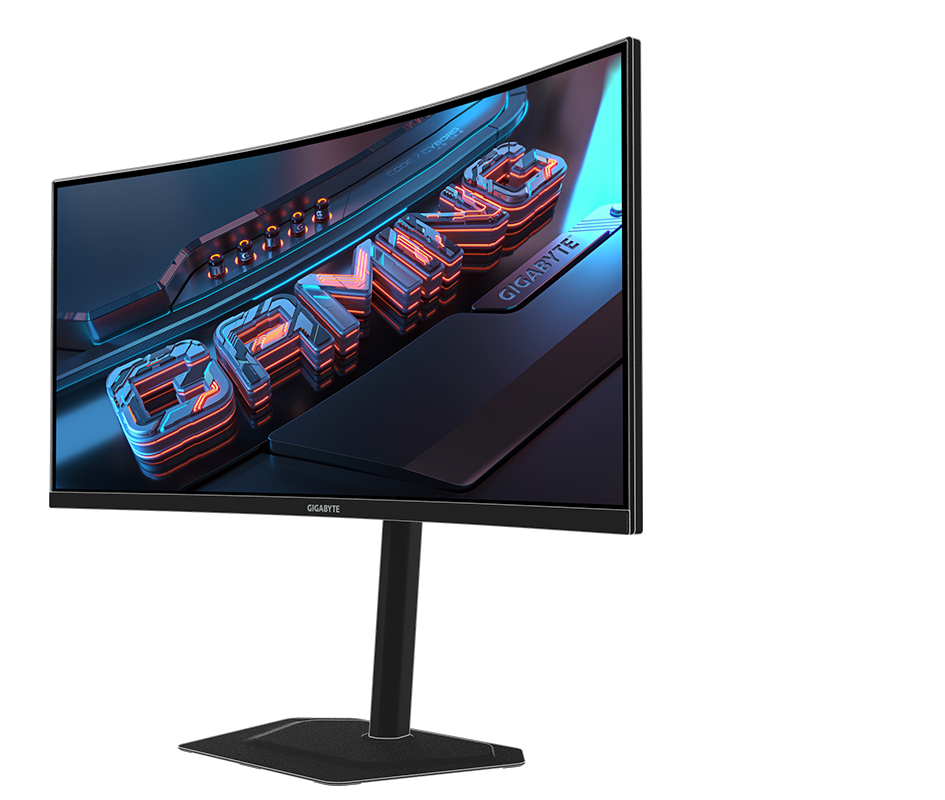
Gigabyte G34WQC2 34-inch ultrawide gaming monitor, angled front view
Value default

Gigabyte G34WQC2

34-inch · 3440×1440 · VA · 200Hz · 1500R

Keep it if: you want 21:9 HUD space without OLED care or a super-wide desk.

Skip it if: OLED contrast is the main reason you are shopping.

See the G34WQC2 on Amazon

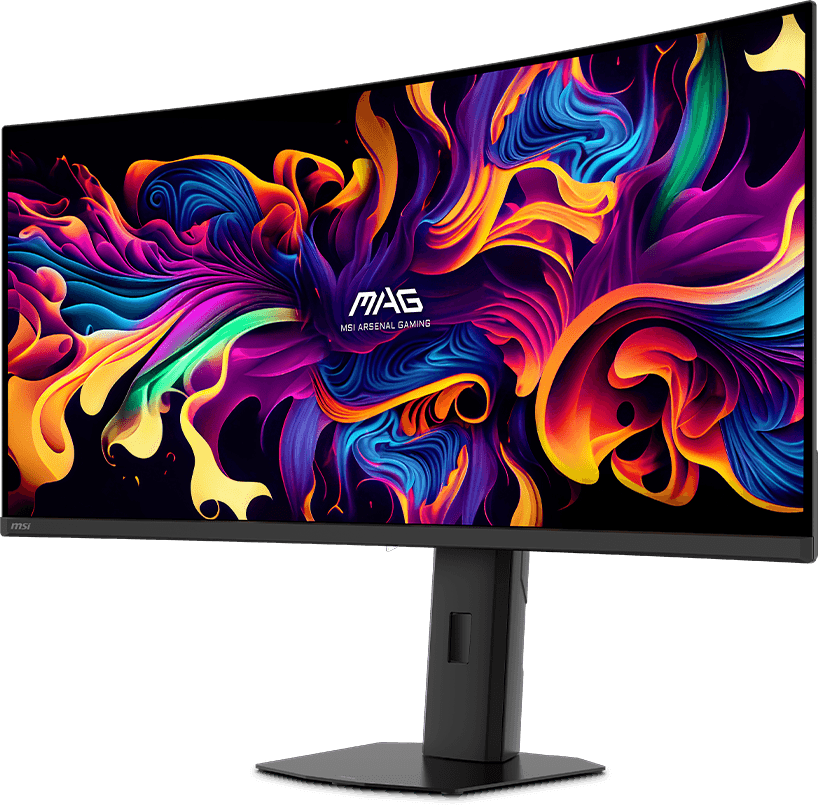
MSI MAG 341CQP QD-OLED X28 34-inch ultrawide gaming monitor, front view
QD-OLED pick

MSI MAG 341CQP QD-OLED X28

34-inch · 3440×1440 · QD-OLED · 280Hz · 1800R

Keep it if: contrast and motion clarity matter and you will use OLED panel-care features during long static HUD sessions.

Skip it if: the same UI and work windows stay on screen all day and you do not want burn-in management.

See the MSI X28 on Amazon

Cutscenes

In-engine story scenes stay 16:9 on many ultrawide setups.

Players on the Square Enix FFXIV forum report that gameplay fills a 21:9 monitor while cutscenes center in a smaller 16:9 frame with side bars. That matches long-running community reports and WSGF's static-aspect cutscene note.

Square Enix has not published a simple toggle to stretch those scenes to full panel width. Do not modify game files to remove the bars unless you accept patch risk and account-policy risk.

FAQ

FFXIV ultrawide questions

Is an ultrawide monitor worth it for FFXIV?

Yes when 21:9 gameplay and extra HUD space matter more than full-width cutscenes. FFXIV renders the open world at ultrawide resolutions, but in-engine cutscenes stay in a 16:9 frame with side bars. Buy for the field of view and panel layout, not to remove letterboxing.

Does FFXIV support 21:9?

Gameplay supports horizontal-plus ultrawide resolutions such as 2560x1080 and 3440x1440 in the Windows client. Test your exact resolution, UI scale, and window mode on the current patch before assuming every menu behaves the same.

Why are FFXIV cutscenes letterboxed on ultrawide?

Players report that in-engine cutscenes stay in a 16:9 frame while gameplay uses the wider canvas. Square Enix forum threads describe side bars during story scenes even when the rest of the session runs at 21:9.

Where should the FFXIV HUD sit on an ultrawide screen?

Keep party list, target bar, job gauge, and cast bar inside a centered band you can read without turning your head. Push chat, inventory, and quest trackers toward the outer thirds.