
Measure your hand.
Measure from the wrist crease to the tip of the middle finger. Record the number so you can compare your own setup, not a generic label.

WoW / Controls and fit
A 12-button grid is only useful when your thumb can find it without shifting your palm. Use this fit check to choose a full grid, an adjustable panel, or a smaller side-button mouse.
Measure your hand and test thumb reach in your normal grip. A fixed grid works when every row is easy to find. An adjustable panel helps when the shape is close but the thumb position is wrong. Step down to six buttons or keyboard modifiers when the lower row stays crowded. Extra buttons only help when your hand can locate them without shifting grip.
Reach and findability matter more than a twelve-button headline. If the lower row hides under your grip, fewer buttons is the better path.
Measure from the wrist crease to the tip of the middle finger. Record the number so you can compare your own setup, not a generic label.
With your normal grip, reach the upper and lower side-button rows without looking. If you must roll your hand or lift your palm, mark the lower row as a problem.
Press the lower row, then return to movement and your usual modifier. The mouse passes only if the extra buttons do not make the rest of your control map less predictable.
More buttons are useful only when they are reachable and already have a job.
| Path | Fits when | Setup | Tradeoff |
|---|---|---|---|
| Six buttons or reduced grid | The lower row fails the reach test. | Use the top row with Shift or Ctrl layers. | Less mouse-side capacity; more keyboard discipline. |
| Fixed 12-button grid | All rows are easy to identify by feel. | Map a deliberate 3-by-4 action group. | Panel position cannot be changed. |
| Adjustable 12-button grid | The full grid is useful but sits too far forward or back. | Move the side panel to your thumb before assigning actions. | Usually a larger, heavier, or more expensive path. |
| Keyboard plus standard mouse | The side panel makes movement or modifiers less stable. | Keep mouse inputs modest and build a keyboard layer. | More travel to keyboard-bound actions. |
The fit decision comes first. Role changes which actions deserve the reachable buttons.
Keep the mouse for interrupts, utility, and selected cooldowns when they remove a real keyboard conflict. Do not fill every button just because it exists.
Use side buttons only when your frame or target method stays visible and predictable. A dense grid does not replace a readable healing layout.
Reserve reachable controls for defensive or target-sensitive actions only when your hand can return to movement without searching.
These are comparison anchors, not a universal small-hand ranking. Confirm the exact configuration before ordering.
As an Amazon Associate we earn from qualifying purchases.
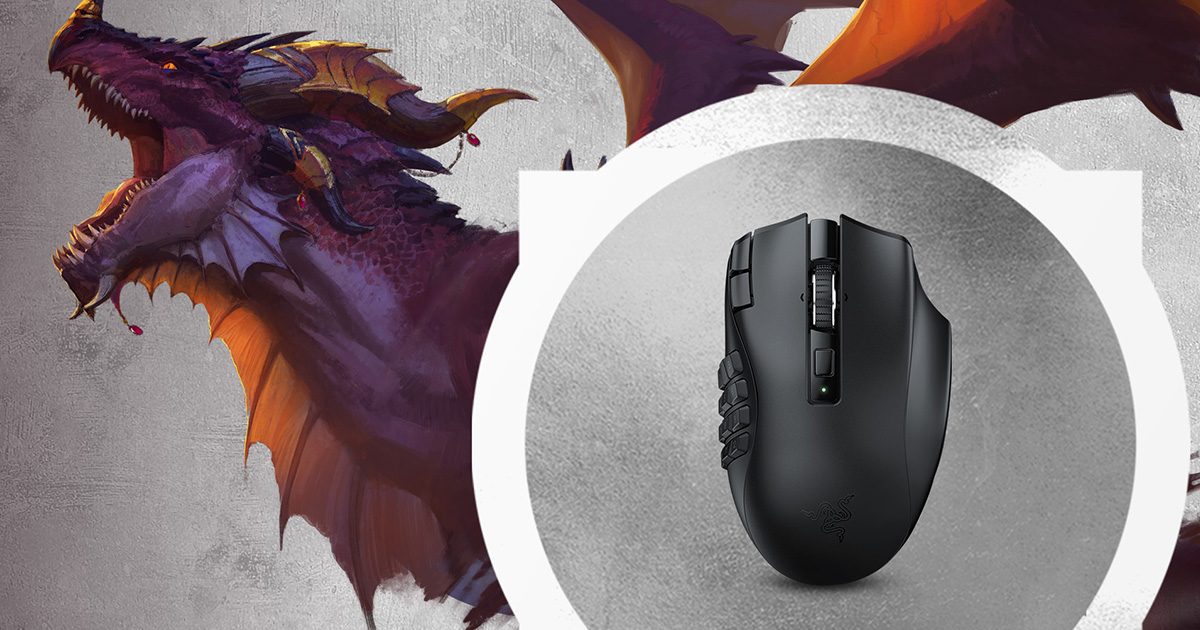 Fixed full grid
Consider the Naga V2 HyperSpeed when you can reach a fixed 12-button grid without shifting your palm.
Tradeoff: the panel does not move. Razer lists 19 programmable buttons, with battery life varying by connection mode.
Exact record: black wireless model, ASIN B0BGJT87N2.
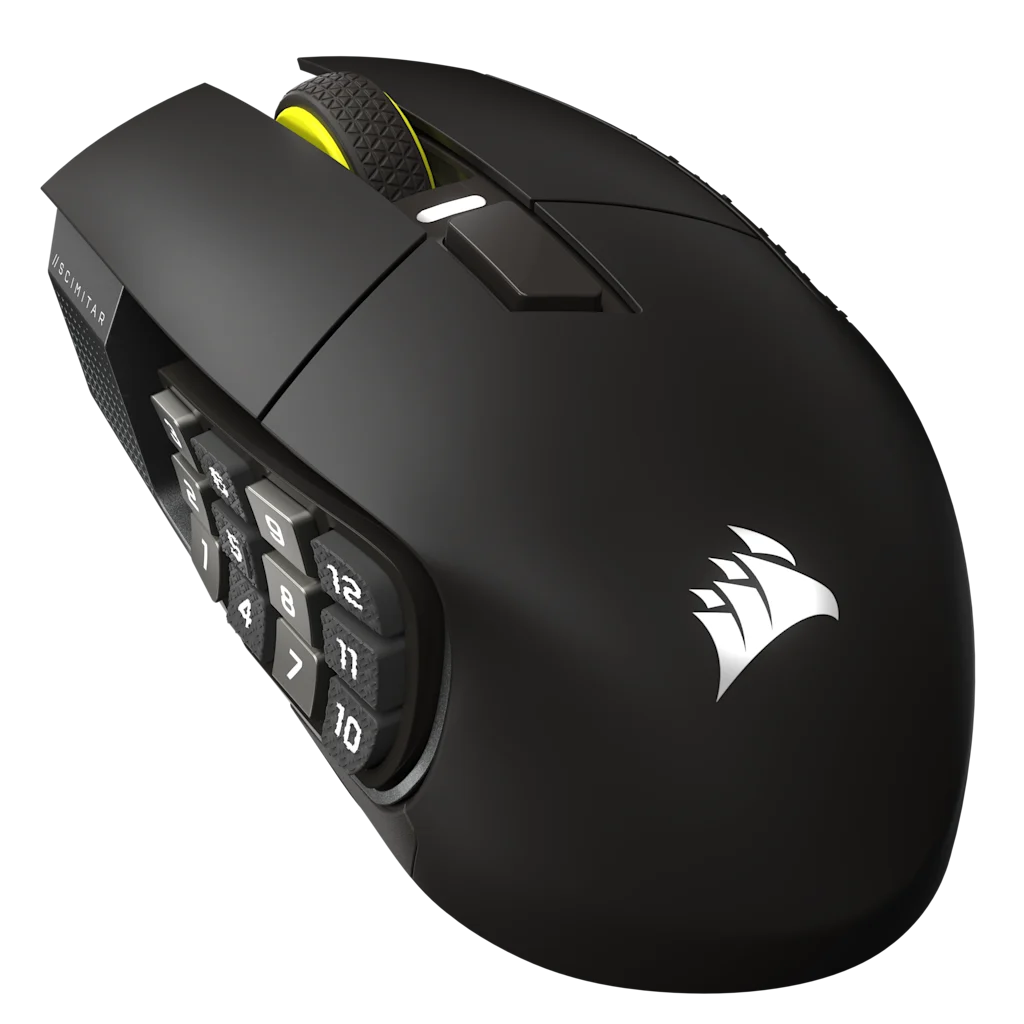 Adjustable full grid
Consider the Scimitar Elite Wireless SE when a full grid is useful but the side panel needs to move closer to your thumb.
Tradeoff: it is a larger full-grid path. The slider solves a position problem, not every grip or hand-size problem.
Exact record: Gunmetal MPN CH-9314014-WW, ASIN B0F6NGCDFN.
Manufacturer records: Razer Naga V2 HyperSpeed and Corsair Scimitar Elite Wireless SE Gunmetal.
Retail / Midnight
Blizzard documents Edit Mode and HUD customization. Build the physical map around the action bars and frames you actually use.
Keep one ordinary action assigned to one ordinary input. Do not turn a fit problem into a macro or input-broadcasting problem.
Compare
If a full 12-button panel fails the thumb-reach test, these pages show the lighter and budget alternatives.
Fixed 12-button grid versus a sliding thumb panel.
Lighter fixed grid versus the adjustable Scimitar panel.
Same 12-button job at two different prices.
Adjustable Key Slider versus a budget 12-button grid.
Wireless runtime and dock versus another 12-button budget grid.
Wired 18-button Impact versus the wireless M913 grid.
How I checked this page
Default to the smallest layout you can actually use. The Naga V3 Pro is a larger body; HyperSpeed may fit better when small-hand reach is the limit.
Sources include Razer and Corsair product pages. Hand-size and grip fit were not verified in a live session. Sensor feel, latency, price, and stock are out of scope here.
Not automatically. They are a poor fit when the lower row forces you to shift your palm, search by sight, or lose your movement position.
The Naga is the fixed-grid path. The Scimitar lets the side panel move. Choose the one that passes your reach test, then compare the exact products in the head-to-head guide.
No. A standard mouse, keyboard modifiers, and a stable action-bar map are a valid setup when side buttons feel crowded.
Yes. Use the reachable buttons for repeatable actions and layer additional bars with predictable keyboard modifiers.