OSRS · Budget Mobile path

Best cheap OSRS tablet: Redmi Pad 2 4GB/128GB Wi-Fi.

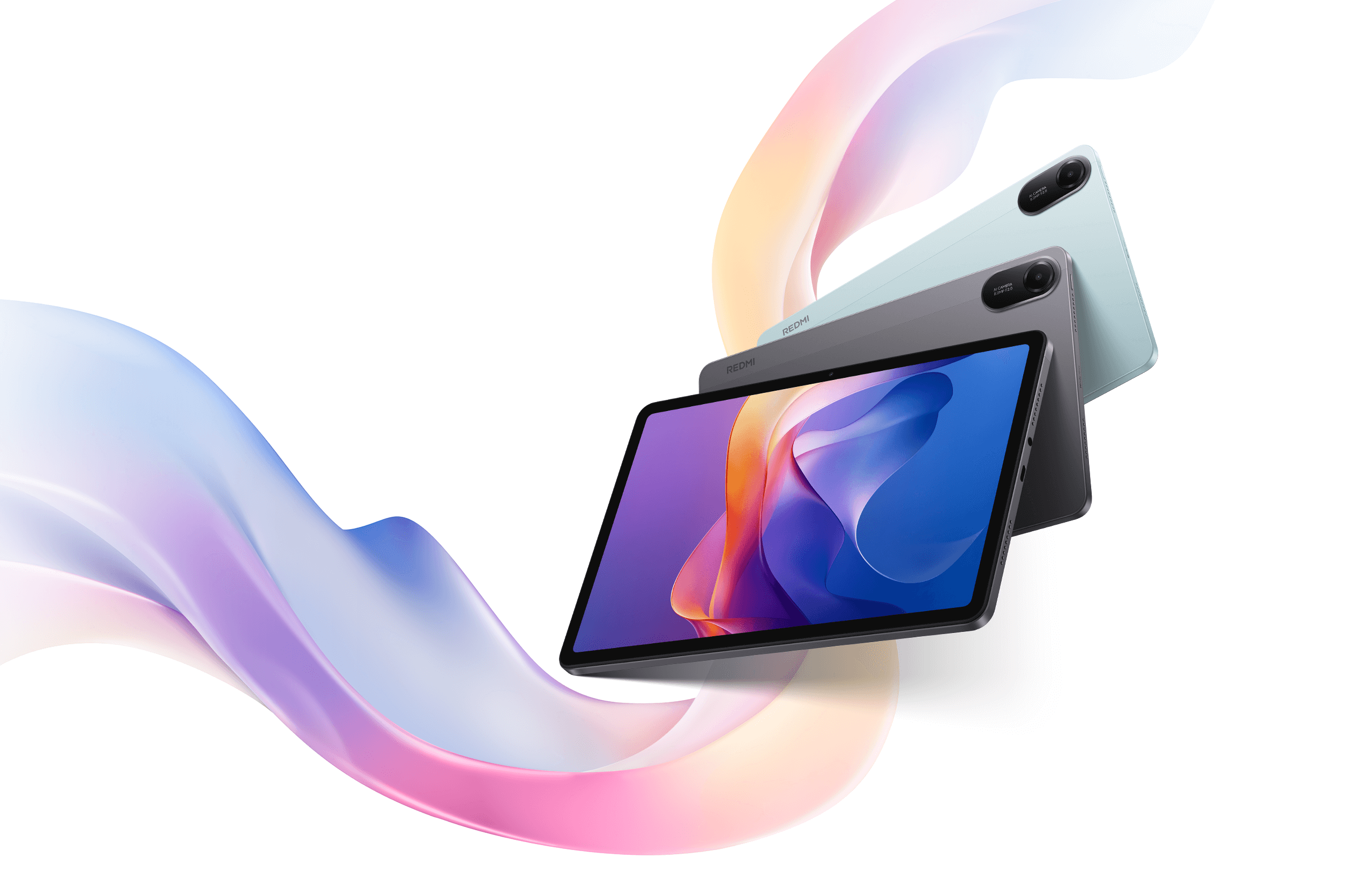
For a budget official OSRS Mobile path, start with the Redmi Pad 2 in the 4GB/128GB Wi-Fi class when that exact listing is available in your region. Buy it for a larger readable touch workspace than a phone. It runs the official mobile client; choose a laptop if RuneLite is essential. The OSRS tablet hub owns the large Android, iPad mini travel, and desktop forks. If plugins or desktop controls are why you are shopping, stop here and buy a laptop instead.

VerdictCheap Mobile pick
Target configWi-Fi · 4GB/128GB
Reviewed

MMOSetup / Layout notes

Build the tablet setup around the touch screen

OSRS Mobile
1 Readable game area2 Stable placement3 Touch controls remain available
Conceptual seated layout, not a drawing of a specific tablet. Add a keyboard only if your tested workflow needs one.

As an Amazon Associate we earn from qualifying purchases.

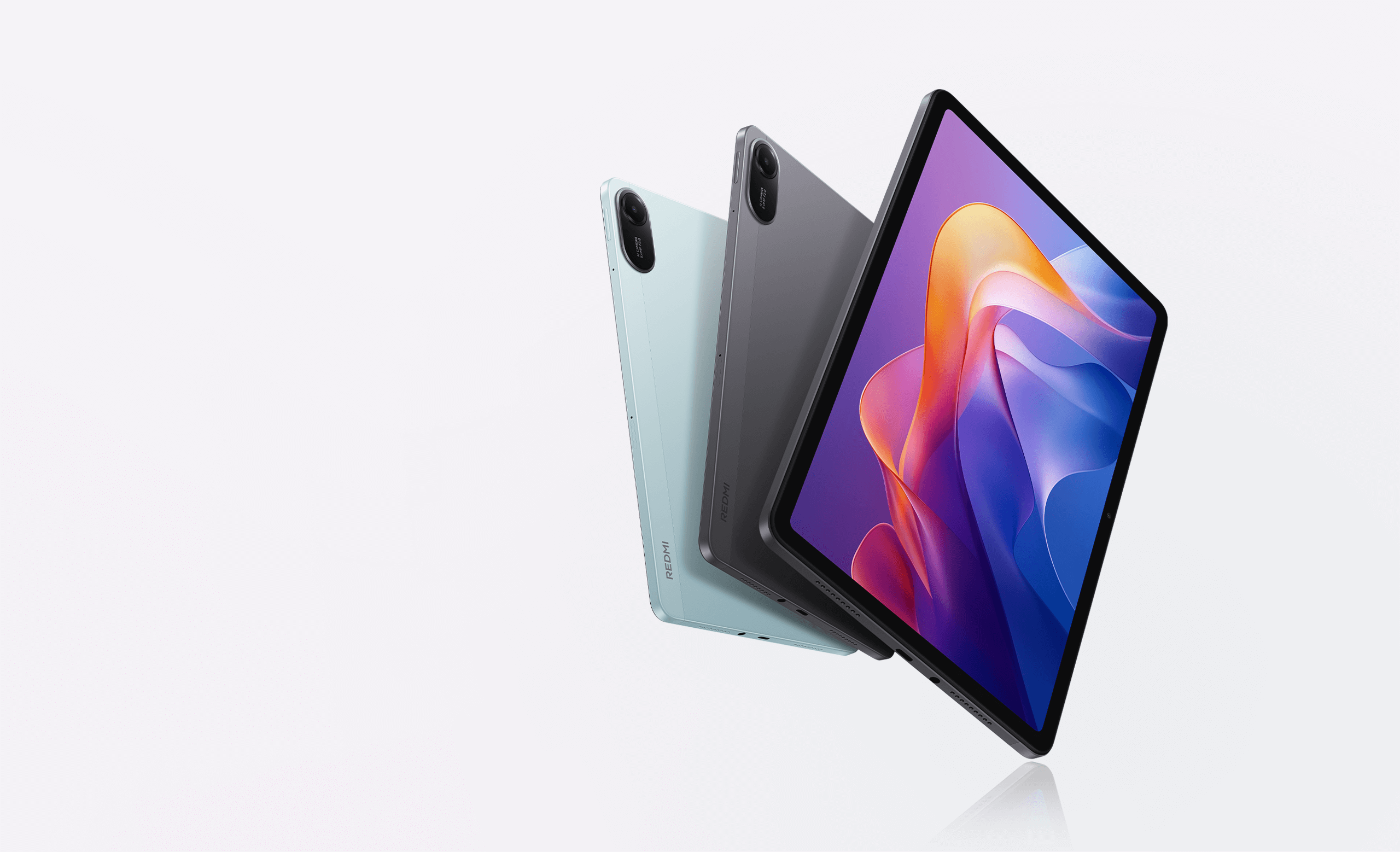
Xiaomi Redmi Pad 2

An 11-inch screen for everyday Mobile play

Screen11" · 2560×1600 · 16:10
Battery9000mAh (typ.)
Storage128GB + microSD to 2TB

Xiaomi lists the 11-inch 16:10 panel at 2560 × 1600 and 274 ppi, with refresh up to 90Hz on supported apps. Those are screen facts, not an OSRS frame-rate claim. The 4GB/128GB Wi-Fi class is the cheap target because it meets Jagex's listed 4GB Android RAM floor.

Check the 4GB/128GB Wi-Fi listing

Confirm 11-inch Redmi Pad 2, Wi-Fi only, 4GB/128GB. The current Amazon title uses model 25040RP0AL. Stop if the page is a Pad 2 Pro, Pad 2 4G, or Pad 2 9.7.

The named job

What the larger screen gives you

OSRS Mobile is the official Android client with a mobile-optimised interface and cross-platform progression. The job for a cheap tablet is physical room: banking, skilling, map checks, and longer touch sessions without pinching a phone. A larger 11-inch 16:10 canvas is the upgrade. A faster chipset is not.

Check whether you can read and reach the controls with the tablet on its stand. Inventory, prayer, and the map have to stay readable at the distance you sit. Use the OSRS AFK tablet setup when the tablet lives on a stand. Use the OSRS tablet PvM guide when high-interaction combat is the real job. Compare the phone you already own on tablet vs phone if the only question is whether a larger screen is worth carrying.

The tradeoff

Check the seller and included charger

4GB RAM and 128GB storage make this a plausible official-Mobile tablet. Jagex lists 4GB RAM and at least 2GB free storage for the official Android client. That is a floor, not headroom. Xiaomi lists microSD expansion up to 2TB. The card is sold separately. Xiaomi's Australian specs page also says no power adapter is in the box, so treat charger inclusion as a listing check, not a given.

Import and marketplace listings can change seller, warranty, software region, and charger. The current Amazon path is a Global ROM Wi-Fi unit. Read the seller, return terms, and model number on that page before you pay. If the title or options say Redmi Pad 2 Pro, Redmi Pad 2 4G, Redmi Pad 2 9.7, or an unclear RAM and storage pair, stop.

If RuneLite, plugins, or desktop multitasking is the job, this Android path cannot do it. Use the hub's desktop fork and the RuneLite-on-tablet matrix.

A cheaper tablet is worth comparing only when the exact RAM, software, and installation path are clear. A video of an older 2GB or 3GB Android tablet running OSRS does not make it meet Jagex's current 4GB recommendation. Storage expansion cannot make up for less RAM.

Redmi Pad 2 configuration checklist
Decision Target Stop and re-check
Product family Redmi Pad 2 (11-inch Wi-Fi class) Redmi Pad 2 Pro (12.1-inch), Redmi Pad 2 4G, or Redmi Pad 2 9.7
Screen 11-inch, 2560 × 1600, 16:10 9.7-inch 2048 × 1280, or a 12.1-inch Pro panel
Memory and storage 4GB RAM / 128GB storage for the cheap target Unclear RAM/storage, 64GB class, or a different generation
Network Wi-Fi model if you already have home Wi-Fi or a known hotspot 4G/cellular SKU if you do not need bands you can verify
Seller and region Clear seller, return terms, warranty, and charger details on the exact unit Global-ROM import with no understandable support path, or a listing that hides the charger

Use a ceiling to compare screen size, memory, store path, and accessories. Do not treat a marketplace price from one afternoon as a permanent fact.

Budget ceilings for a cheap OSRS tablet
Ceiling Prioritize Move up when
Under $300 A verified 10- to 11-inch Android configuration, reliable Wi-Fi, a case or stand, and enough storage for normal updates. You need the hub's larger seated Mobile panel, cellular you cannot solve with a hotspot, or a more deliberate split-screen routine.
Under $400 Decide between portability, display and build quality, and extra room for split screen before adding accessories. RuneLite is the non-negotiable requirement. Compare a Windows 2-in-1 or laptop instead of stretching official Mobile.

These are decision ceilings, not current prices. Recheck configuration, seller, region, warranty, charger, and the official client path at the time of purchase.

Simple OSRS setup

Keep the tablet job small.

  1. Install OSRS Mobile from the official Android store. Jagex points Android users at Google Play. Do not sideload a client to force a store path.
  2. Use a case or stand so the tablet can sit readable. The AFK guide owns that posture and resume test.
  3. Start with touch controls and configure the mobile interface before adding accessories.
  4. Add a Bluetooth or USB-C mouse only if one activity needs pointer precision.
  5. Keep the tablet on Wi-Fi or a known hotspot. The Wi-Fi model does not have cellular service.
  6. Choose one accessory for one manual workflow. Compare a keyboard, stylus, or mouse on the OSRS tablet input guide before you buy around an extra device.

Use the decision that matches the job. One cheap Android tablet should not cover every OSRS session.

Best cheap use

AFK and stand-up play

The 11-inch format makes a case or stand useful for skilling and other lower-interaction Mobile sessions. It does not make play unattended.

Build an OSRS AFK tablet setup
Check first

Fire tablet buyers

A cheap Fire is not automatically equal to a verified Android store tablet. Fire OS, app-store path, model, and software version have to match official OSRS Mobile on that exact unit.

Read the Fire tablet checklist
Client boundary

RuneLite is desktop-only

This Android pick runs official Mobile. Normal Android and iPadOS tablets are not RuneLite devices. An APK is not support.

Can RuneLite run on a tablet?
Inputs

Choose accessories by task

Touch remains the default Mobile path. Compare a stylus, keyboard, mouse, or Windows 2-in-1 before buying around an accessory.

Compare tablet inputs
Related

Put this in the full OSRS tablet decision.

The OSRS tablet hub names the OnePlus Pad 3 large Android path, iPad mini travel path, Redmi Pad 2 cheap path, and desktop when RuneLite wins. This guide owns the cheap configuration checklist.

Open OSRS hub

What is the cheap OSRS tablet pick?

The Redmi Pad 2 in the 4GB/128GB Wi-Fi class, when that exact 11-inch listing is available in your region. Verify seller, model family, warranty, and charger. It is a readable official Mobile workspace, not a RuneLite device.

Can a cheap Android tablet run RuneLite?

No. Normal Android tablets use official OSRS Mobile. RuneLite's FAQ says there will not be a mobile client. If plugins or desktop controls are why you are shopping, choose a laptop or a Windows 2-in-1 that meets desktop requirements.

Is a Fire tablet the cheap answer?

Only if you have confirmed the exact Fire model, software version, and app-store path for official OSRS Mobile. Fire OS availability varies. Do not treat a cheap Fire as automatically equal to a verified Android store tablet.

When should I skip cheap and spend more?

Move up when you need the hub's larger seated Mobile workspace, travel weight that favors a mini-class tablet, cellular you cannot solve with Wi-Fi or a hotspot, or RuneLite and desktop inputs.

How I checked this page

Confirm the client path before you chase a cheap screen.

The Redmi Pad 2 path is conditional. Verify generation, storage, region, seller, charger, and official OSRS Mobile on the exact unit.

Listings and family names were rechecked on Sep 4, 2026 against Xiaomi regional specs pages, the Amazon title for ASIN B0F9B9NC89, Jagex Mobile and recommended-specification records, Jagex rules, and the RuneLite FAQ. The Amazon page titled an 11-inch Wi-Fi 4GB/128GB Redmi Pad 2, model 25040RP0AL, as a Global ROM listing. That is a listing signal, not a Xiaomi US store page and not a stock or price promise. Xiaomi lists the 4GB/128GB class, the 11-inch 2560 × 1600 16:10 panel, microSD to 2TB, and a 9000mAh typical battery. The Australian specs page says no power adapter is included. Family pages still treat Pad 2 Pro, Pad 2 4G, and Pad 2 9.7 as different products.

No OSRS frame rate, heat, or battery-hour claim was measured here. Price and live stock stay out of scope. This is researched guidance, not a hands-on session log.

Sources Xiaomi Redmi Pad 2 specs Old School RuneScape Mobile Jagex recommended specifications Jagex rules of Old School RuneScape RuneLite FAQ