Standing desks ยท Long MMO sessions and WFH

FlexiSpot E7 Pro vs UPLIFT V3: which should you buy?

Both are dual-motor standing desk frames built for a full gaming-and-work day. The gap between them is weight capacity on one side, assembly and warranty on the other.

The short answer

Get the FlexiSpot E7 Pro if your desk carries a heavy load, full tower PC, multiple monitor arms, and peripherals, since its 440 lb capacity beats the UPLIFT's 355 lbs. Get the UPLIFT V3 if you want the easier setup and the longer warranty, and your load is a typical gaming-plus-WFH desk rather than a maxed-out rig. For most setups the UPLIFT V3's 355 lb capacity is plenty; it's specifically heavy builds where the E7 Pro's extra headroom matters.

Page freshness
Before orderingRecheck the exact configuration

Capacity on one side, convenience on the other.

Neither desk is strictly better. The E7 Pro carries more weight, and the UPLIFT V3 is faster to set up and backed by a much longer warranty.

As an Amazon Associate I earn from qualifying purchases. Affiliate disclosure: MMOSetup may earn a commission from qualifying purchases. Recommendations explain the use case and tradeoff first.

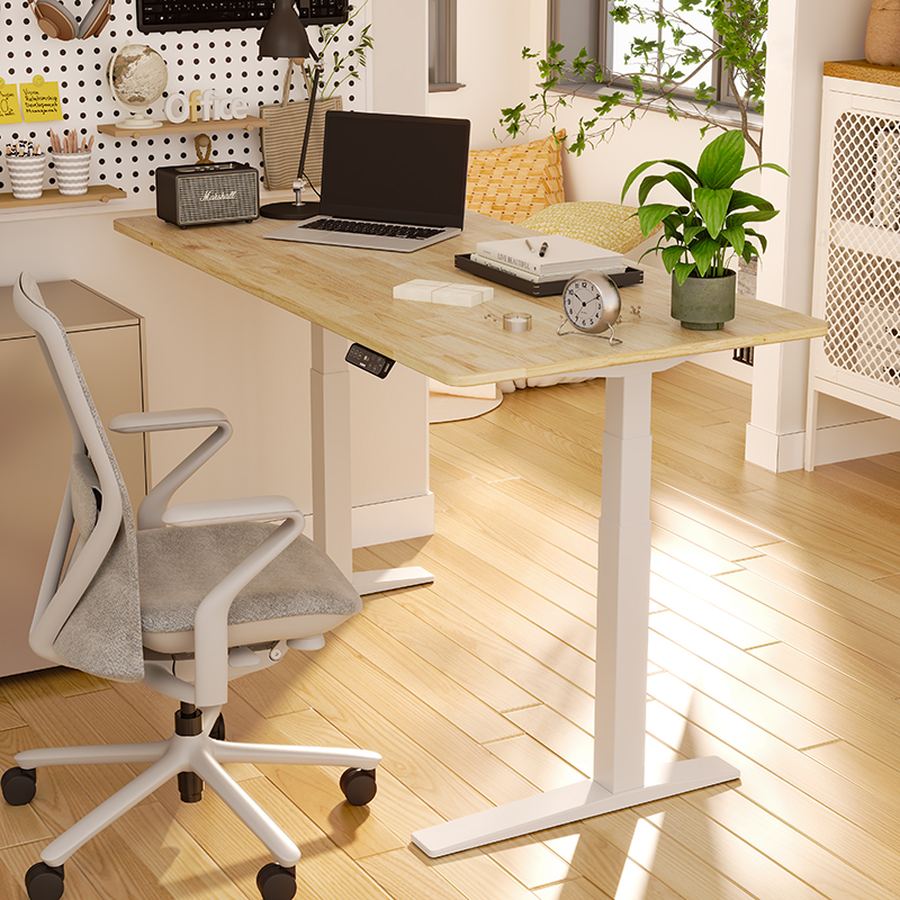
FlexiSpot E7 Pro standing desk in a home office
Best for heavy multi-monitor rigs

FlexiSpot E7 Pro

Best for: desks carrying a full tower PC, multiple monitor arms, and peripherals at once.

Tradeoff: a shorter warranty than the UPLIFT V3 and no published fast-assembly claim.

A 440 lb weight capacity gives real headroom over the UPLIFT V3's 355 lbs for genuinely heavy builds.

Check current price on Amazon
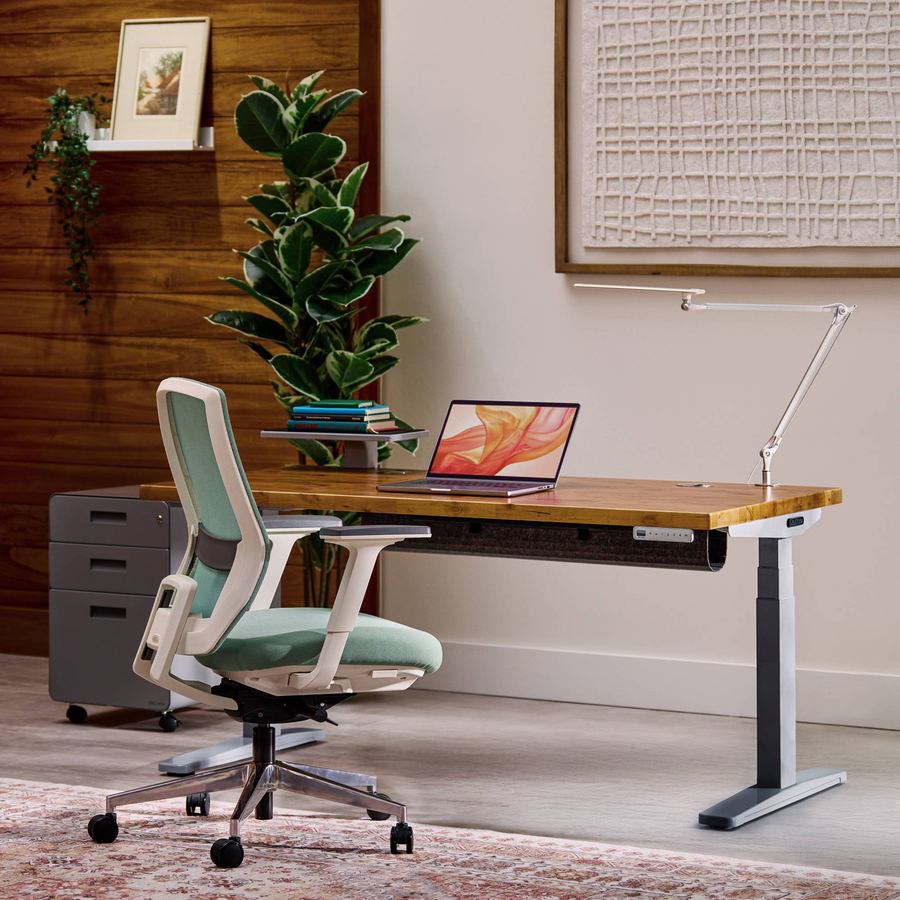
UPLIFT V3 standing desk in a home office
Best for easy setup and long-term coverage

UPLIFT V3

Best for: a typical gaming-and-WFH desk where 355 lbs of capacity is plenty and you want the desk set up fast.

Tradeoff: a lower weight ceiling than the E7 Pro, which matters if your setup is unusually heavy.

16 screws and a pre-installed control box bring assembly down to around 5 minutes, backed by a 15-year warranty.

Check current price on Amazon

How FlexiSpot E7 Pro and UPLIFT V3 differ where it matters

Rows where both are equivalent are left out. Specs are as published by FlexiSpot and UPLIFT.

FlexiSpot E7 Pro vs UPLIFT V3, decision specs
Spec FlexiSpot E7 Pro UPLIFT V3 Edge
Weight capacity 440 lbs 355 lbs (2-leg) E7 Pro
Warranty 5 years frame/motors, 2 years electronics 15 years UPLIFT V3
Assembly Not published 16 screws, ~5 minutes claimed UPLIFT V3
Height range ~26" to 51.6" 22.6" to 48.7" Depends on your height
Lift stages 3-stage dual motor 3-stage dual motor, ~2 in/sec UPLIFT V3

Amazon availability and desktop size/finish configuration can change. The links open the standalone frame-plus-desktop listings described above.

Capacity, warranty, and setup time are the real gaps.

440 lbs versus 355 lbs adds up faster than it looks

A tower PC, two or three monitor arms, a stream deck, speakers, and a keyboard tray all add weight that's easy to underestimate. The FlexiSpot E7 Pro's 440 lb rating gives real headroom for a heavy multi-monitor gaming build; the UPLIFT V3's 355 lbs is still generous for a typical desk but leaves less margin if you're stacking gear.

UPLIFT cut assembly from an hour to minutes

UPLIFT dropped the V3's screw count from 32 on the V2 to 16 and pre-installs the control box, estimating around 5 minutes of setup versus 30 to 60 minutes previously. FlexiSpot doesn't publish a comparable claim for the E7 Pro, so this is a verified UPLIFT advantage rather than a measured tie.

A 15-year warranty is a different kind of commitment

The UPLIFT V3's 15-year warranty is three times the E7 Pro's 5-year frame and motor coverage, and more than seven times its 2-year electronics warranty. For a desk you expect to own for a decade, that gap is worth weighing against the E7 Pro's higher weight capacity. Whichever matters more for your setup should decide it. Either desk pairs the same way with the layout advice in the OSRS setup hub for keeping your screen and keyboard at a comfortable standing height.

Which desk frame fits your height range?

A maxed-out multi-monitor gaming desk

FlexiSpot E7 Pro

440 lbs of capacity gives real margin for a full tower PC, multiple monitor arms, and peripherals stacked together.

Wanting the desk set up same-day

UPLIFT V3

A 16-screw assembly and pre-installed control box get it running in a fraction of the time older frames took.

Planning to own the desk for a decade

UPLIFT V3

A 15-year warranty is a meaningfully longer commitment than the E7 Pro's 5-year frame coverage.

Needing maximum standing height

FlexiSpot E7 Pro

A roughly 51.6-inch ceiling gives taller users more headroom than the UPLIFT V3's 48.7-inch maximum.

What neither one fixes

Neither desk comes with a chair, and a great standing desk on a bad chair still leaves the sitting half of your day unsolved. Neither one manages cables for you beyond a basic tray, a messy multi-monitor, multi-peripheral setup needs its own cable plan regardless of which frame you buy. And a taller ceiling or higher weight rating doesn't fix a room that's too small for the desktop size you actually want; measure your space before choosing a width, not after.

Questions people ask about the E7 Pro vs UPLIFT V3

Which standing desk holds more weight, the E7 Pro or UPLIFT V3?

The FlexiSpot E7 Pro, rated for 440 lbs versus the UPLIFT V3's 355 lbs on its 2-leg frame. That gap matters if your desk carries a full tower PC, multiple monitors on arms, and other gear at once, since those loads add up faster than they look.

Which desk is easier to assemble?

The UPLIFT V3. It cut its screw count from 32 on the V2 to 16 and pre-installs the control box, with UPLIFT estimating around 5 minutes of setup versus 30 to 60 minutes on the previous generation. FlexiSpot doesn't publish a comparable assembly-time claim for the E7 Pro.

Which one has the longer warranty?

The UPLIFT V3, with a 15-year warranty. The FlexiSpot E7 Pro carries a 5-year warranty on the frame and motors and a 2-year warranty on the control panel and electronics, a meaningfully shorter commitment.

Is the UPLIFT V3 tall enough for a standing gaming setup?

Its height range is 22.6 to 48.7 inches, slightly lower at the top than the E7 Pro's roughly 26 to 51.6 inches. Most users are fine either way, but if you're very tall and want maximum standing height, the E7 Pro's higher ceiling is worth checking against your own height first.

Do both desks move at the same speed?

No. UPLIFT specifies the V3 moving at roughly 2 inches per second, about a third faster than its own V2 predecessor. FlexiSpot doesn't publish a directly comparable transition-speed spec for the E7 Pro, so this is a UPLIFT-specific advantage rather than a verified head-to-head number.