Docks and hubs ยท Multi-monitor gaming and WFH docking

Anker 555 USB-C Hub vs CalDigit TS4: which should you buy?

One is a pocketable hub for a single extra display. The other is a permanent docking station built to run a whole multi-monitor desk from one cable.

The short answer

Get the Anker 555 if you need one extra display and a handful of ports on a laptop that moves between locations. Get the CalDigit TS4 if this is a permanent gaming-plus-WFH desk running two or more monitors, several peripherals, and wired networking, all from one cable to your laptop or PC. The gap between them is a portable hub versus a full docking station, not a small step up in features.

Page freshness
Before orderingRecheck the exact configuration

A hub for one extra port, or a dock for the whole desk.

These aren't really competing products. One is portable and minimal, the other is a permanent multi-display docking station. The right pick depends entirely on which desk you actually have.

As an Amazon Associate I earn from qualifying purchases. Affiliate disclosure: MMOSetup may earn a commission from qualifying purchases. Recommendations explain the use case and tradeoff first.

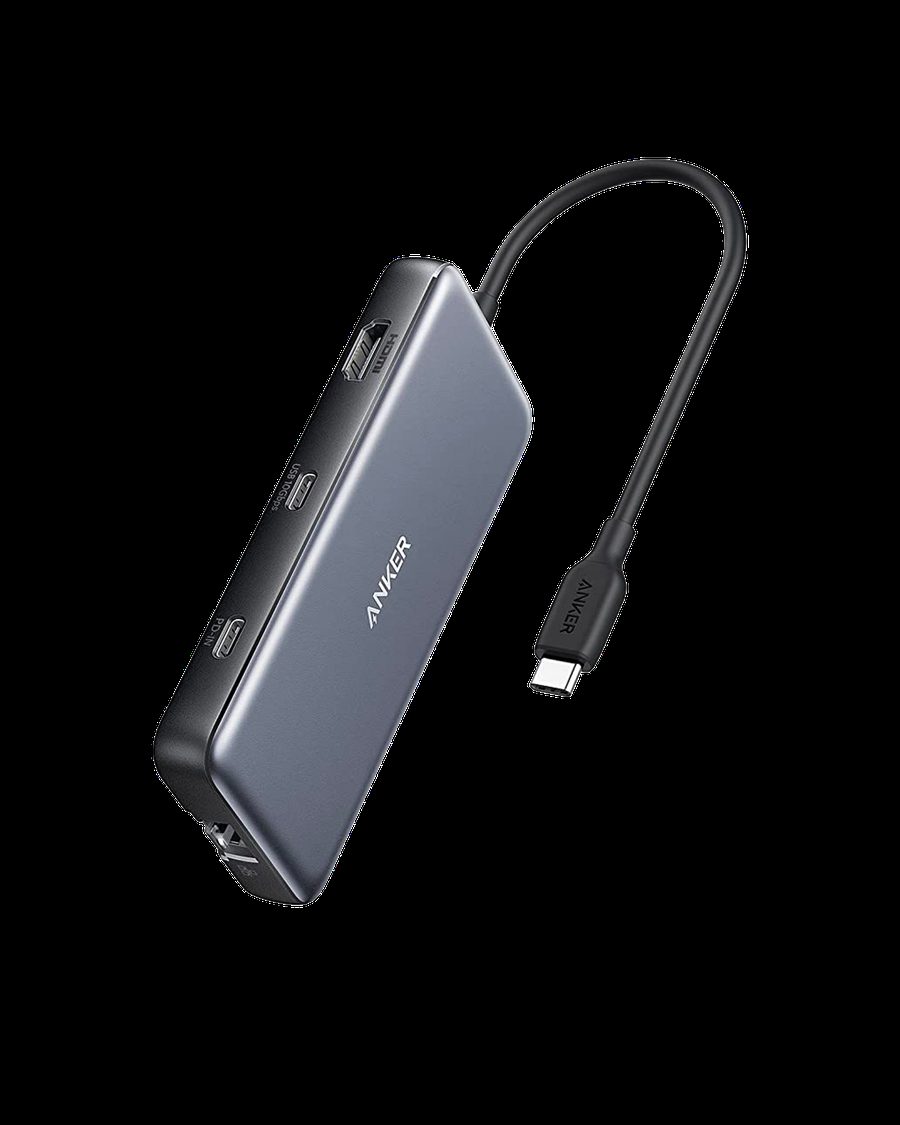
Anker 555 USB-C Hub, 8-in-1, in gray
Best for portability

Anker 555 USB-C Hub (8-in-1)

Best for: a laptop that moves between a desk, a couch, and travel, needing one extra display and a few extra ports.

Tradeoff: one HDMI output limits it to a single external display, and its 10Gb/s ports are far behind Thunderbolt 4 speeds.

At 0.6 inches thick and 4.4 ounces, it's built to live in a bag, not anchor a permanent multi-monitor setup.

Check current price on Amazon
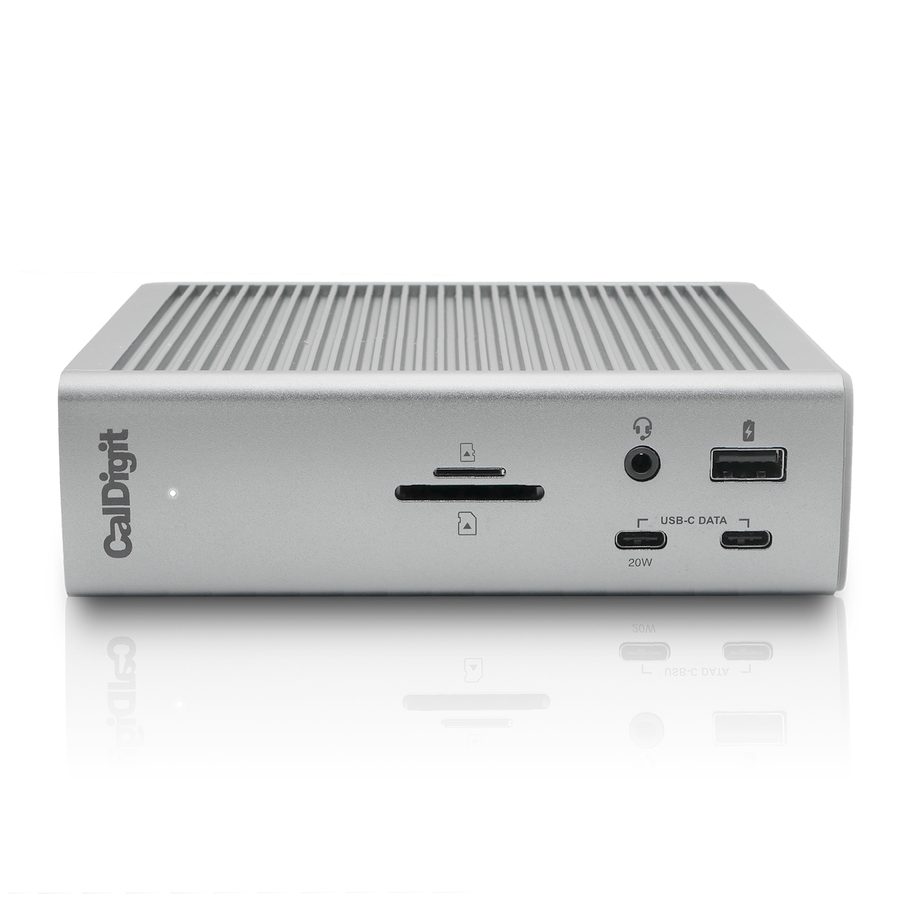
CalDigit TS4 Thunderbolt 4 dock, front view
Best for a permanent multi-monitor desk

CalDigit TS4

Best for: a fixed gaming-plus-WFH desk running two or more displays and multiple peripherals from a single cable.

Tradeoff: it's a large desktop unit at a much higher price than a simple hub, and most of its 18 ports go unused on a single-display desk.

Three Thunderbolt 4 ports support dual 6K@60Hz displays or a single 8K display, with 98W of pass-through charging.

Check current price on Amazon

How Anker 555 USB-C Hub and CalDigit TS4 differ where it matters

Rows where both are equivalent are left out. Specs are as published by Anker and CalDigit.

Anker 555 USB-C Hub vs CalDigit TS4, decision specs
Spec Anker 555 CalDigit TS4 Edge
Total ports 8 18 TS4
Display support 1x HDMI, 4K@60Hz Dual 6K@60Hz or single 8K, via Thunderbolt 4 TS4
Fastest data port 10Gb/s (USB-C / USB-A) 40Gb/s (Thunderbolt 4) TS4
Power delivery Up to 85W Up to 98W TS4
Wired networking 1GbE 2.5GbE TS4
Physical size 0.6 in thick, 4.4 oz Full desktop dock Anker 555

Amazon availability and bundle configuration can change. These links open the standalone Anker 555 USB-C Hub and CalDigit TS4 listings described above.

This is a category gap, not a feature gap.

One display versus a full multi-monitor rig

The Anker 555's single HDMI port caps you at one external 4K display. The CalDigit TS4's three Thunderbolt 4 ports support dual 6K displays or a single 8K display, which is the entire reason it exists: it runs a multi-monitor gaming and WFH desk from one cable to your laptop or PC.

Port count reflects two different jobs

8 ports covers a charger, one display, and a couple of peripherals, enough for a hub that travels. 18 ports on the TS4 covers multiple displays, external drives, audio interfaces, wired ethernet, and peripherals simultaneously, without hunting for a free port. If you're not using most of those 18 ports, you don't need the TS4; if you keep running out of ports on a multi-monitor desk, that's the actual signal to upgrade.

Speed only matters if you're moving real data

Thunderbolt 4's 40Gb/s is four times the Anker's 10Gb/s USB-C ports, but a mouse, keyboard, or webcam uses a tiny fraction of either. The gap matters for external SSDs, capture devices, or anything genuinely bandwidth-heavy, not for a typical MMO and WFH peripheral set like the ones covered in the OSRS setup hub.

Which port mix fits your desk?

A laptop that moves between spots

Anker 555

Thin and light enough to travel in a bag, covering a charger, a display, and a couple of peripherals wherever you land.

A simple single-monitor desk

Anker 555

Covers the basics without paying for 18 ports and dual-display support you won't use.

Running two or more monitors

CalDigit TS4

Its Thunderbolt 4 ports are built specifically for dual 6K or single 8K display setups the Anker can't drive.

A permanent multi-peripheral desk

CalDigit TS4

18 ports mean displays, drives, and peripherals all stay connected without swapping cables.

What neither one fixes

Neither hub adds performance your laptop or PC doesn't already have. A dock can't exceed the display outputs, GPU, or Thunderbolt controller your machine actually supports, so check your device's own port specs before buying either one. Neither is a substitute for a proper monitor arm or cable management; more ports just means more cables to route. And a dock's display support caps out at what the dock's chipset handles, not necessarily what your monitor is capable of. Confirm your specific monitor's resolution and refresh rate work with whichever dock you choose before assuming it will.

Questions people ask about the Anker 555 vs CalDigit TS4

Can the Anker 555 run two external monitors?

No. It has one HDMI port supporting a single 4K@60Hz display. The CalDigit TS4 is built for multi-monitor setups, supporting dual 6K@60Hz displays or a single 8K display through its three Thunderbolt 4 ports.

Is the CalDigit TS4 overkill for a single-monitor gaming desk?

For most single-monitor setups, yes. Its 18 ports and dual-display support solve problems a one-monitor gaming desk doesn't have. It earns its price on desks running multiple displays, several peripherals, and fast wired networking at once, not as a simple pass-through hub.

Which one is better for travel or a laptop that moves between desks?

The Anker 555. At roughly 0.6 inches thick and 4.4 ounces, it is built to go in a bag. The CalDigit TS4 is a permanent docking station meant to stay on one desk, not something you pack for a coffee shop.

How much faster is the CalDigit TS4's data transfer?

Its Thunderbolt 4 ports run at 40Gb/s, four times the Anker 555's 10Gb/s USB-C and USB-A ports. That gap matters for external SSDs and high-bandwidth capture devices; it does nothing for a mouse, keyboard, or webcam, which use a fraction of either bandwidth.

Do both charge a laptop through the hub?

Yes. The Anker 555 passes through up to 85W, enough for most ultrabooks. The CalDigit TS4 delivers up to 98W, the highest available on a Thunderbolt 4 dock, which matters more for larger laptops like a 16-inch MacBook Pro under sustained load.