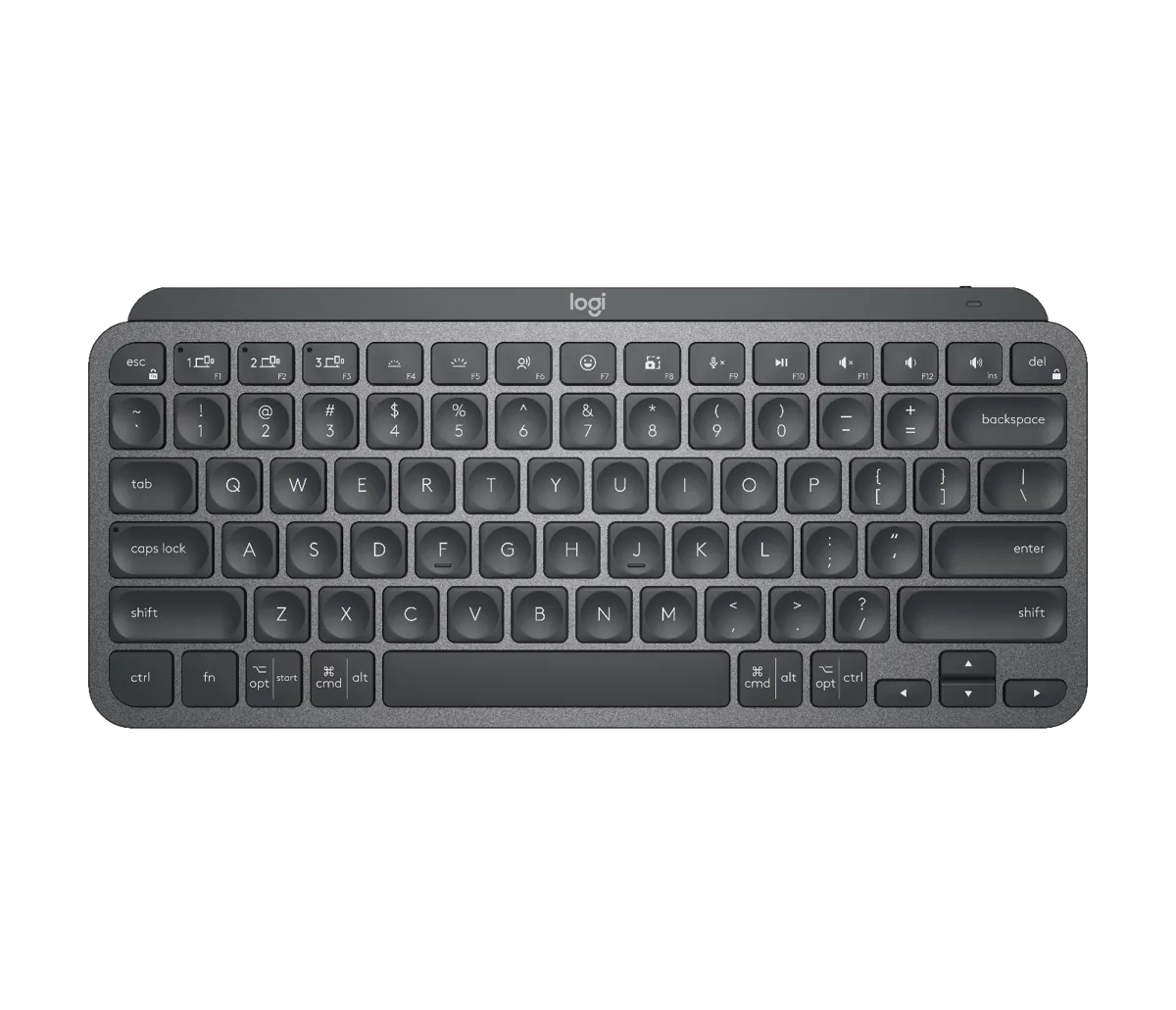
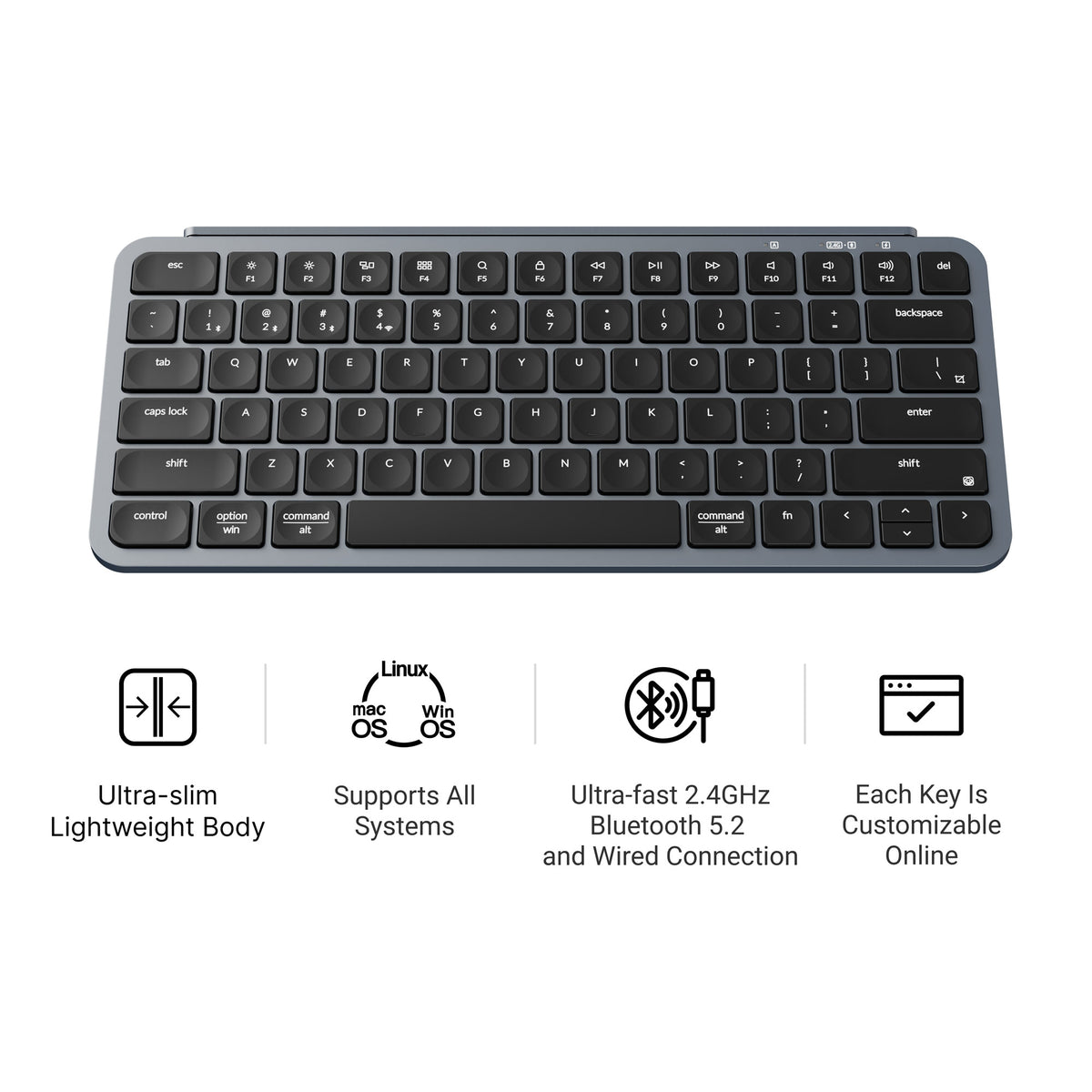
The real difference is everything around the scissor keys
MX Keys Mini earns its premium in a dim room
Logitech’s backlight responds when hands approach the keyboard.
That is useful when the desk lighting changes through the day. It
also changes battery expectations sharply: the published figure
drops from five months with lighting off to ten days with it on.
B1 Pro is easier to place in mixed hardware
The Keychron can use a low-latency 2.4 GHz receiver, three
Bluetooth pairings, or a USB-C cable. If Bluetooth pairing fails,
you can plug in the USB-C cable or use the 2.4 GHz receiver on the
main PC. MX Keys Mini charges over USB-C but does not
become a standard wired keyboard through that cable.
The software philosophies differ
Options+ is most useful when the keyboard joins a Logitech mouse
and Flow workflow. Keychron Launcher exposes ZMK keymap editing in
a browser-oriented tool. The deciding question is whether you want
application shortcuts inside Logitech’s ecosystem or direct layout
changes on a less expensive board.
Neither is a mechanical gaming board
Both prioritize thin scissor keys and compact productivity.
Keychron explicitly lists no N-key rollover on the B1 Pro. MMO
chat, browsing, and ordinary hotkeys are reasonable uses, but
buyers who need simultaneous complex key combinations should
choose a keyboard designed for that requirement.